
Question
Preflight profiles missing - convert to outlines
Hi All - hoping to get some help on a big issue I have with the latest Adobe Acrobat. I've got a brand new computer so this is a fresh install. I'm trying to use the Preflight tool to outline all fonts - but all the profiles that are typically there are missing. It's blank. I've done a manual install and this does bring some back - but the 'convert all fonts to outlines' continues to be missing. This is a key part of my workflow so I really need this back up and running. Any assistance or tips appreciated. Thanks, Al
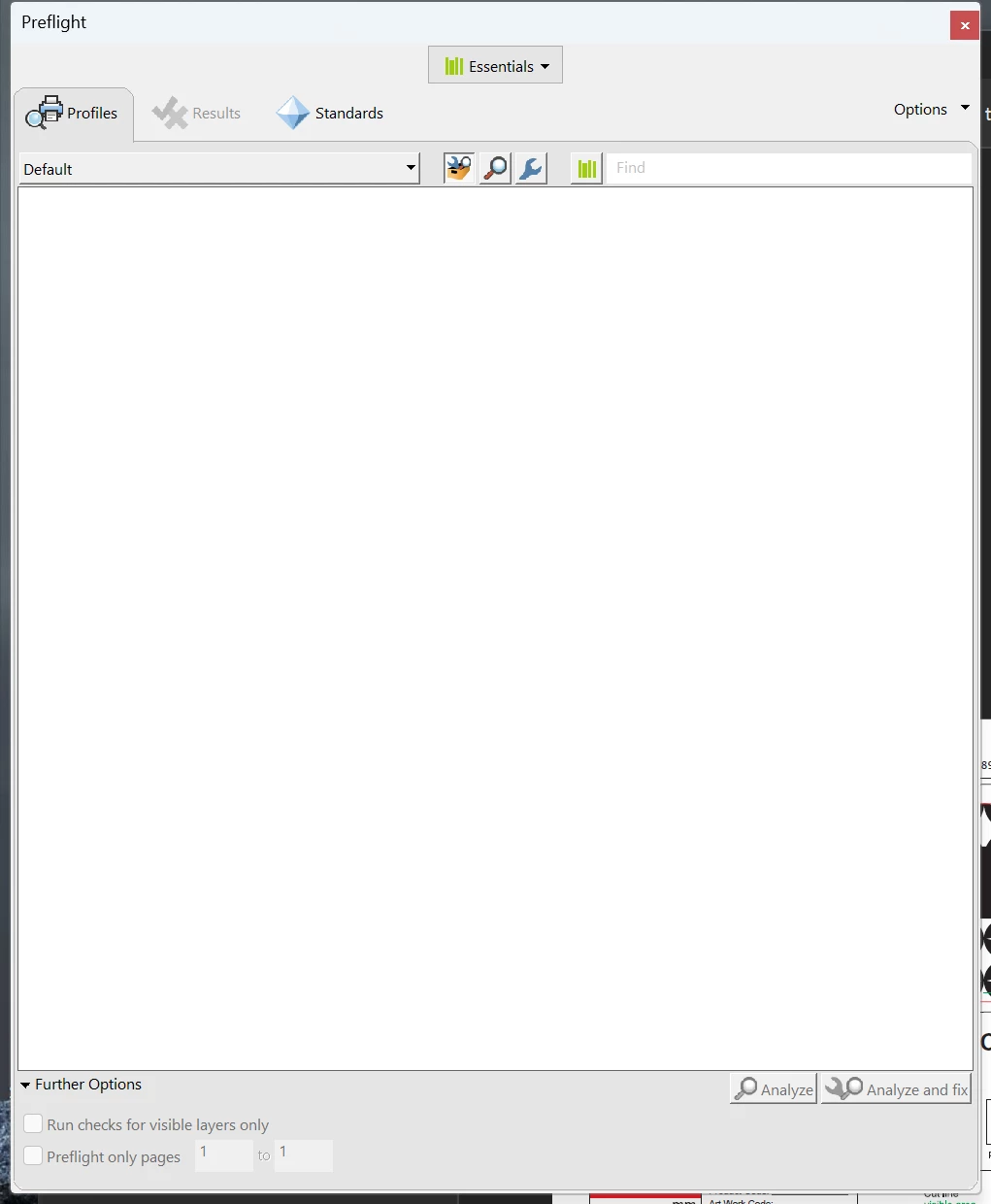 Also, I've installed twice without it fixing anything.
System: Windows 11 Pro
12th Gen Intel(R) Core(TM) i7-12700H 2.30 GHz
PS - I also hate the new layout of the program! So hard to do all the things I used to do quite easily 😞


 AdChoices