Participant
November 4, 2024
Question

Prepare a Form Option Disappeared

  • November 4, 2024
  • 2 replies
  • 511 views

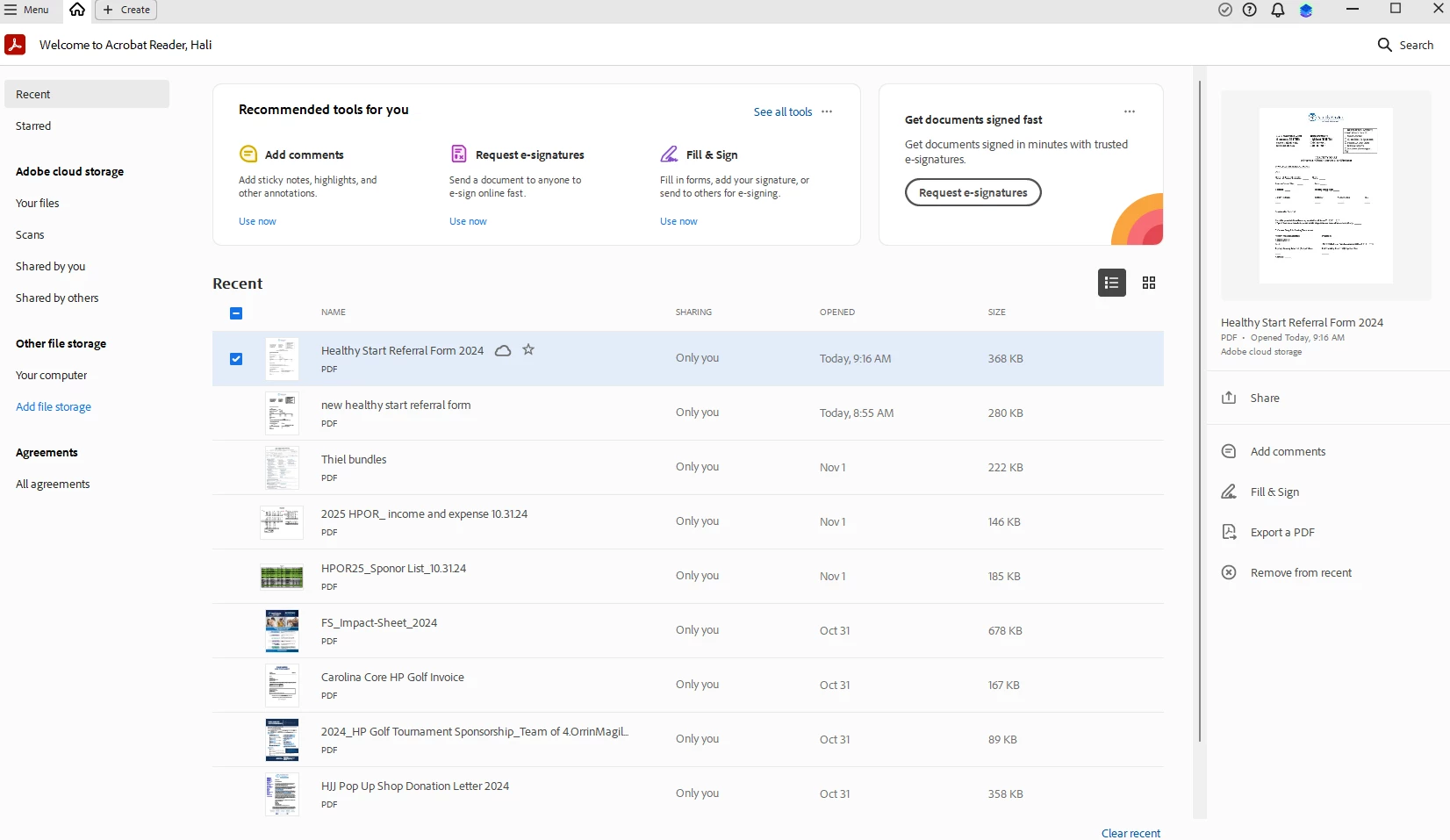
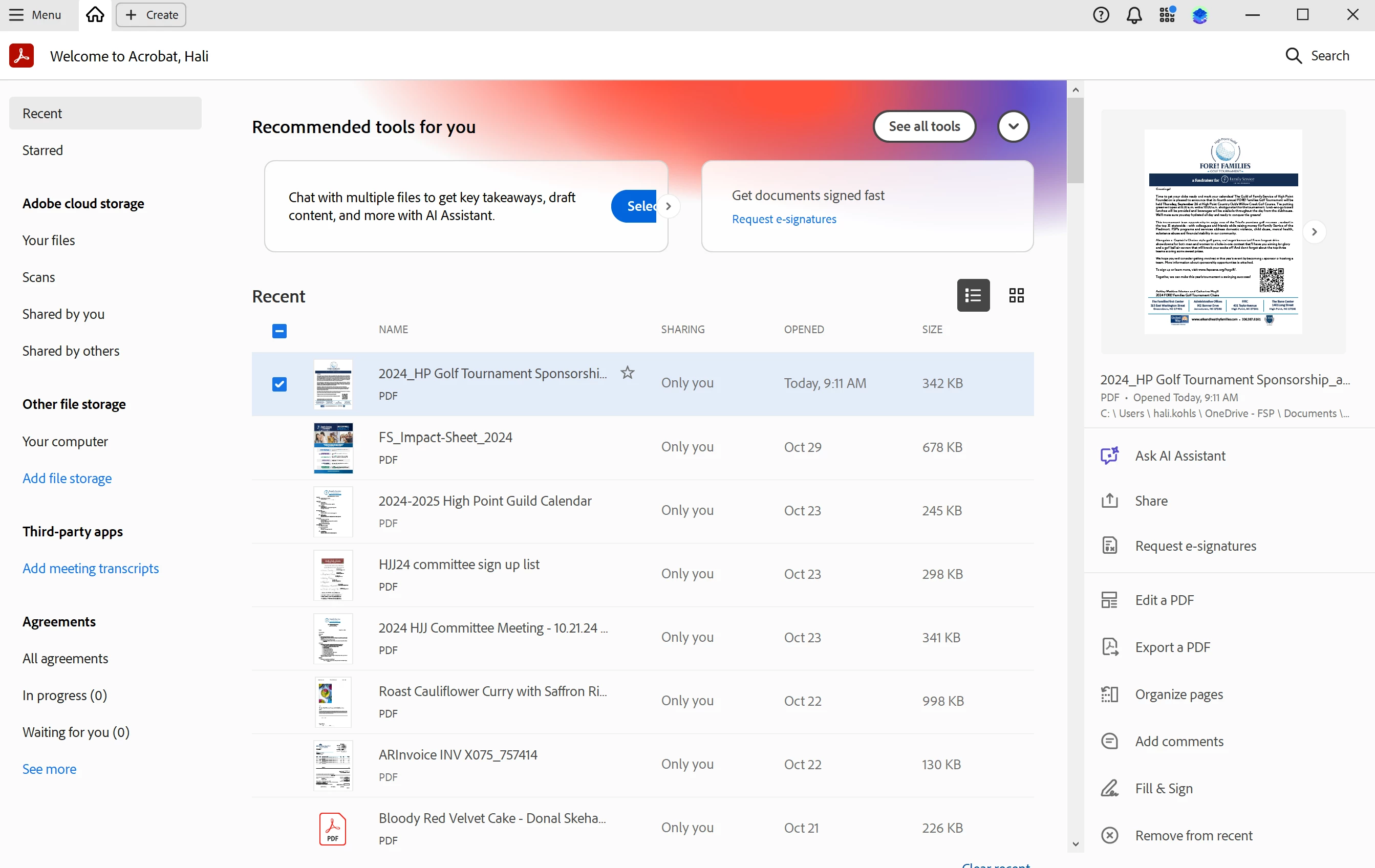
Hello. I switched laptops and have my same Adobe Creative Suite login, but the "Prepare a Form" option disappeared from my tools. Any ideas? Attached are screen shots from my old computer vs my new computer. It seems the new computer is opening PDFs in "Acrobat Reader" even when I specifically try to open just with "Adobe Acrobat" 
    This topic has been closed for replies.

    2 replies

    try67
    Community Expert
    Community Expert
    November 4, 2024

    Open the file and then search the Tools panel for this command.

    kglad
    Community Expert
    Community Expert
    November 4, 2024

    in the future, to find the best place to post your message, use the list here, https://community.adobe.com/

    p.s. i don't think the adobe website, and forums in particular, are easy to navigate, so don't spend a lot of time searching that forum list. do your best and we'll move the post (like this one has already been moved) if it helps you get responses.


    <"moved from using the community">
    Participant
    November 4, 2024

    Solved by uninstalling and re-installing. It now has "edit PDF" in the side bar which allows me to prepare a form.