
Prepare form is missing a lot of fields from a word document
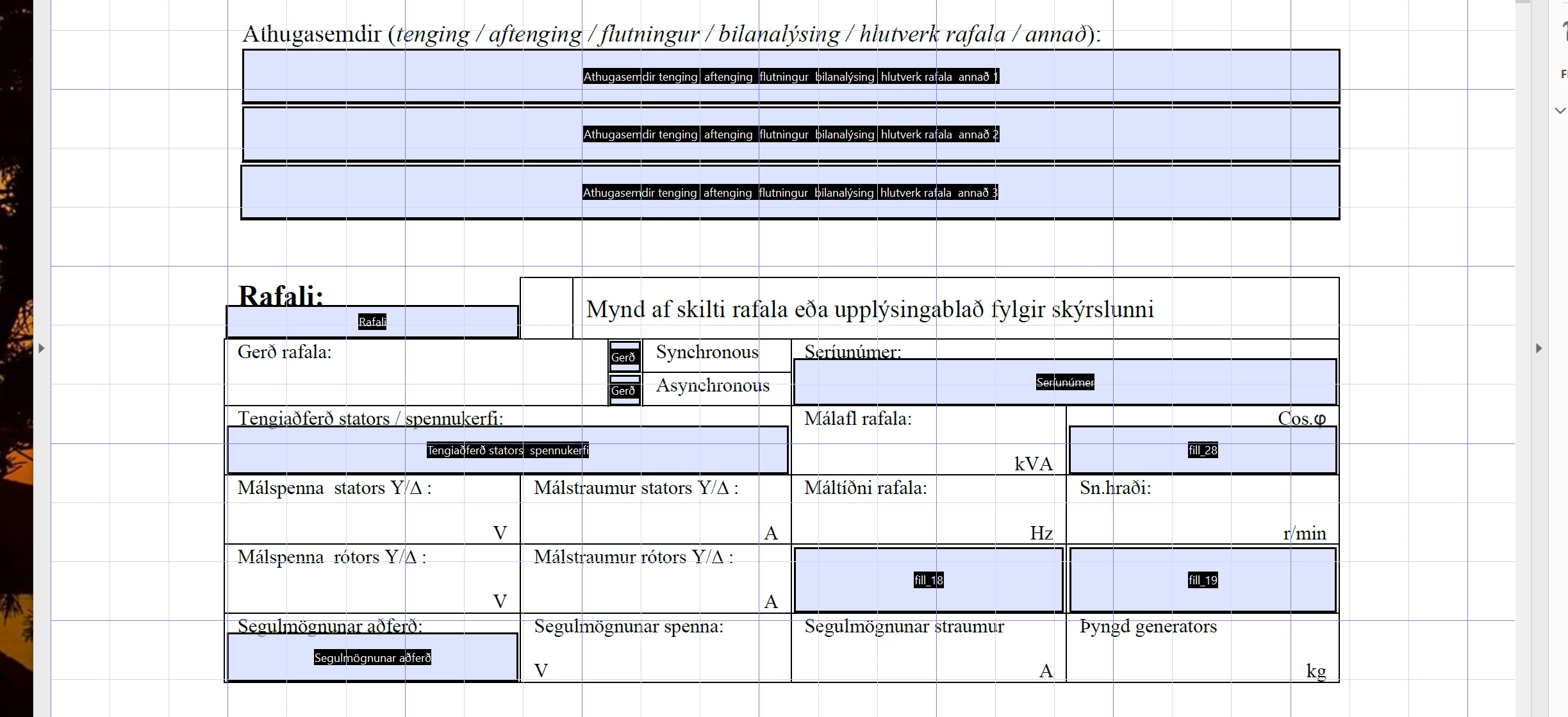
I created a few pages of a fillout forms in M.Word .docx format which includes a tables. When I convert to pdf using the Prepare Form Tool the wizard leaves out a lot of table cells. It is a lot of work to add hundreds of Fields in the pdf file and what is even worse is when I need to do any minor changes on the original .docx file, it looks like there is no way to update/validate the pdf file so the work starts all over again to add fields where it is missing all over the document, adjust the size and position etcl. I know it is possible to make minor changes in the pdf file it self but then it is not so easy to keep all layout settings and the pdf tends to randomly groub previously separate text boxes into larger boxes. This makes any modification in the pdf practically useless. Is there any way to know how to prepare the .docx file in such a way that the Acrobat will recognize where there needs to be fields?
 AdChoices