
matt_bowers
Participant
June 17, 2019
Question

Printing a PDF only prints a blank page

  • June 17, 2019
  • 1 reply
  • 621 views

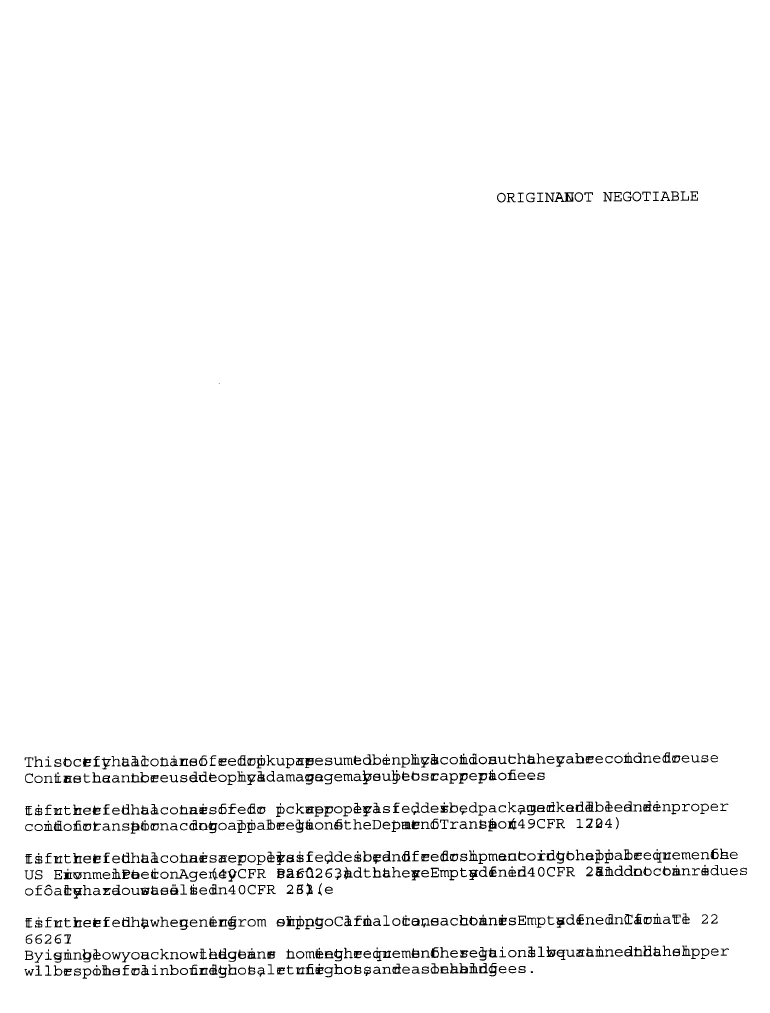
Hi, I'm having an issue with a user that I am supporting. His original issue was that any time he printed a PDF, all of the text would be jumbled up and strange looking. (shown below). I started working with him again today after not speaking for a few days, and now when he prints, nothing is printed on the page. We're pretty sure the jumbled lettering is a font issue, especially since I tried printing a text page and was given the same type of result. I've tried enabling/disabling local fonts, ink saving, print as picture, etc. Any ideas?
This topic has been closed for replies.

1 reply

Abambo
Community Expert
Community Expert
July 19, 2019

What is the OS and version? What is the Acrobat version?

Is the person able to print Word or Pages files?

Does ”print as image” (Advanced button on the print dialogue) work?

[Edit]

I just saw your image that my iPad did not show me. That is probably a font issue. Above questions stay valid, how ever, I will add more:

What are the fonts used in the document and are they embedded? (Ctrl/Cmd D or file->properties)

Can other, standard PDF files (as downloaded) be printed?

ABAMBO | Hard- and Software Engineer | Photographer