
Printing a PDF without missing sections on final sheet. (Need Help!)
How do I print a PDF started in powerpoint then transferred to word to save as a PDF, without missing pictures or sections?
Starting with powerpoint I created a wiring diagram with pictures, screen shots and other tools inside the program. Unable to print quality, i transfer to word, made some edits, printed it and it looks great. I am required to save it as a PDF try to print and even though the preview is perfect, the picture still comes out with missing sections unless I change my printer setting to print "as an image". I have tried several printers and It does the same thing.

It shows the preview and then it prints this. ??
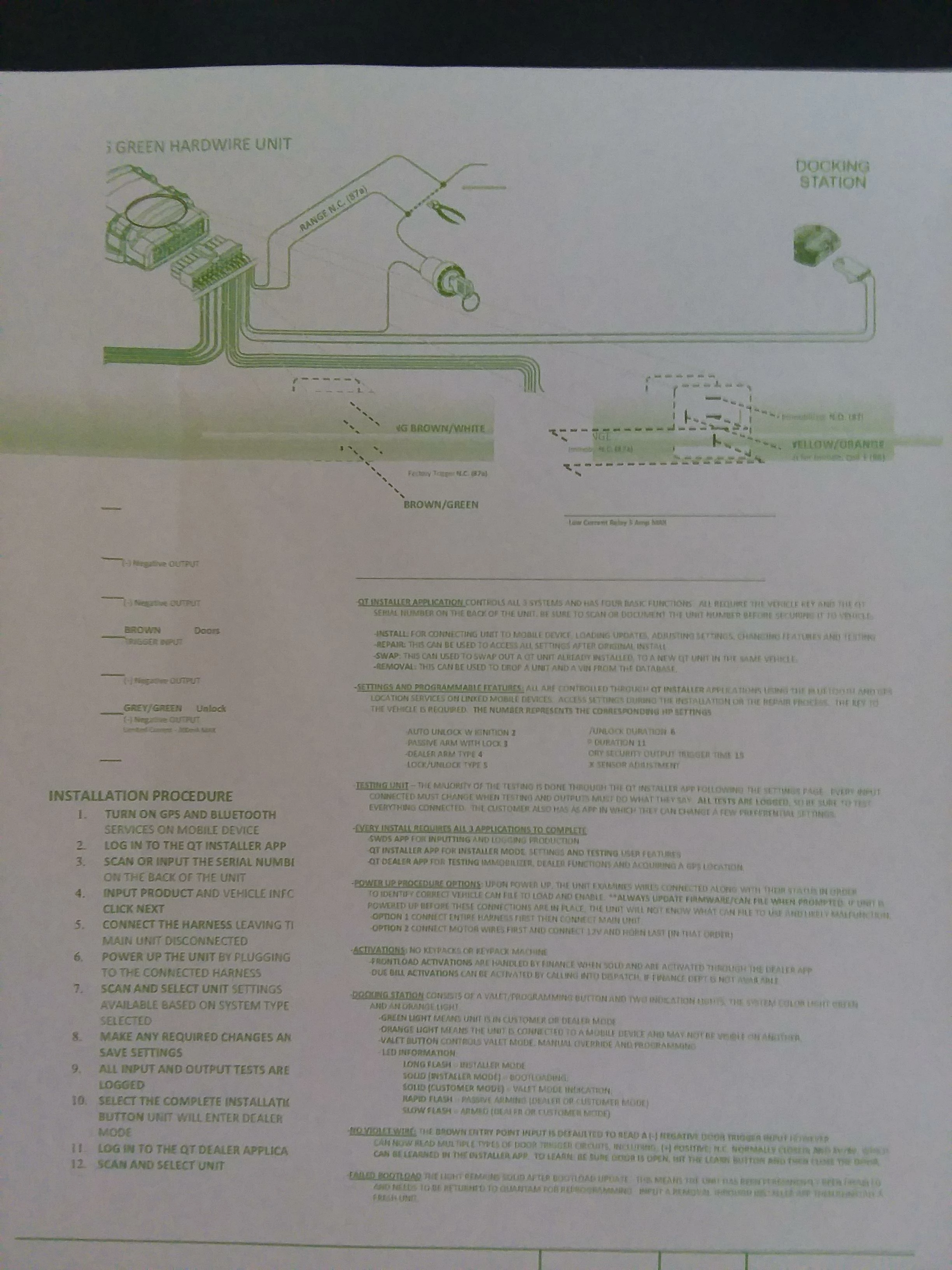
Does anyone know what I am doing wrong? Maybe there is a way to flatten the layers or maybe I if someone could suggest a better applications to make wiring diagrams.
Thank You,
Brad C
 AdChoices