


Participant
November 8, 2016
Question

Printing custom page numbers in header

  • November 8, 2016
  • 2 replies
  • 524 views

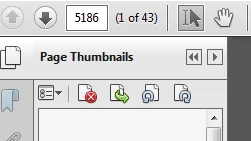
I changed the custom page numbering on a document so that it starts at 5186. I would like these custom page numbers to print when I add page numbers to header and footer settings, but it reverts back to "Page 1" to start. I would like it to sequentially number and PRINT the page numbers starting at 5186. I work somewhere that uses paper surveys to gather data and numbering these pages in order is crucial for entering them accurately into the database. Thank you!
This topic has been closed for replies.

2 replies

Bernd Alheit
Community Expert
Community Expert
November 9, 2016

In the header or footer you can specify the start page number.

try67
Community Expert
Community Expert
November 9, 2016

Those numbers are actually called "Page Labels", and indeed they can't be used in the Header/Footer command of Acrobat.

However, you can add them using a script, like this one I've developed, which is a more advanced version of the built-in command: Custom-made Adobe Scripts: Acrobat/Reader -- Advanced Add Header/Footer Text