

Printing scale incorrect in page size description
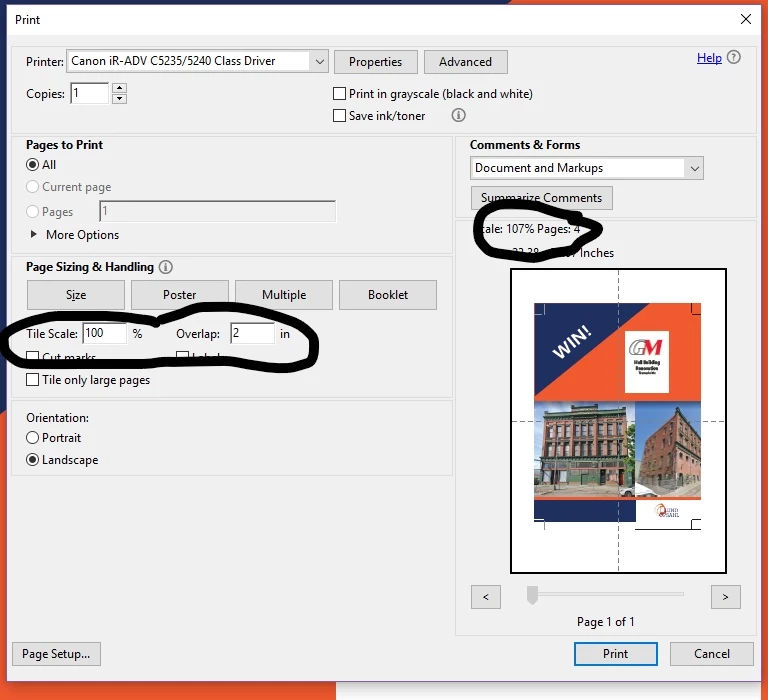
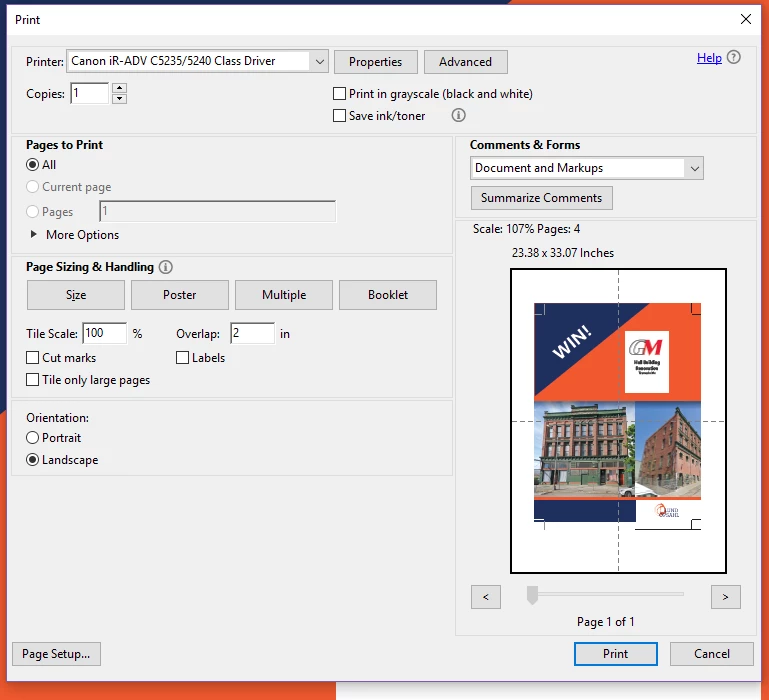
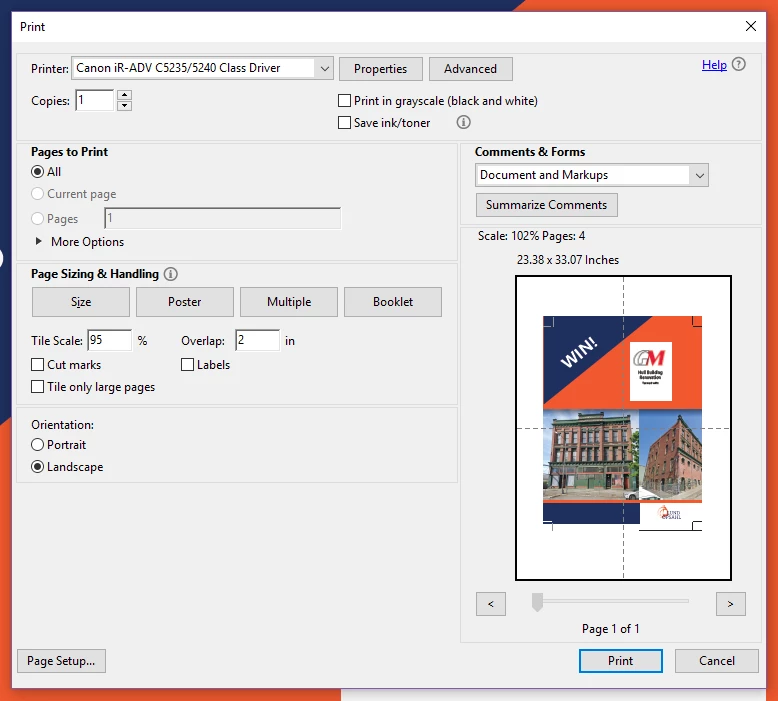
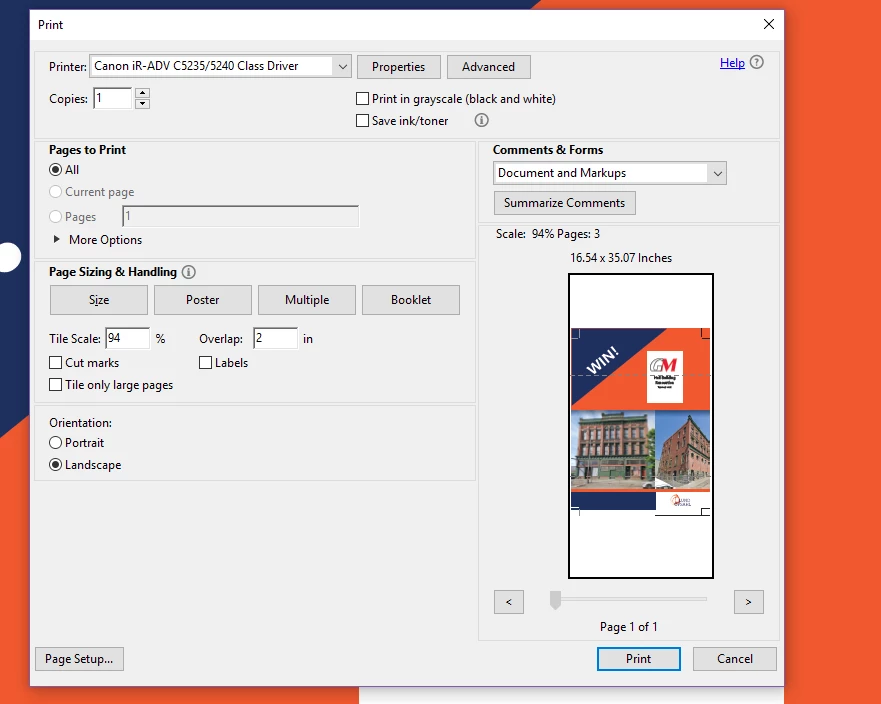
I am trying to print a poster size PDF from Adobe Acrobat and I am running into an issue with the printing scale, I have printed this same size document many times before in the exact same way and never had this issue. When I tell it to print using the poster setting it shows the tile scale and overlap options, I set overlap to 2 inches and scale to 100% and it changes to show 107% in the page size description. When I try to lower the scale to get it to print at 100% it continues making it 7% larger larger until 94% and then it jumps down to be the same scale. When it is set to 95% it shows it is printing at 102% so I tried to just print my other part at 102% as well and it wasn't the same size so I think it is printing at a combination of the two scales it shows. How do I fix it so that it prints at the scale I set it to?
 AdChoices