Participant
July 16, 2018
Answered

Printing to PDF to rezise Scanned item Lowers Quality

  • July 16, 2018
  • 1 reply
  • 348 views

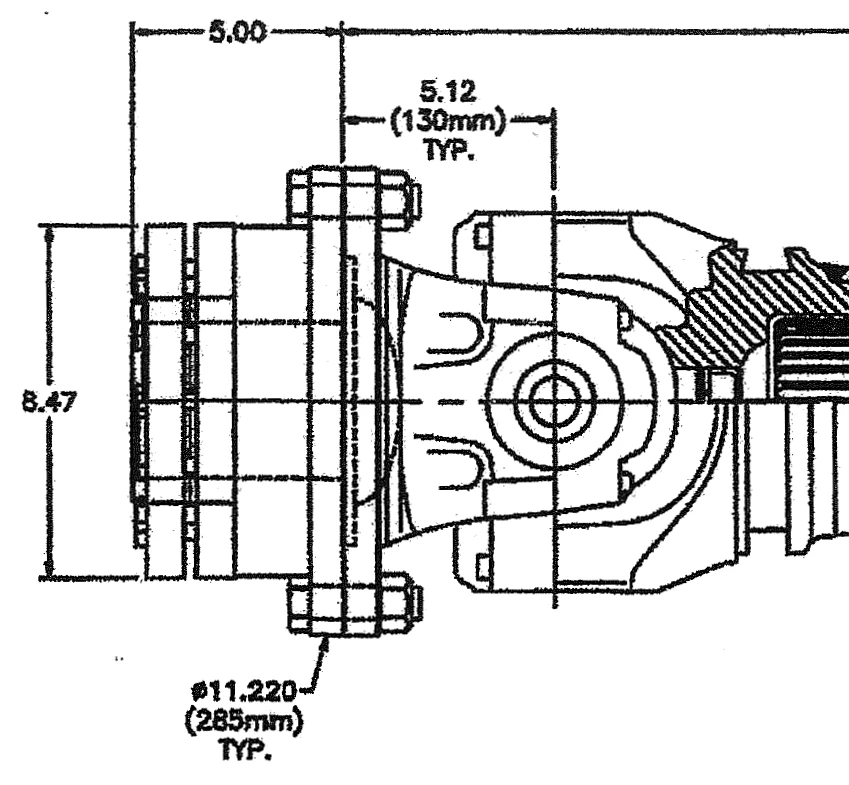
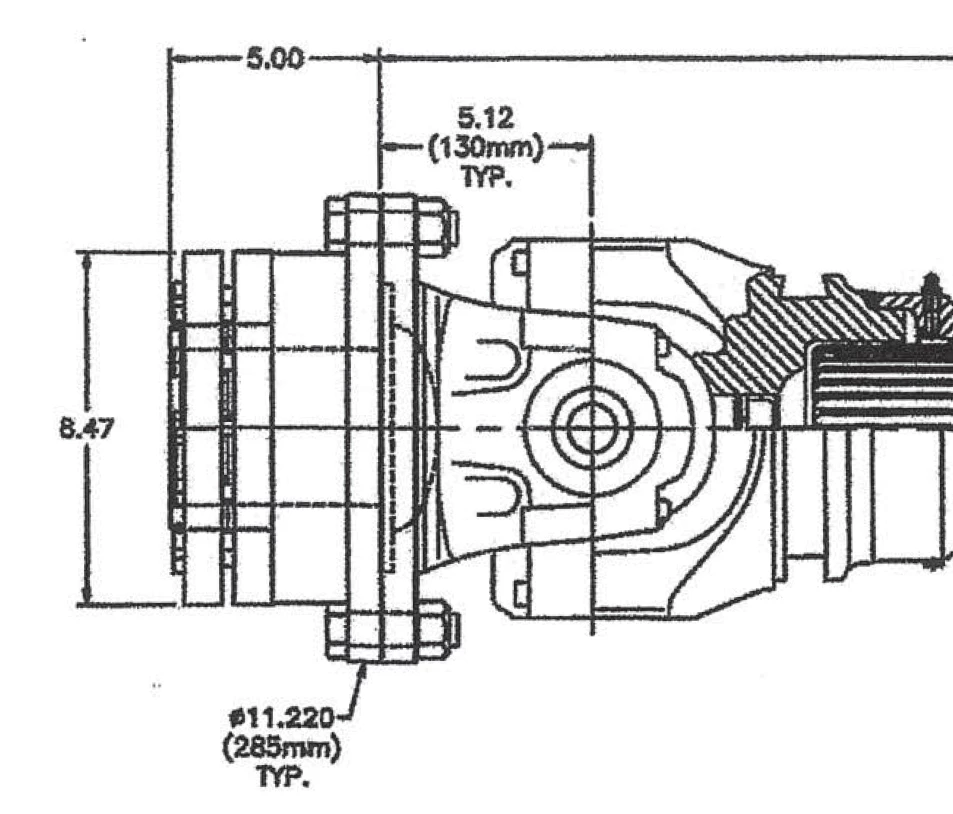
I'm trying to size a scanned drawing to a standard size after cropping the scan due to excess white space. Every time I print to PDF from Acrobat the quality is immediately lowered. Even when I don't crop the drawing and print to the same size it is originally the quality drops. I am using Acrobat Pro2017.  The two samples before are: 1) original zoomed to 200% 2) Printed as the same size of original zoomed 200%.

1)
2)         
This topic has been closed for replies.
Correct answer Dov Isaacs

Assuming you have Acrobat Pro, you don't “print to PDF” to eliminate white space. There are numerous tools within Acrobat Pro, including the cropping tool and various Preflight fixups that can be used for resizing your content without losing quality.

“Print to PDF” is by its very nature a lossy process.

          - Dov

1 reply

Dov Isaacs
Dov IsaacsCorrect answer
Legend
July 16, 2018

Assuming you have Acrobat Pro, you don't “print to PDF” to eliminate white space. There are numerous tools within Acrobat Pro, including the cropping tool and various Preflight fixups that can be used for resizing your content without losing quality.

“Print to PDF” is by its very nature a lossy process.

          - Dov

- Dov Isaacs, former Adobe Principal Scientist (April 30, 1990 - May 30, 2021)