Answered
Problem copying/pasting form fields
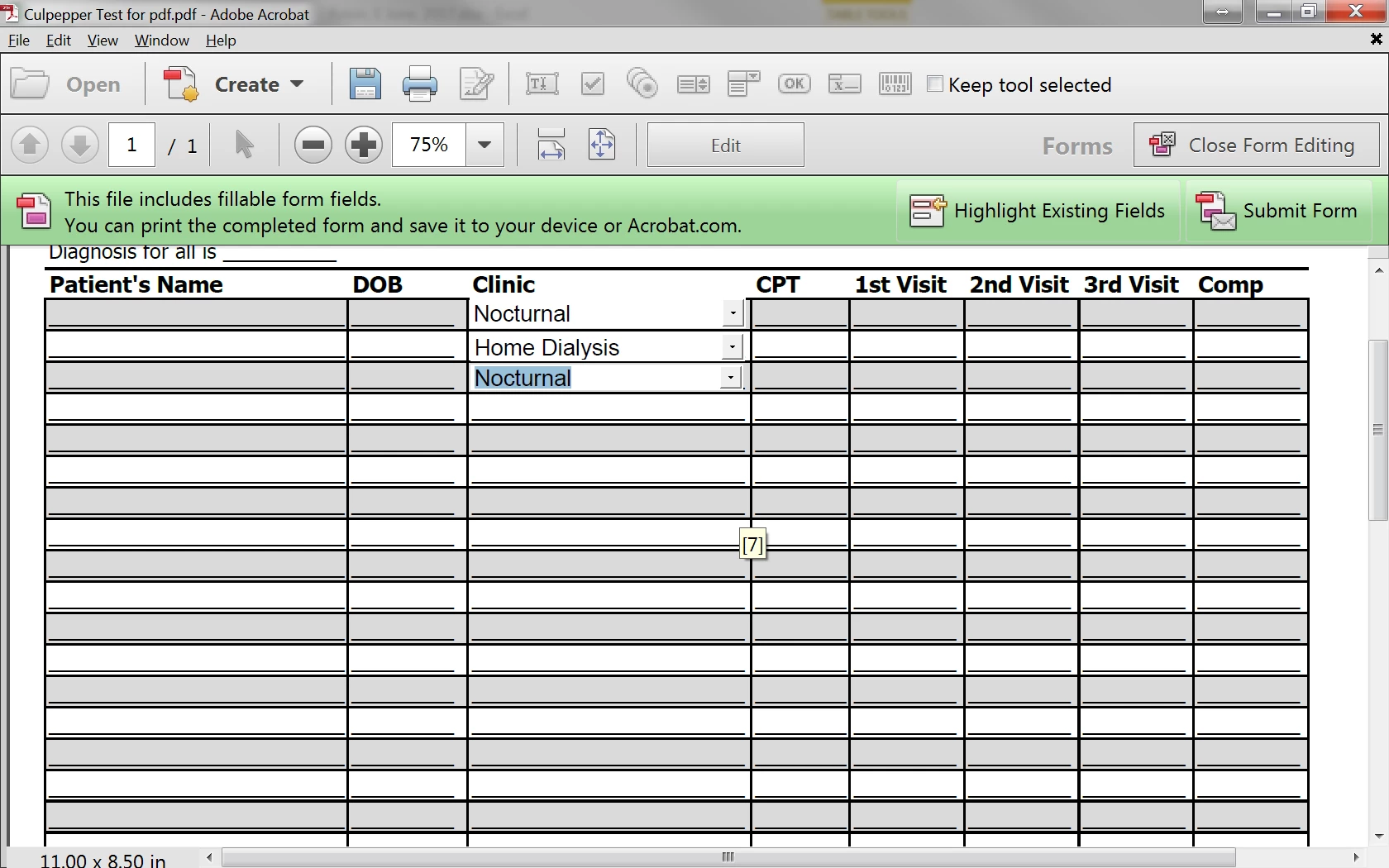
I am creating a form with drop downs and when I copy and paste to avoid doing the process for 25 lines, whatever is selected gets pushed to all like boxes. How can I make these independent and still accomplish the drop downs by copying? I want my end user to be able to select a different choice in all lines, i.e. I have location as the drop down with different places. Each line may be at a different location, so this needs to be independent. Is there a way to copy and paste without imposing the selection of one onto all that were pasted? See below. I did these three separately but duplicating the actual process is taking forever. Many thanks for the input!
 AdChoices