
Participant
July 15, 2025
Question

Problem with the "Fill and Sign" function in a Citrix environment.

  • July 15, 2025
  • 1 reply
  • 241 views

Hello, we recently updated the Adobe Reader solution in our Citrix virtual desktop environment (Windows Server 2016), but since then, whenever our users or even directly on the server try to use the Fill and Sign function, the following error message appears:
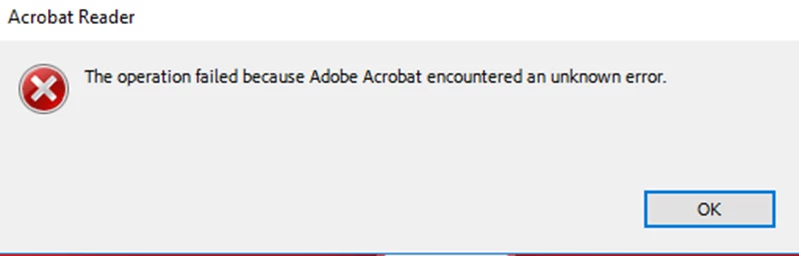
I have already tried uninstalling and reinstalling the solution, changing languages, etc., but without success.

The solution is installed on a different partition than C:

Thanks for your help. 

1 reply

creative explorer
Community Expert
Community Expert
July 15, 2025

@julien_5055 It might be that the PDF document might have security restrictions enabled that prevent filling form fields or signing. Adobe Reader's Protected Mode (a security feature) can sometimes interfere with certain operations.

m
Participant
August 1, 2025

Thank you for your reply. Unfortunately I've already looked at this option, but it's not activated in our scope.

creative explorer
Community Expert
Community Expert
August 1, 2025

@julien_5055 Given the environment, the most probable cause is a permissions issue with a combination of the application's installation location and how Citrix manages user profiles and temporary files. Start by thoroughly checking permissions on the critical folders and then move on to a super-clean reinstallation using the Adobe Cleaner Tool. https://helpx.adobe.com/ca/creative-cloud/kb/cc-cleaner-tool-installation-problems.html

m