

Participant
August 25, 2025
Question

problems after update

  • August 25, 2025
  • 2 replies
  • 256 views


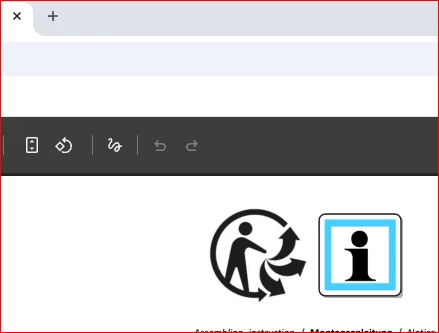
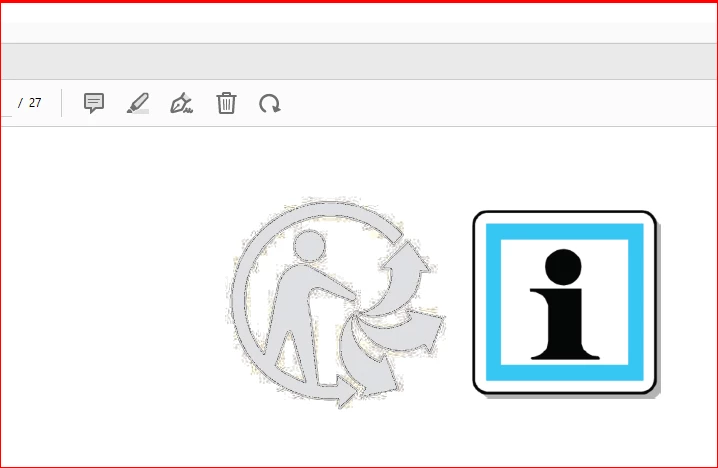
Good morning, after the last update, Adobe (adobe acrobat 2025.001.20630) displays one image incorrectly, the browser displays the same image correctly.


2 replies

Adobe Employee
August 25, 2025

Hi @arkadiusz_2391 


Thanks for reporting this issue to Adobe.  Would it be possible for you to share this PDF file with us for debugging.

And please confirm if you have 64-bit Acrobat or using 32-bit Acrobat. To check this you can share the screeshot of Help->About Adobe Acrobat   dialog.


Regards

Ravi

Adobe Employee
September 4, 2025

Hi,


Image rendering issue has been fixed in latest version, Please do update to latest version and try.


Regards

Ravi

Amal.
Legend
August 25, 2025

Hi there,


Hope you are doing well and thanks for reaching out and I’m sorry to hear that the image is not showing up correctly after the recent update (2025.001.20630). I understand how frustrating this must be, especially when the same image opens fine in the browser.


Is this an issue with a particular PDF file or with all the PDFs? Please try with a different PDF file and check. If it's a file-specific issue, please share the PDF file in question with us for testing.

Here are a few simple things you can try that may fix the issue:

Repair the installation –As you already have the latest version of the application installed, Go to Help > Repair Installation and reboot the device once. 

Test with Protected Mode off (just for testing) – Go to Preferences (Ctrl,Cmd+K) > Security (Enhanced) and uncheck Enable Protected Mode at startup and turn off the Protected mode.  Restart Acrobat and see if the image appears correctly.
Note: Please turn it back on afterwards for security.

Try another copy of the file – If you can, save the PDF again or ask the sender to share a fresh copy. Sometimes images inside the PDF don’t load correctly due to the way they’re embedded.


Let us know how it goes. 


~Amal

Meet Acrobat Studio
