
Participant
January 25, 2025
Question

Problems converting to PDF from Word

  • January 25, 2025
  • 2 replies
  • 339 views

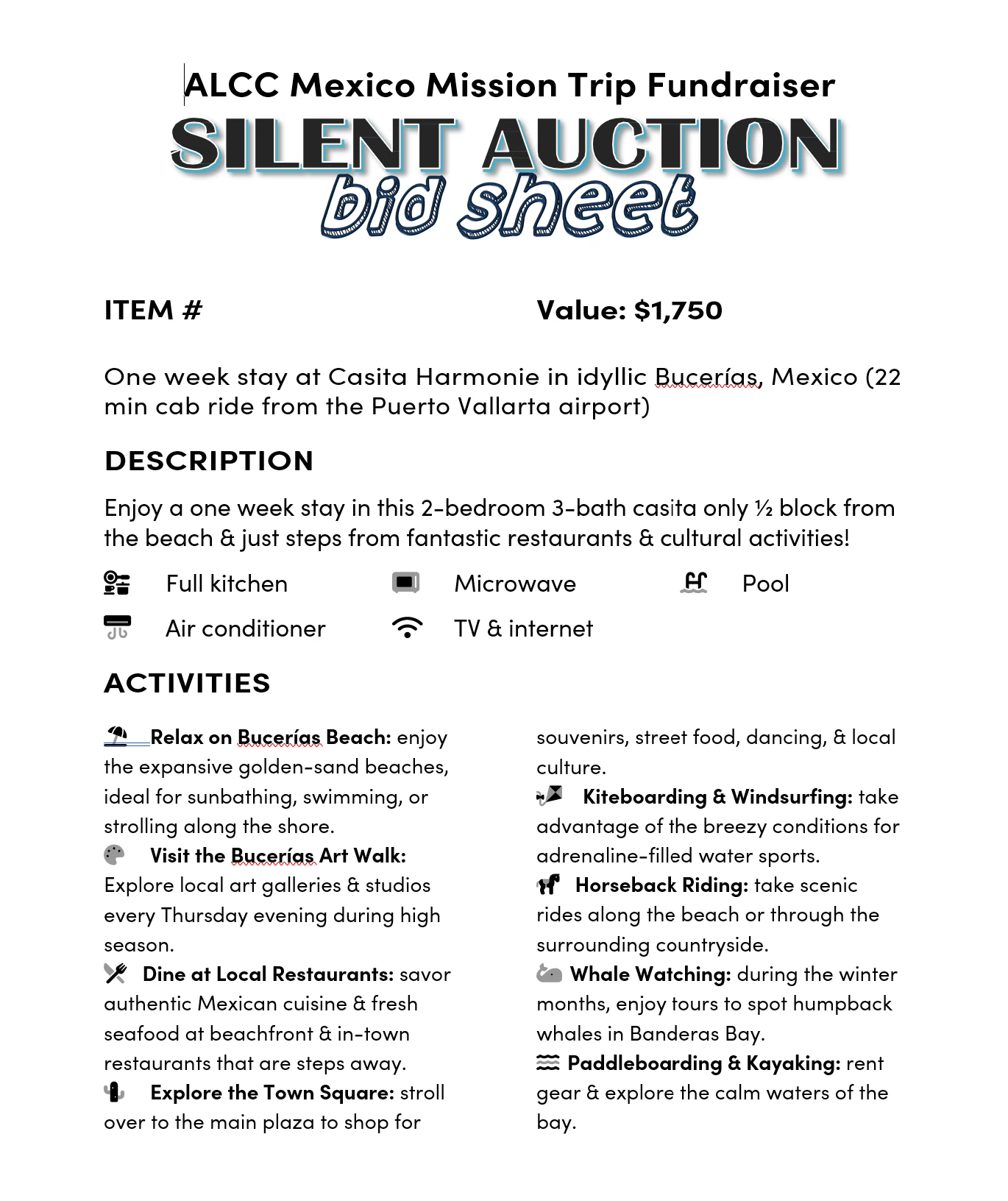
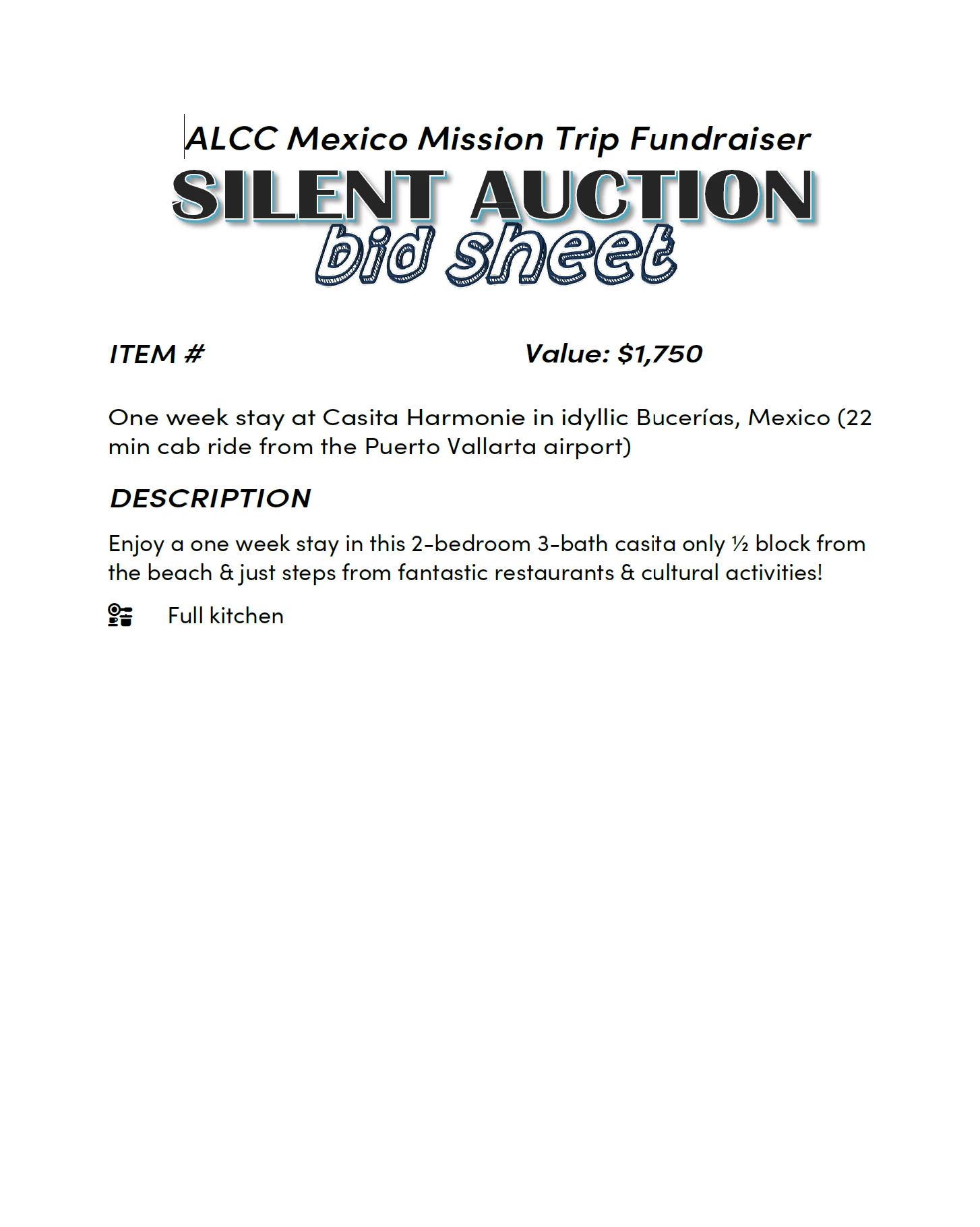
Using the Save As PDF menu item, only half the page gets converted. Distiller does an even worse job, using Courier as the font. Microsoft Word's Save as PDF renders the page correctly but botches up some images on later pages. Has anyone seen this before? Original word doc attached with embedded fonts.
 

2 replies

Community Expert
January 25, 2025

Also meant to ask - what were the exact steps you went through that resulted in the partial page getting converted?
Was that through Word and if so, what version?
Are you on Windows or Mac?

Community Expert
January 25, 2025

Hi @Crunchy Churro 
I downloaded your document and chose as Save as Adobe PDF in Word. The PDF that got created looks fine to me. When you say botched up images, what exactly do you mean? Is teh quality not good?
Did you try Print to Adobe PDF and then choose Printer Properties? There you can change the settings which will impact the quality of the PDF. This includes compression of images.