
Problems with bold l in filled out printed pdf forms
I created forms in InDesign (Mac) and exported the entire document to an interactive PDF. When tested, the forms work fine for me both onscreen and when filled out, saved and printed. However my client is on a PC and when she fills the forms out, saves and then prints the document through Reader, the "l"s throughout the document are all printing bold (not just in the fields she has typed in). Meanwhile it looks fine to her on screen!
I can't replicate the issue on my printer, but if it is happening on hers, it will happen elsewhere and this is not acceptable (her national sales team is using the forms to create proposals and print them). I've never had this happen before and strongly suspect a bug. It's apparently something to do with reader and/or me making the forms in InDesign? I usually make them directly in Acrobat.
Here is a photo of her printout (with confidential text blocked out) it seems to effect the small thin type the most.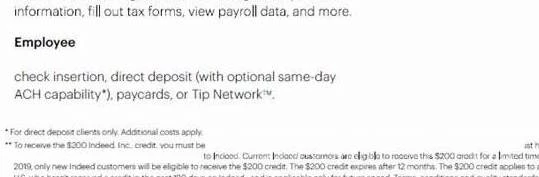
Help please! Jennifer
Message was edited by: Jennifer Wagner to add example
 AdChoices