Question
Random objects appear when I "add or edit a link"
Hi,
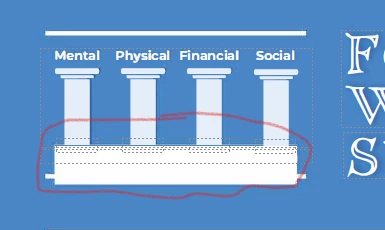
I am adding links to my flyer, but when I click to edit the page, a random object appears over one of the header images during the process of the document converting to editable text and images (although the text I am editing isn't anywhere near the header). I can't delete the random rectangle without deleting the whole background; it is somehow attached, but it isn't in my original Canva design (I created the flyer in Canva and downloaded it as PDF). The objects only appear when I attempt to edit the PDF.
Any ideas?
 AdChoices