
Participant
January 21, 2020
Question

Re: Editing a PDF - Adobe Acrobat has encountered an unknown error.

  • January 21, 2020
  • 2 replies
  • 1881 views

in the last days we are not able anymore to add images on the pdf files (we have acrobat Pro DC version 2019.021.20058 installed on PC with Windows 7 Pro 64 bit SP1 ). every time we try to add an image we receive always the same error message (see below)
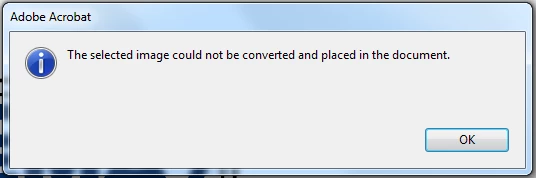
we have updated to the latest version of adobe acrobat Pro Dc BUT we receive always the error.

Also we have try to re-install Adobe acrobat Pro Dc  BUT this problem still remains.

Reading the community this problem is well known by Adobe BUT it seems that till today there is no solution from your side. Could you please try to help us. Thanks

    2 replies

    Amal.
    Legend
    March 31, 2020

    Hi there,


    Please update the thread is you are still experiencing the issue so we can look into it and assist you better.


    Regards

    Amal

    Participant
    February 27, 2021

    Hi, I am getting a similar issue with my Adobe Acrobat Pro DC when I am trying to add my signature to a document. Please help this message is really causing issues.

    AkanchhaS8194121
    Legend
    March 3, 2020

    Hey there,


    We apologize that we couldn't address your query on time.


    • Acrobat and Reader official update (20.006.20034) is now available. This update will be automatically pushed to all existing installations of Acrobat and Reader. If you want, you may also manually trigger the update early by opening the application and going to Help > Check for Updates.
      More information about this release is here: https://www.adobe.com/devnet-docs/acrobatetk/tools/ReleaseNotesDC/index.html
    • For testing, disabled Security(Enhanced) >Protected View and Enhanced Security, adding file & folder location in the trusted list. Suggested to rename the image file using paint and Photoshop and saved it with a different file name.


    Note: This issue has already been reported to engineering team and currently they are working on the fix. 

    As a workaround,