
Really annoying bookmark problem
OK, I have a really annoying bookmark problem that I can't seem to solve.
I'm on a Mac using Adobe Acrobat Pro version 24.005.20393 and Google Chrome version 130.0.6723.92.
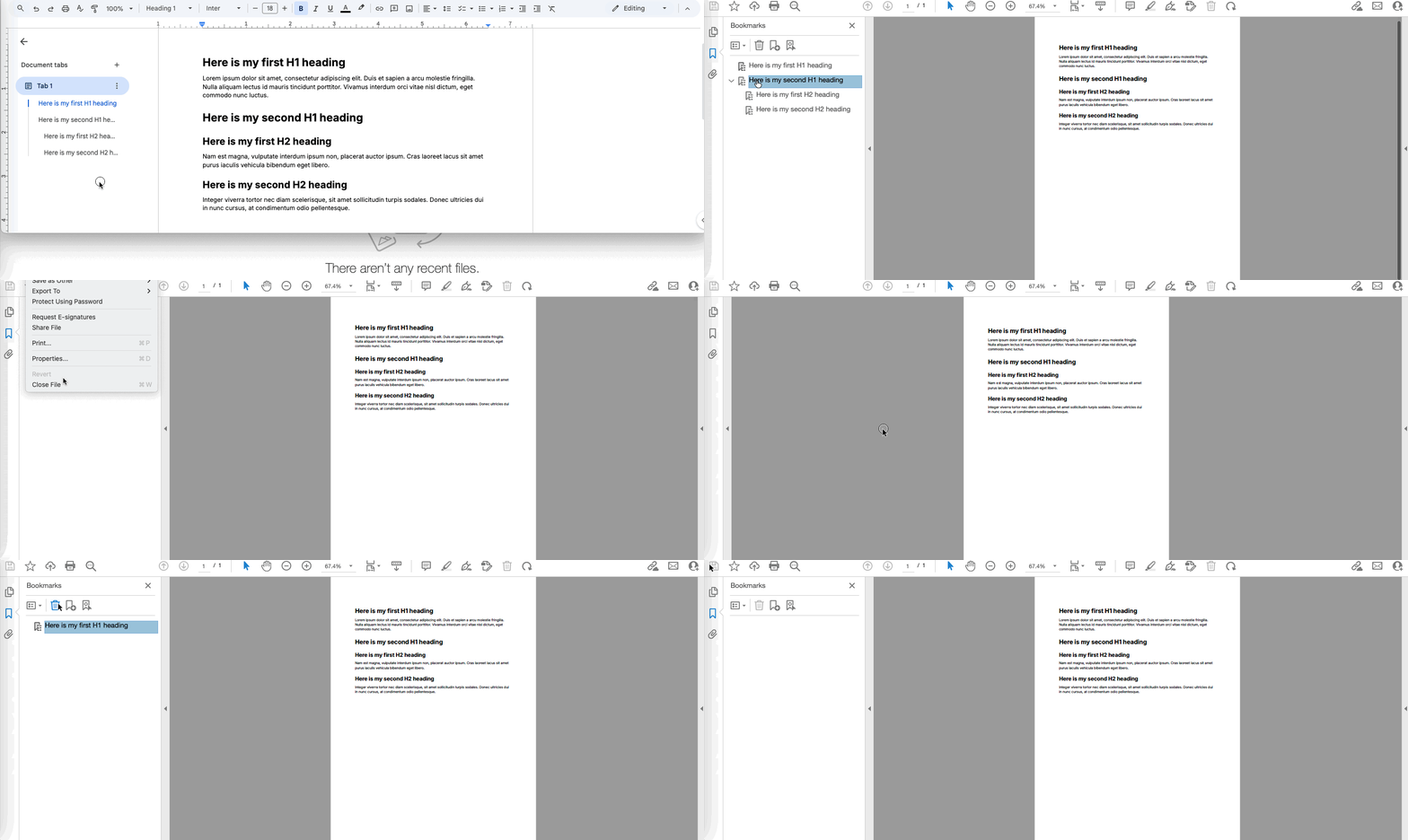
In Google Docs, let's say I create a document with a title, a couple of headings, some text, etc.
I choose File > Download > PDF Document (pdf.). The PDF file gets created, no problem.
The PDF file has bookmarks in it generated based on the structure of the document. Also, no problem.
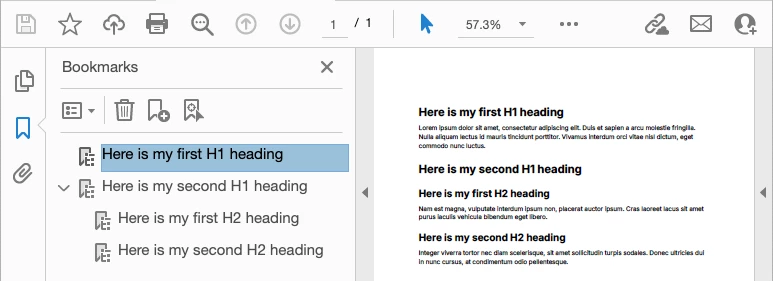
Now, let's say for some reason, I want to remove the bookmarks.
I go into the bookmark pane, select all the bookmarks, and hit delete.
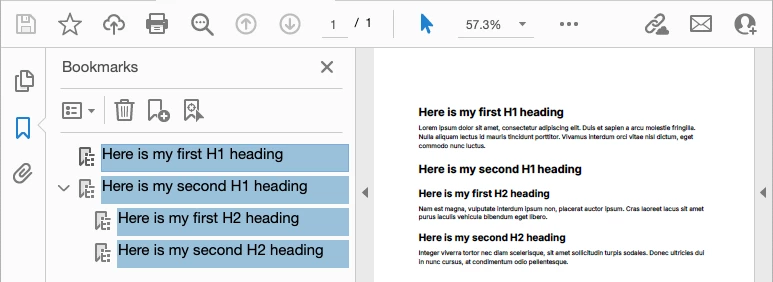
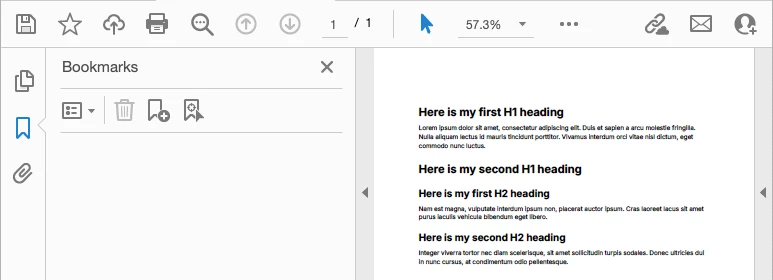
All the bookmarks go away. Great, right?
Not so fast...I save and close the "bookmarkless" document.
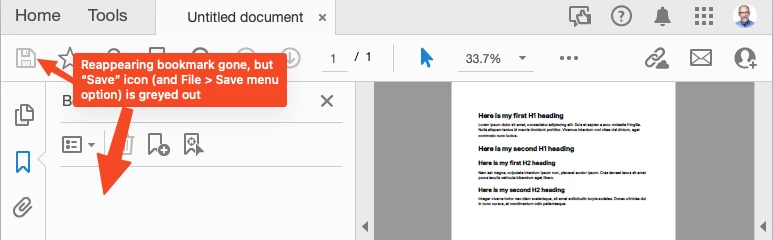
I then reopen the "bookmarkless" document and, lo and behold, the first bookmark is back.
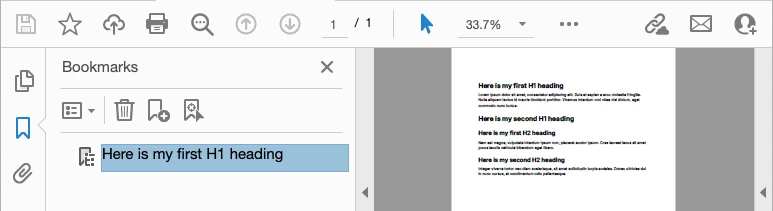
I delete it but Acrobat doesn't "register" the delete; in other words, when I go into the File menu, Save is greyed out, like Acrobat is saying, "Hey, there's no reason to save this document, nothing's changed."
What the heck is going on here?
Any insight would be greatly appreciated.


 AdChoices