simonec33551593
Participant
March 10, 2018
Answered

Reduce text color to two colors

  • March 10, 2018
  • 1 reply
  • 918 views

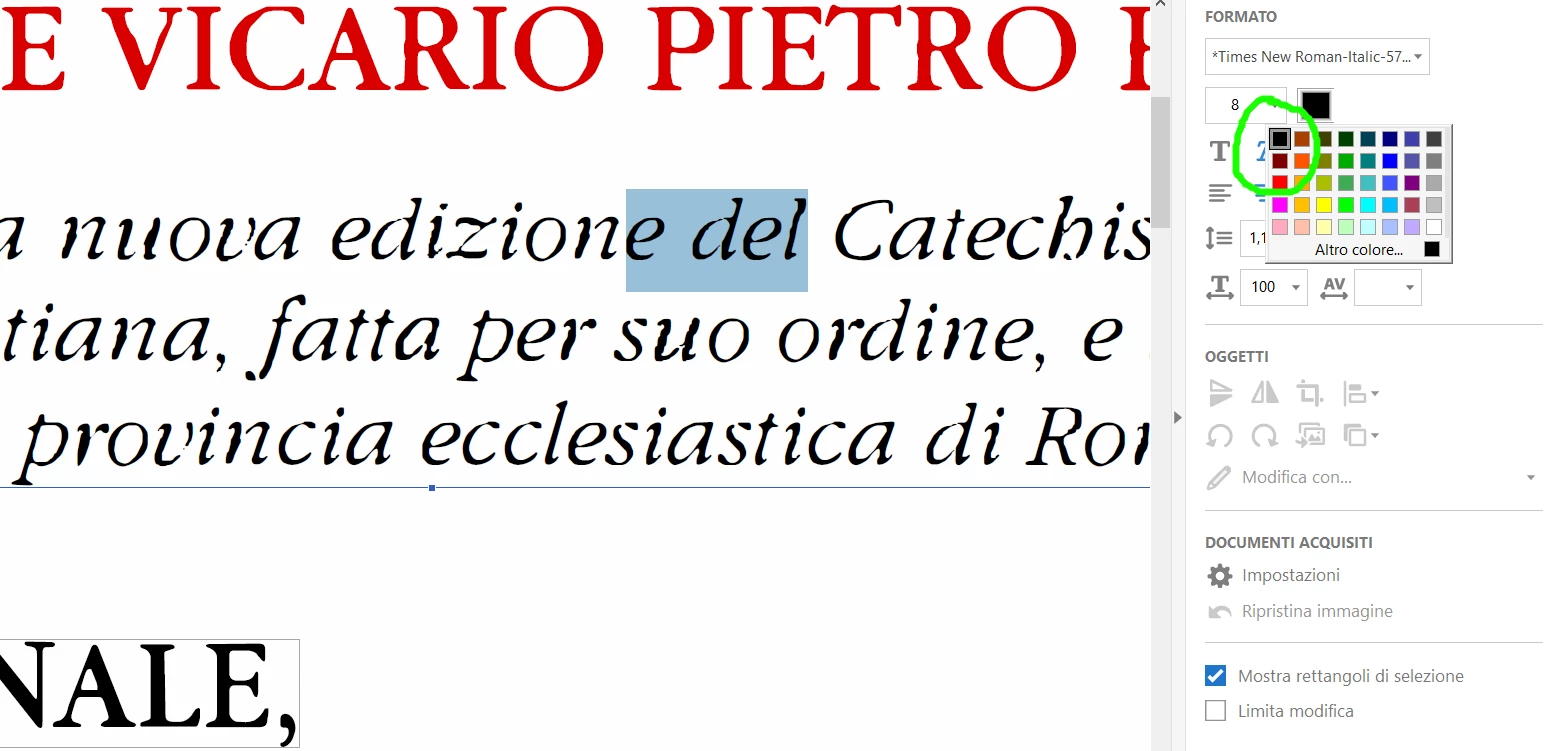
I've scanned a book containing only black and red text, no other colors. Then I've modified it with Adobe Acrobat Pro DC, that has recognized the text. However, when I look at the the very color palette, I see that actually there are different kinds of black and different kinds of red. My typographer asked me to reduce all of them to only one red and one black. If I do it manually - and for a lot of text - by "Edit PDF" tool, it often changes the layout together with the color.

I'm not very skilled in color management. How to do it?
This topic has been closed for replies.
Correct answer simonec33551593

Well, I have very bad news for you: Redo the book. I had a similar issue on a book, still done on a typewriter. Someone retyped the text, I redid the typesetting.


I've found a solution that works for me:

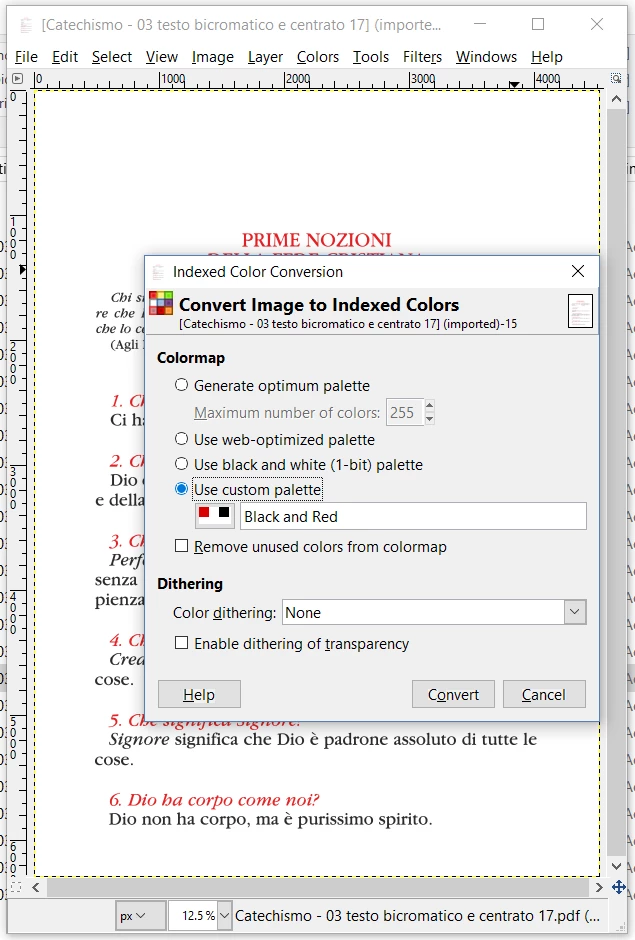
  1. Import every single page of the PDF into GIMP, with high resolution (1000px at least).
  2. Create a custom palette that contains only the colors you want (in my case Red, White and Black)
  3. Apply the indexed mode color conversion using the custom palette: https://docs.gimp.org/en/gimp-image-convert-indexed.html
  4. File -> Overwrite file.pdf
  5. Re-open it with Adobe Acrobat and, since it's still in high resolution, it will recognize the text again, but with the good colors.

Before:

Indexed color conversion:

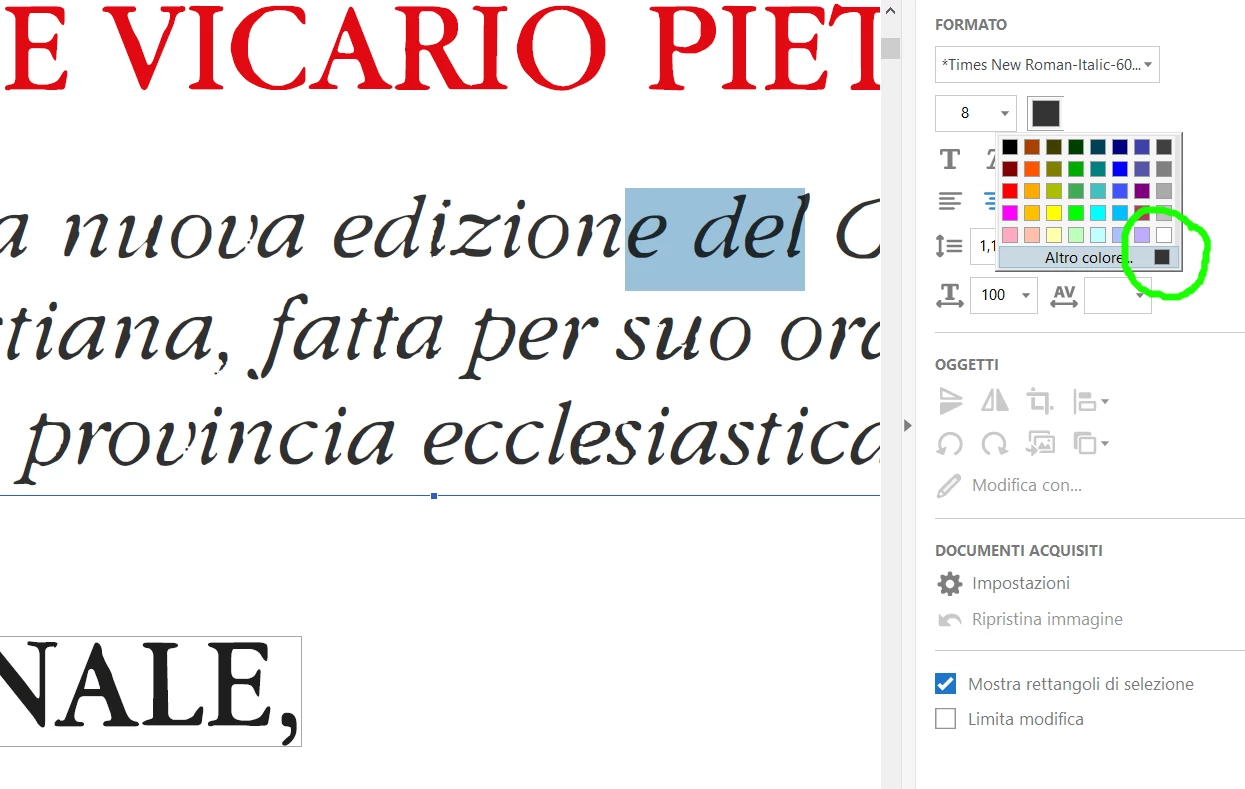
After:

The loss of detail may depend on the resolution of the imported PDF and on the dithering settings.

Hope it helps.

SC

1 reply

Legend
March 10, 2018

Ooh, that sounds hard. But my question - maybe I misunderstand - is, if you want to produce a copy of a scanned book, why did you recognise text?

simonec33551593
Participant
March 10, 2018

It's because we've lost the original file and we need to change the text before reprinting it.

Abambo
Community Expert
Community Expert
March 11, 2018

Well, I have very bad news for you: Redo the book. I had a similar issue on a book, still done on a typewriter. Someone retyped the text, I redid the typesetting.

ABAMBO | Hard- and Software Engineer | Photographer