
Participant
August 12, 2024
Answered

remove grey lines on a nametag template

  • August 12, 2024
  • 1 reply
  • 736 views

Help! I'm using a nametag template in PDF and the grey lines are printing in the wrong places for the actual card perferations. I've got the names in the right places. If I could just hide the grey lines it should be ok. 

thank in advance! 
This topic has been closed for replies.
Correct answer barbara_a7746676

Are the gray lines selectable and deletable if you choose the Edit PDF command, select the Edit icon and click on a line?


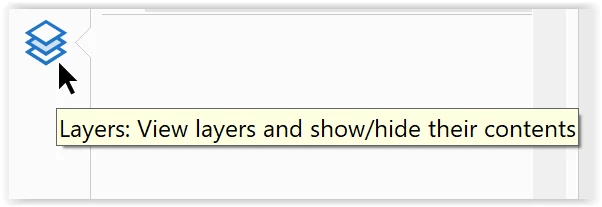
Is there a layer icon on the left side of the PDF, and is a layer possibly locked? You could unlock it and then delete the lines.

1 reply

barbara_a7746676
Community Expert
barbara_a7746676Community ExpertCorrect answer
Community Expert
August 12, 2024

Are the gray lines selectable and deletable if you choose the Edit PDF command, select the Edit icon and click on a line?


Is there a layer icon on the left side of the PDF, and is a layer possibly locked? You could unlock it and then delete the lines.

Participant
August 12, 2024

Thanks Barbara! I was able to delete the lines. Thanks so much for your help!