


Participating Frequently
Jan 5, 2023 5:13 PM UTC
Question

Remove hyperlink and mouseover from PDF

Hello all,


In my PDF document, my client wants all hyperlinks and mouseovers removed.

I created the file with AI, and the system automatically recognized it as a link.
If the mouse is placed over the area, the arrow will turn into a finger...

my client does not want to see that. 


As an example, it looks like this...
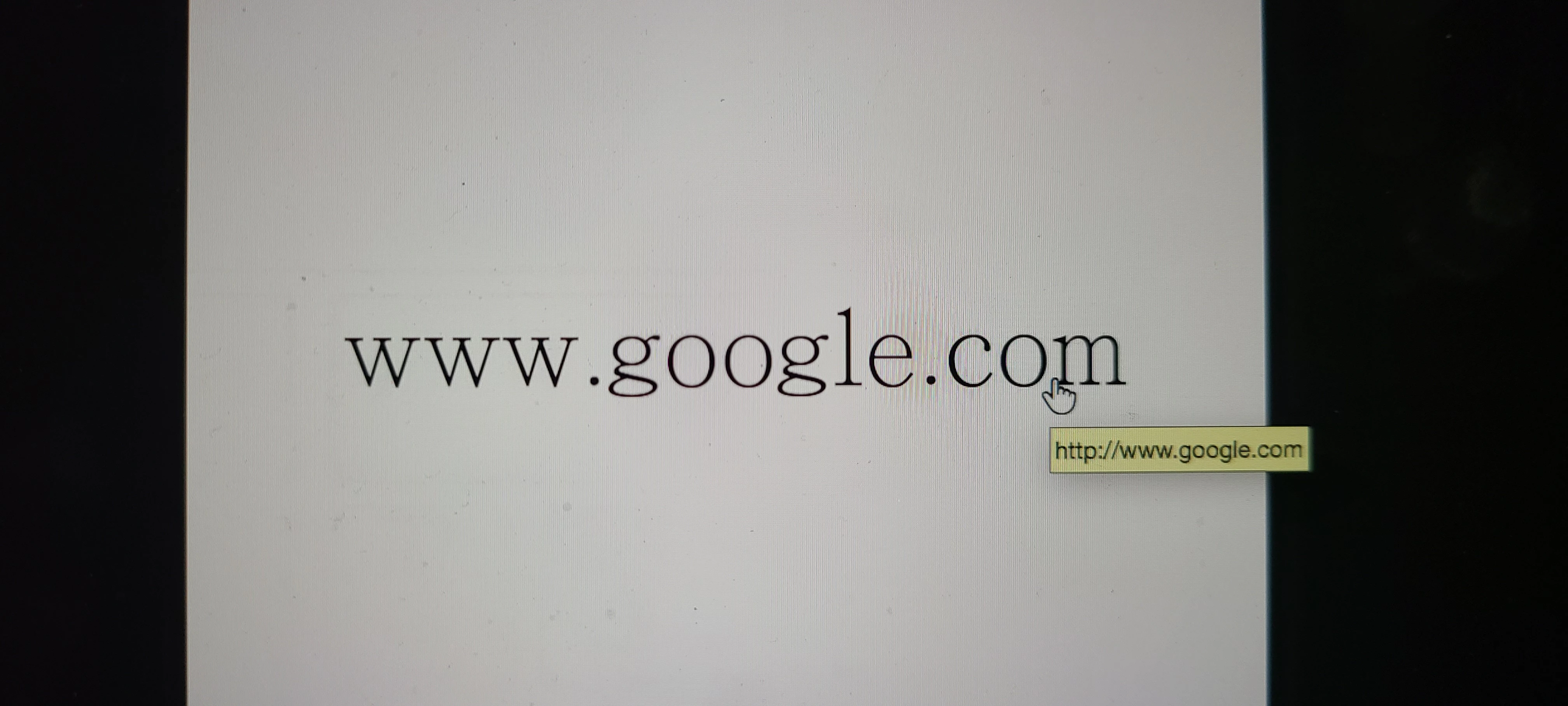
 

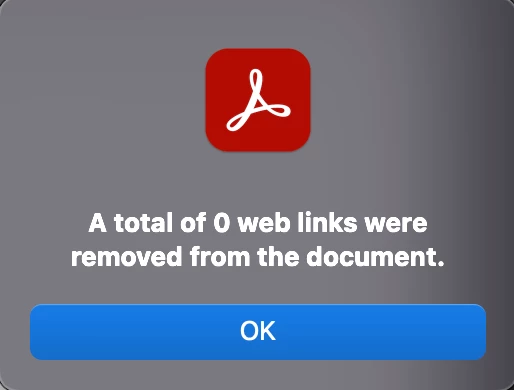
I have tried using the tool: edit PDF>link>remove web link, but it did not work, as shown below.
 

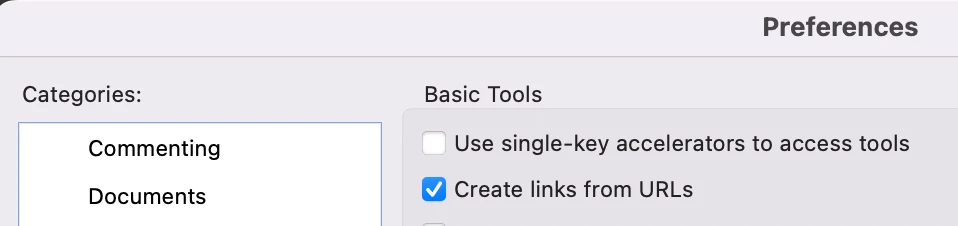
As far as I know, the preferences have an option for "create links from URLs",

Will it work if I don't click that on?

In spite of sending the file to other people, they will not be able to see the link with mouse over?
 

I would really appreciate it if you could let me know how to fix it.


Thanks so much.


Raybin

9 replies

Bernd Alheit
Community Expert
Community Expert
Jan 5, 2023 7:52 PM UTC

Replace the text with a image of the text.

Translate
raybinlamAuthor
Participating Frequently
Jan 6, 2023 7:33 AM UTC

I tried creating outline for all URLs then saving, and it finally worked. Thanks so much.

However, I am really surprised Adobe doesn't offer a simple way for the user to carry out this action...


Translate
try67
Community Expert
Community Expert
Jan 6, 2023 10:36 AM UTC

Another, maybe easier, option is to break up the link, for example by adding a space after "www".

Translate
Wilder.Bolaños
Community Expert
Community Expert
Jan 5, 2023 6:36 PM UTC

Hello, are there many links? , you can try to go to edit and then to the options to add or remove links and remove them, since it does not work with the option you present. Regards, 

Translate
WbolanosCo
raybinlamAuthor
Participating Frequently
Jan 5, 2023 7:05 PM UTC

hello.


am... looks like Adobe Acrobat can only add and remove hyperlinks (with underline)....

Can the mouseover be removed and let the cursor not change to a finger?

Translate
try67
Community Expert
Community Expert
Jan 5, 2023 5:36 PM UTC

No, it won't. This is a setting of the application, not the file. If you change it on your computer it won't affect how the file is viewed on someone else's.

Translate
raybinlamAuthor
Participating Frequently
Jan 5, 2023 5:40 PM UTC

Yes, I think so, but I can't figure out how to do it : (

Translate