
Question
Remove Lock Icon from Acrobat DC Comments
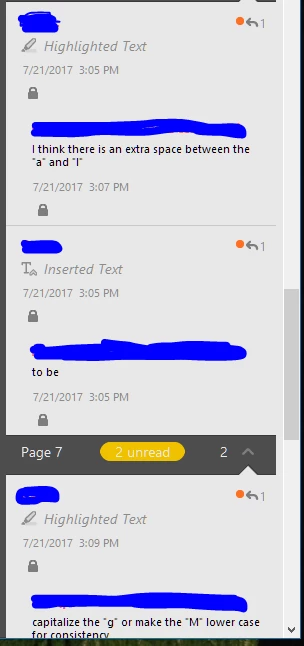
In Adobe Acrobat DC Comments, the Lock icon adds unnecessary space to the already inefficient spacing (even without the lock, for some reason a lot of extra spacing was added). Is there a way to compress the spacing and/or remove the lock icon, which was never shown in previous versions of Acrobat? If not, the result of our company switching to acrobat DC is a reduction in productivity.
 AdChoices