


Answered
Request Signatures missing from new acrobat install
Good Morning,
I recently changed laptops and after installing acrobat I see I have the new version (tolls on the left) whereas I had the old version (tools on the right) previously.
Since updating I no longer have the request signatures option. I don't have a sign tab at the top, not is request signatures in the list of all tools (see below screenshot). It's not an issue with my account as I can request signatures via my online account in a browser - however, this route does not contain all of the options as acrobat itself (e.g. adding additional files which I need).
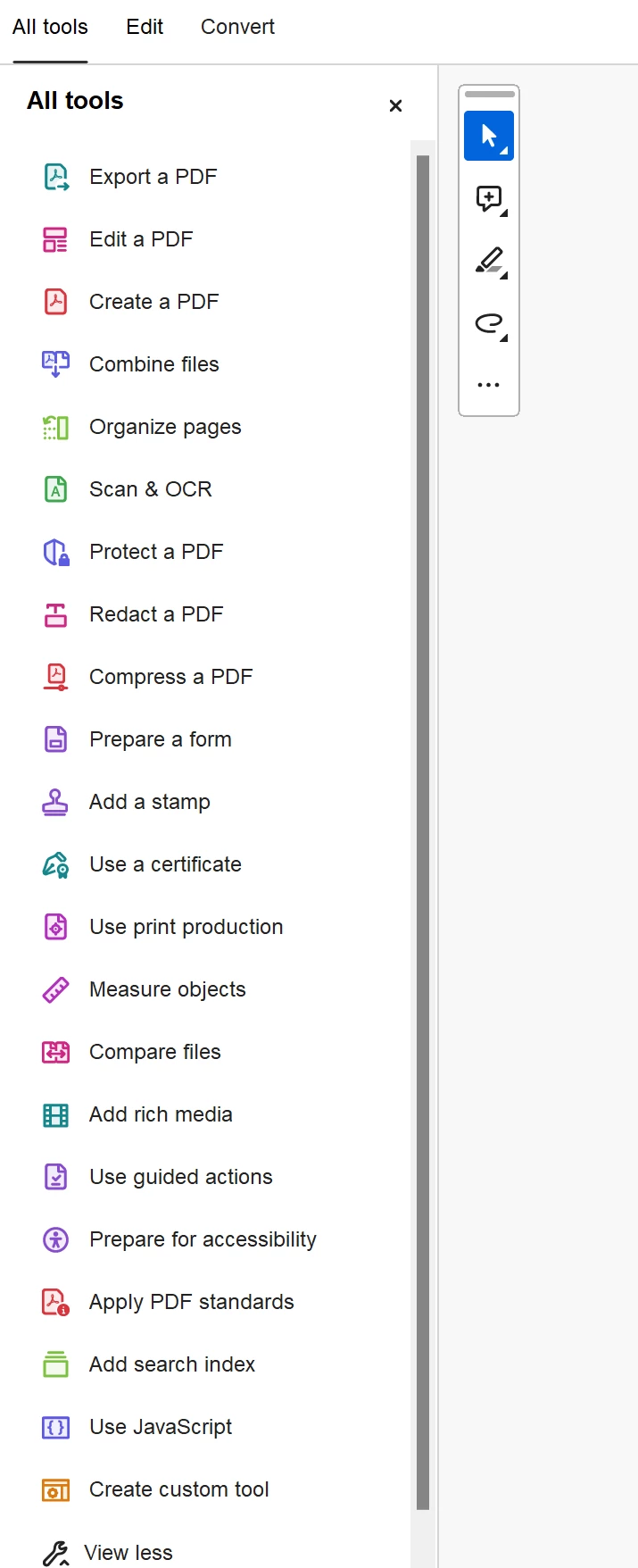
Can somebody please help? I've seen similar posts like this but none have a resoluton that works for me.
Kind Regards
Jason
 AdChoices