Participant
May 26, 2021
Answered

Rich Media (Audio WAV FILE) within PDF (button) not playing in Chrome

  • May 26, 2021
  • 2 replies
  • 2085 views

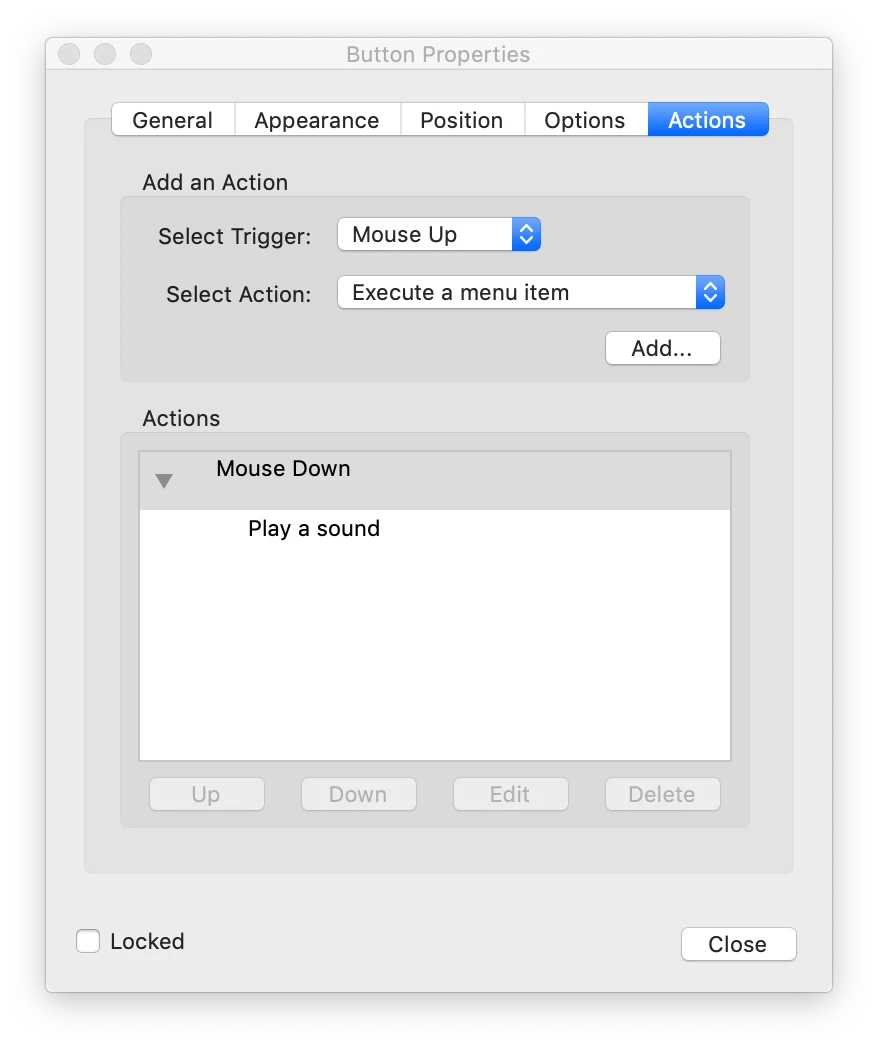
I have created a PDF and edited to include Rich Media in Acrobat. Simply put I have a "play graphic" within a the PDF artwork over which I have added a Rich Media button. The button's action set the action to play an audio file on Mouse Down. Audio file is a short WAV file.  Audio plays correctly within Acrobat; though, when I open/view the PDF in Chrome it does not have the desired effect (playing audio) when I mouse down the button. Is this Chrome's internal PDF reader/viewer? Could I export this PDF in another way to allow for Rich Media to be played? 

Version 90.0.4430.212 (Official Build) (x86_64)


This topic has been closed for replies.
Correct answer Thom Parker

The Chrome PDF viewer, and many other 3rd party viewers, don't support most interactive PDF features. 


2 replies

Thom Parker
Community Expert
Community Expert
May 27, 2021

You could force the PDF to be downloaded by adding the "download" attribute to the PDF link.

https://www.w3schools.com/tags/att_a_download.asp


This might force it to open in the system default viewer (not guarenteed to be Reader). 

Thom Parker - Software Developer at PDFScriptingUse the Acrobat JavaScript Reference early and often
JD5FD6Author
Participant
May 27, 2021

Great solution to this issue. Again, I apprecaite your time and assistance.

Thom Parker
Community Expert
Thom ParkerCommunity ExpertCorrect answer
Community Expert
May 27, 2021

The Chrome PDF viewer, and many other 3rd party viewers, don't support most interactive PDF features. 


Thom Parker - Software Developer at PDFScriptingUse the Acrobat JavaScript Reference early and often
JD5FD6Author
Participant
May 27, 2021

Thank you, Thom. Thanks for helping me get some of my time back!