Answered
Rotating objects copied into PDF from SnipIt
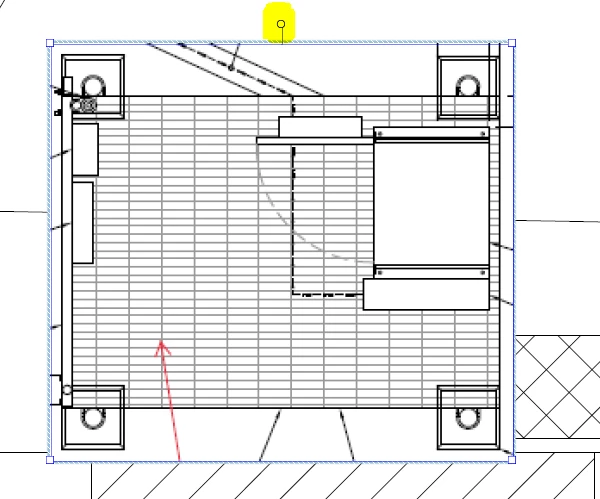
I have a set of plans that I am redlining. I have copied an image from another set of plans to show the designer what to draw. I copy and paste it into the drawing that is being redlined. It drops fine and I can expand or shrink it just fine. However, even though it has a round rotation dot, the cursor will not select it so I can rotate it.
How do I get the cursor to select the small rotation circle?
 AdChoices