
Participant
July 14, 2016
Answered

Rotating text boxes in Acrobat

  • July 14, 2016
  • 1 reply
  • 12974 views

Most of my document is in portrait orientation with the exception of a few pages that have to be in landscape. On those 4 pages I need to rotate the page numbers 90 degrees in order for the format to match when printed and bound. However, the page number text box disappears when rotated manually and the rotation button in the tool pane is grayed out. Anyone know how to fix this?
This topic has been closed for replies.
Correct answer Adorobat

Hi matthewg59765186 ,

Please perform below mention steps:

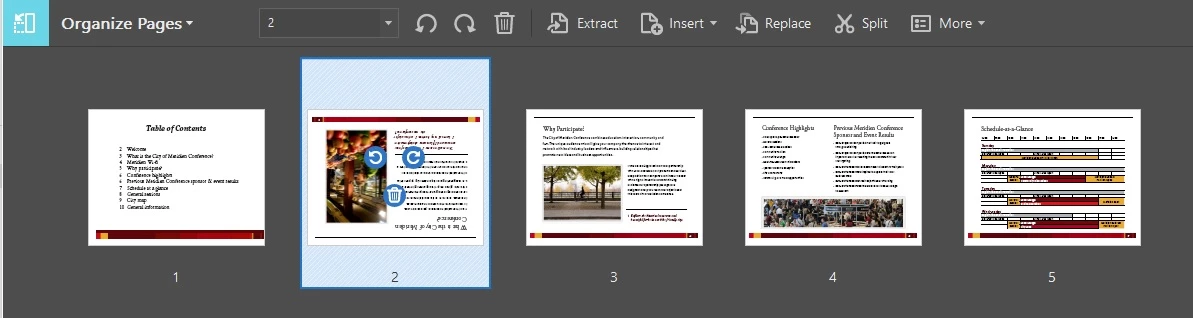
Open the document>Tools>Organize Pages>click on the page(s) you want to change orientation of>rotate the page>File>Save.

Let us know if you face any issue.

Thank You!

Shivam

1 reply

Adorobat
AdorobatCorrect answer
Participating Frequently
July 14, 2016

Hi matthewg59765186 ,

Please perform below mention steps:

Open the document>Tools>Organize Pages>click on the page(s) you want to change orientation of>rotate the page>File>Save.

Let us know if you face any issue.

Thank You!

Shivam

Participant
July 14, 2016

I don't want to rotate the page. Just the text box for the page numbers.

However, when I do that, the text box disappears.

Adorobat
Participating Frequently
July 14, 2016

Could you please post a screenshot here?