
Known Participant
June 6, 2025
Question

Same image to two versions of the same document but one shows white box from other image behind it

  • June 6, 2025
  • 2 replies
  • 400 views

Hi, I am adding the same image to two versions of the same document and yet on one, there is a white box from another image (that was in the PDF when it was created) visible behind it. It also appears that the second image is lighter than the first. I am attaching a couple of screenshots for reference. The PDFs were generated through Vellum on different days, but the image being added is the same. I have tried copy and pasting the image that does NOT show the visible white box into the other document to no avail. What is causing this to happen?


Thanks in advance!
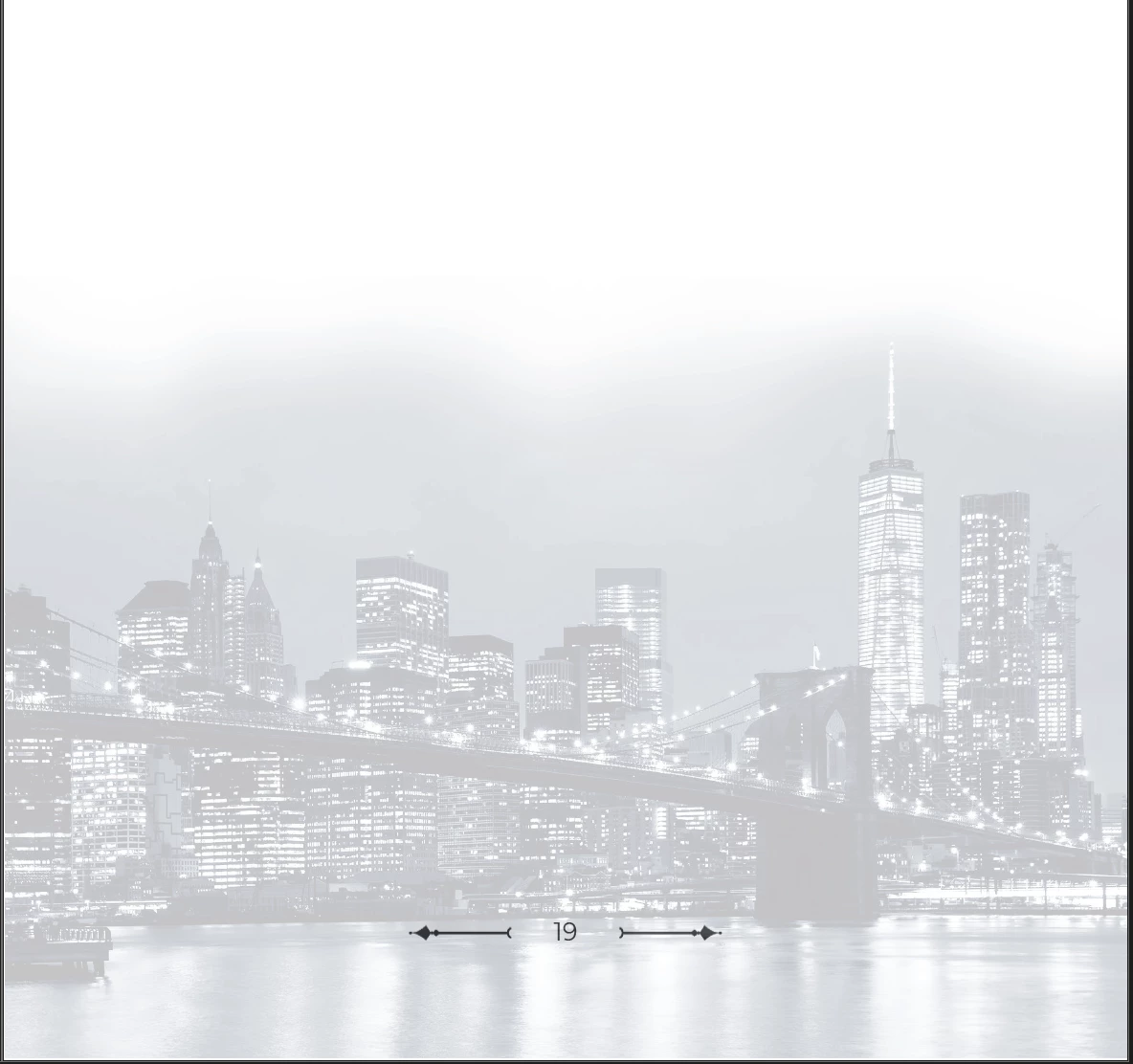

2 replies

Dave Creamer of IDEAS
Community Expert
Community Expert
June 6, 2025

Did you check Vellum's generation settings prior to each one?


David Creamer: Community Expert (ACI and ACE 1995-2023)
Known Participant
June 6, 2025
I did, although there was an update to Vellum in the intervening days since
the two documents were generated, which I wondered might have changed
things. Having said that, I have found that using Acrobat in Chrome
produces the result I want—just not in the Desktop version of it.
Dave Creamer of IDEAS
Community Expert
Community Expert
June 6, 2025

I don't think the viewing method would matter too much. I would have to think it's the creation setting that must have changed. What happens if you rerun the original file with the new Vellum update?


Also, did you check the Print Production: Output Preview panel (set to Object Inspector) to see if there is a difference in the images?


David Creamer: Community Expert (ACI and ACE 1995-2023)
Meenakshi_Negi
Legend
June 6, 2025

Hi Precious_fierceness5F97,


Thank you for reaching out.


As mentioned above, the PDFs were generated through Vellum. Please confirm if you made any changes to the PDF in Acrobat.

It seems to be a file-specific issue. Could you share both files with us so we can check them? Also, please share the Acrobat and OS version numbers installed on the machine. 


Feel free to let us know if you need any help.


Thanks,

Meenakshi

Known Participant
June 6, 2025
I am adding the background images to the PDF via Acrobat installed on my
Desktop. The page number/stylistic flair were both part of the
Vellum-generated PDF.

I am using MacOS Sequoia 15.4.1. Acrobat is version 2025.001.20476. I have
since discovered that I can add the images with the visible box behind them
using Acrobat in Chrome.

I am unable to share the PDFs at this time. Thank you!
Meenakshi_Negi
Legend
June 18, 2025

Hi Precious_fierceness5F97 ,


To confirm that, we would need to check the document. Also, could you please share the screenshot of the output preview window for both the files. 


If the issue has already been resolved, let us know.


Thanks,

Meenakshi