

Answered
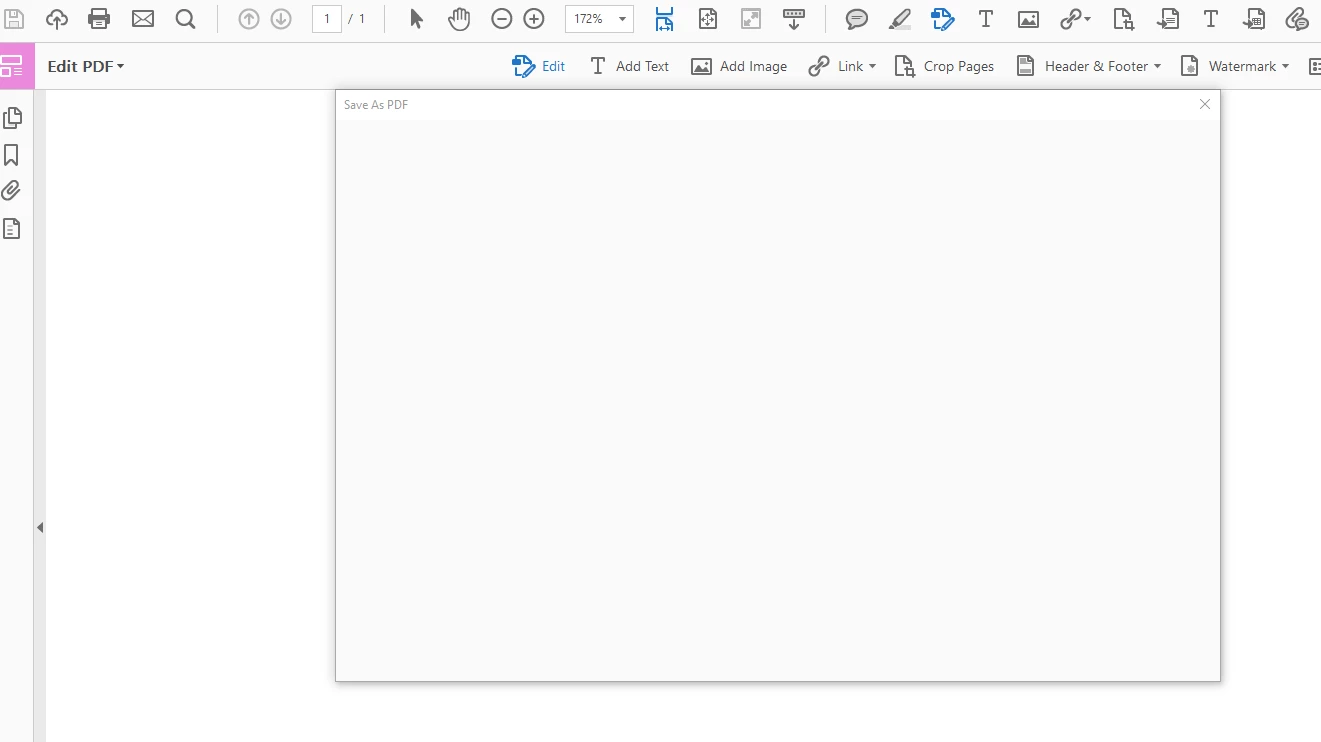
"Save As" Popup is Blank
Adobe software: Acrobat DC (fully updated)
Operating system: Windows 10 (fully updated)
Third-party software in use: Office 365, Adobe Acrobat DC
Hello,
Hope someone can help with this... When I click on Save As using Adobe Acrobat DC, the save as box dialogue/box pops up and is blank, then the program freezes and shuts off.
Steps I have taken to resolve: I just export the file to an optimized PDF and then the software prompts me to save the document, at which point I am able to save it. Of course, I should not have to do that to save an acrobat file.
Here is a screen shot:
 AdChoices