blbcam
Participant
June 7, 2024
Answered

Save As Stuck and Will Not Work (macOS Sonoma)

  • June 7, 2024
  • 1 reply
  • 1429 views

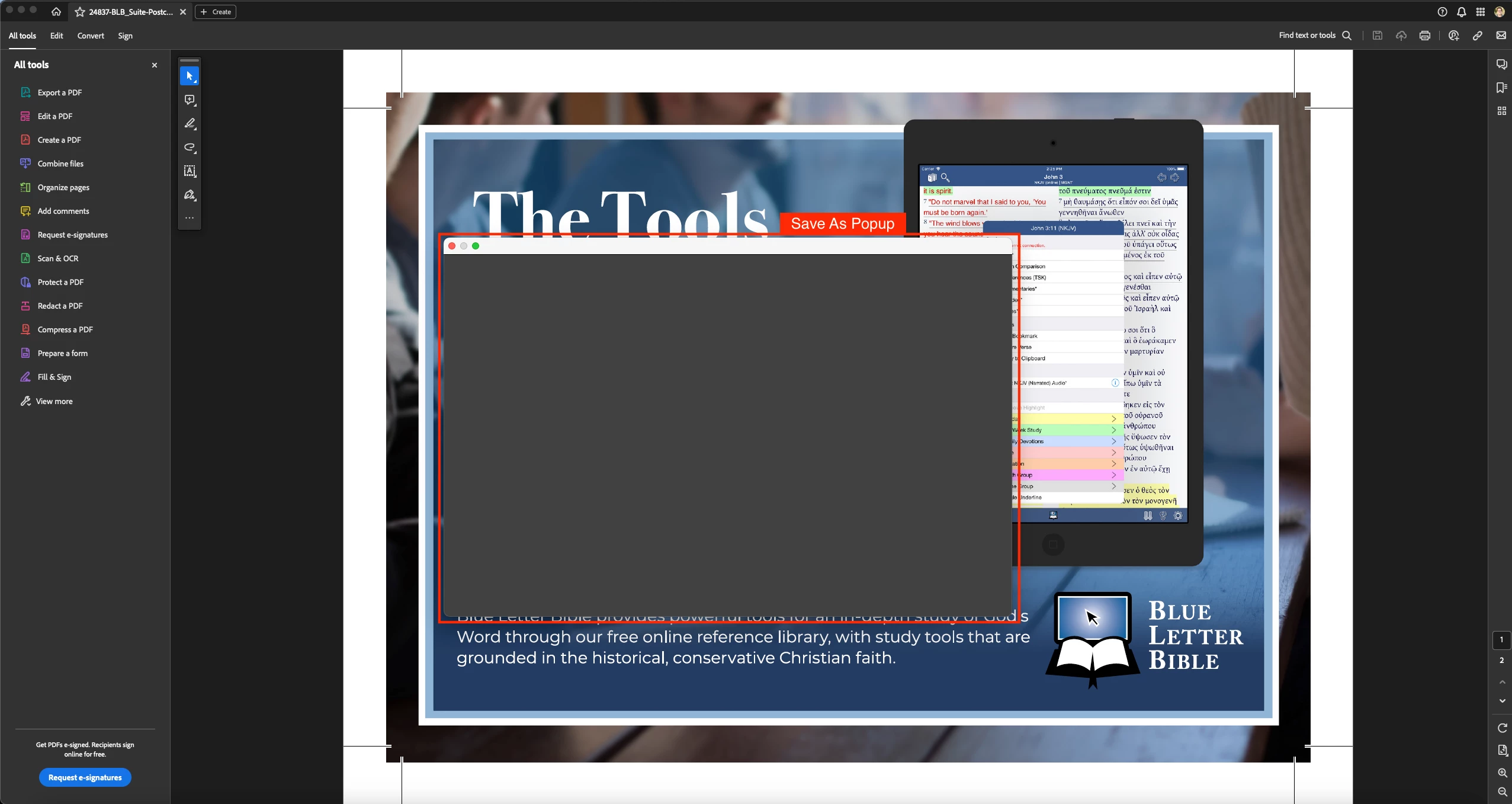
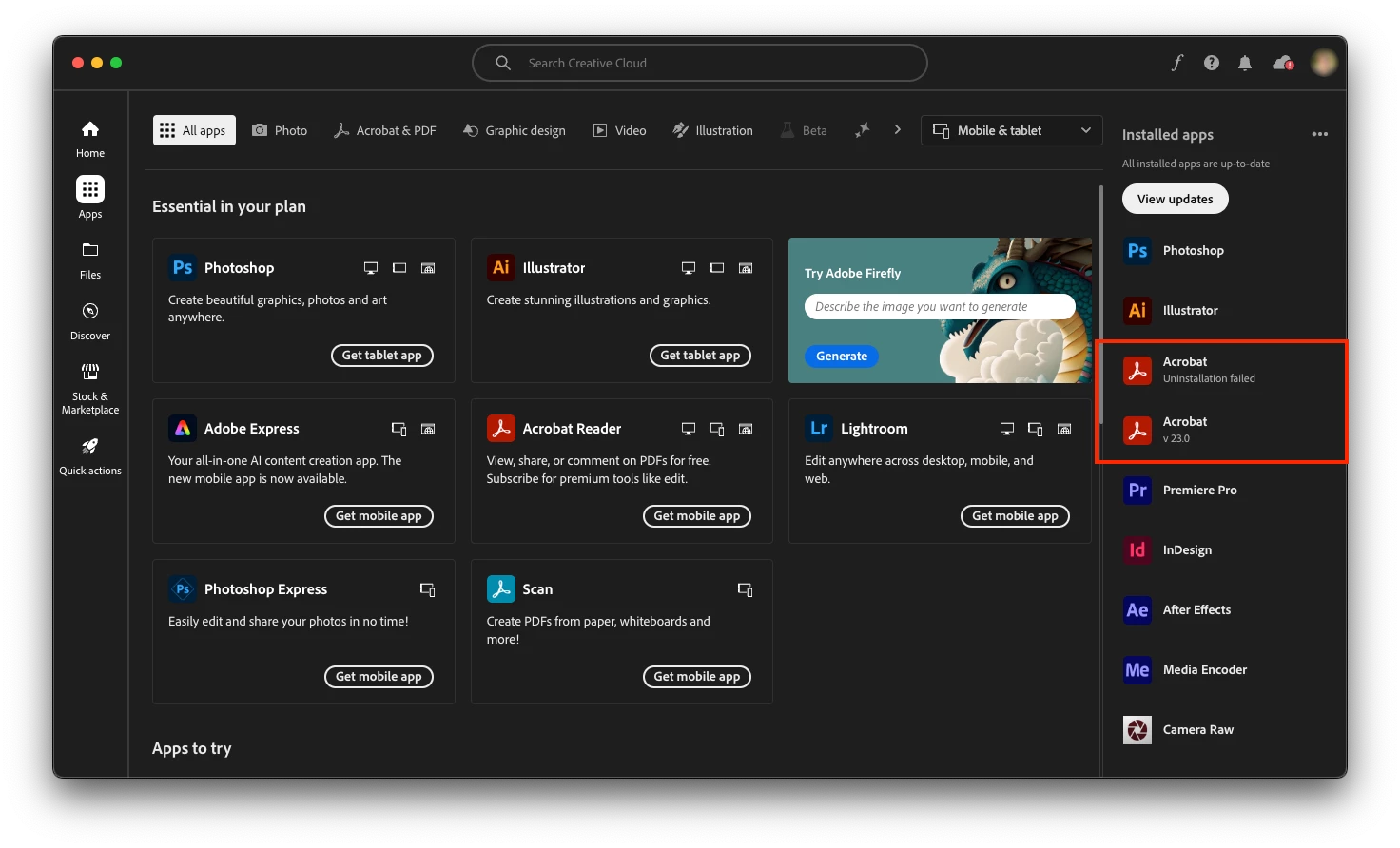
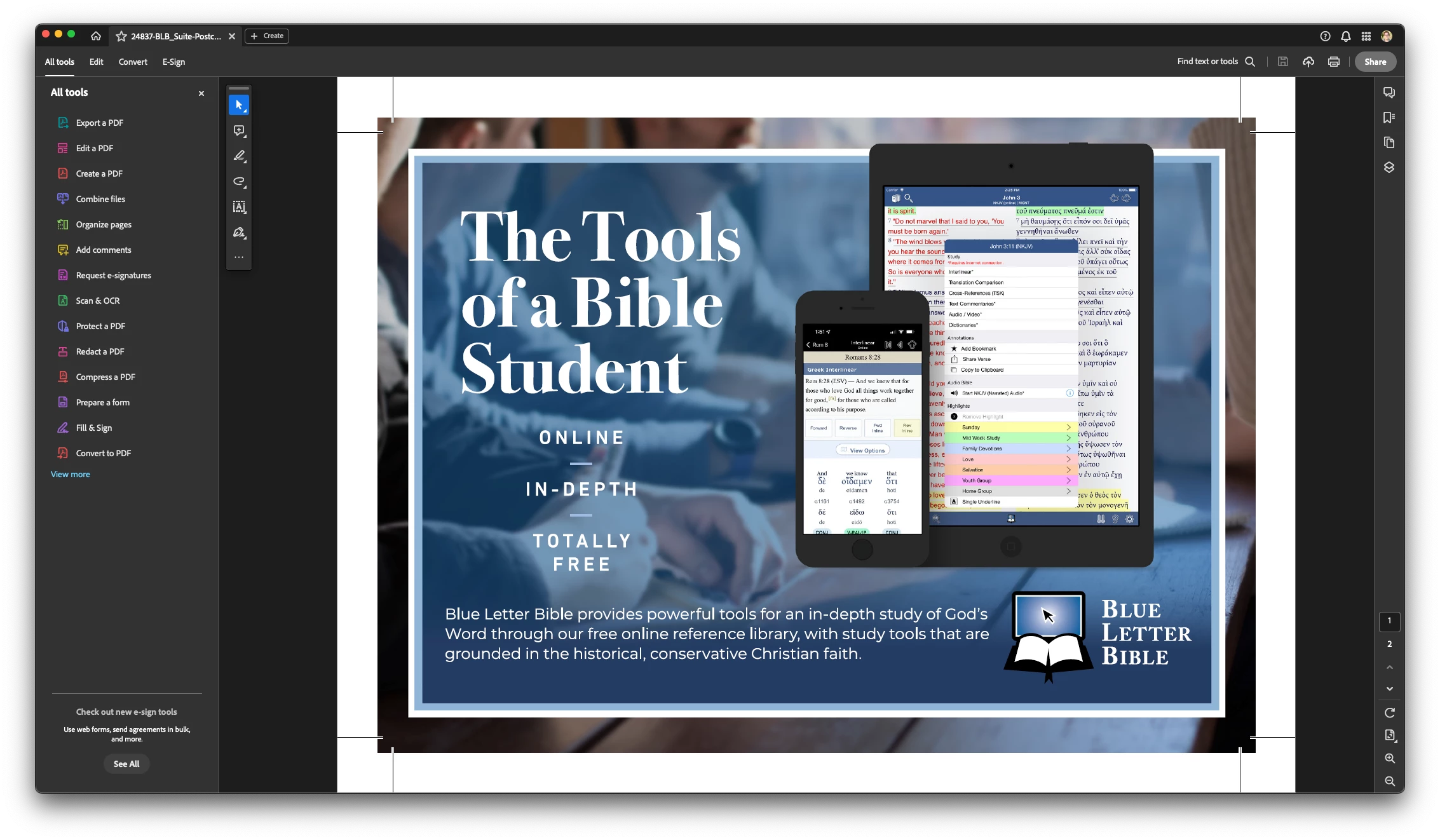
Ever since the latest Acrobat update, I'm having issues saving files. When I try to uninstall Acrobat to reinstall it, I get "Uninstallation failed" and it creates a 2nd Acrobat for v 23.0. When I also try to uninstall that, I get the same thing: "Uninstallation failed." Any help would be great. Here are some screenshots of the issue:


Here are the version and machine specs:


Adobe Acrobat Pro - Continuous Release | Version 2023.006.20380
Architecture: arm64

Processor: Apple M1 Max

OS: macOS Sonoma Version 14.5

Build: 23.6.20380.0

AGM: 7.1.3

CoolType: 9.0.2

JP2K: 4.0.0.52671


Any help would be great. Thank you!
This topic has been closed for replies.
Correct answer blbcam

Hi Amal, once I did a restart and tried the process again, it worked and I was able to install Acrobat outside of Creative Cloud. It seems to be working now. Thanks for your help!


1 reply

Amal.
Community Manager
Community Manager
June 7, 2024

Hi @blbcam 


Hope you are doing well


Please remove the application using the Acrobat cleaner tool https://www.adobe.com/devnet-docs/acrobatetk/tools/Labs/cleaner.html, reboot the computer and reinstall the application using the direct link https://helpx.adobe.com/acrobat/kb/acrobat-dc-downloads.html and see if that works.


~Amal


Got your issue resolved? Please label the response as 'Correct Answer' to help your fellow community members find a solution to similar problems.

blbcam
blbcamAuthor
Participant
June 8, 2024

Thank you Amal for the suggestion! I tried this and I get the following message: "The selected product is not found on this machine." How should I proceed?


blbcam
blbcamAuthorCorrect answer
Participant
June 10, 2024

Hi Amal, once I did a restart and tried the process again, it worked and I was able to install Acrobat outside of Creative Cloud. It seems to be working now. Thanks for your help!