
Answered
Saving Home and End navigation buttons - Adobe Acrobat DC
If I want the 'Home' and 'End' navigation buttons to appear always, and not just for a particular document, how do I do that?

If I want the 'Home' and 'End' navigation buttons to appear always, and not just for a particular document, how do I do that?
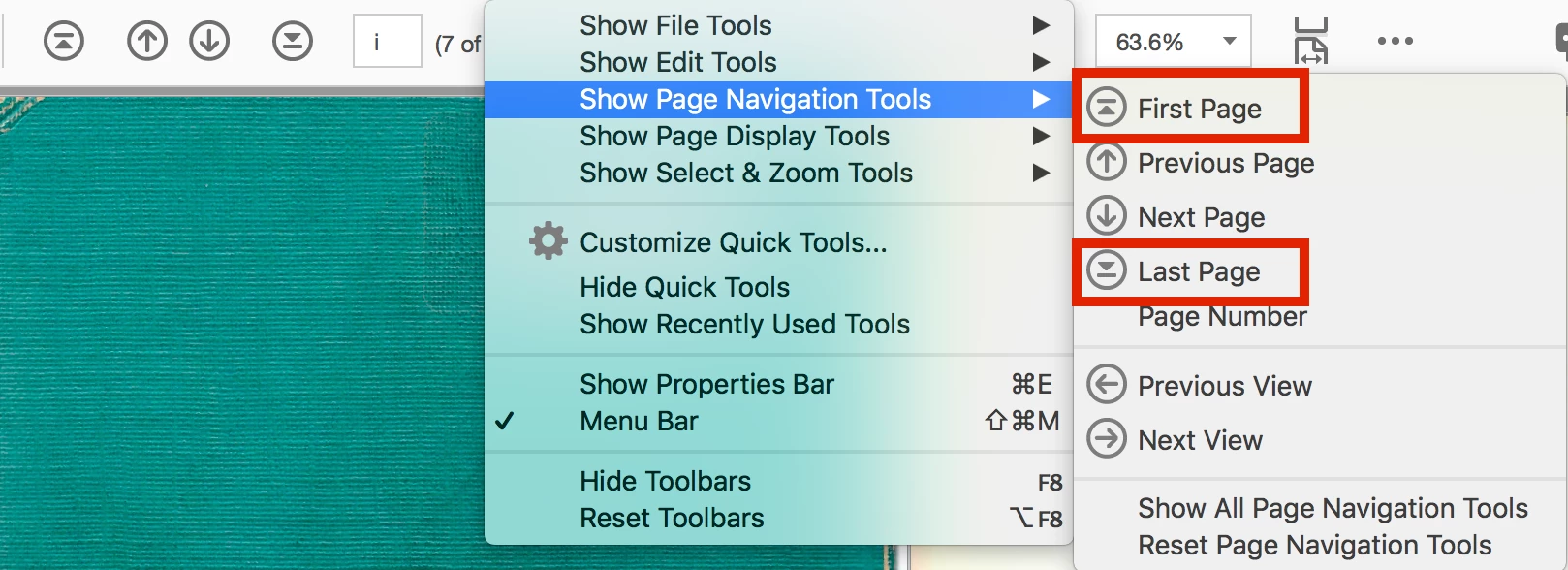
Right click on the Toolbar and choose Show Page Navigation Tools > First Page and Last Page. You'll need to do them one at a time.
Already have an account? Login
Enter your E-mail address. We'll send you an e-mail with instructions to reset your password.
 AdChoices