



Scanned pdfs has errors in Acrobat
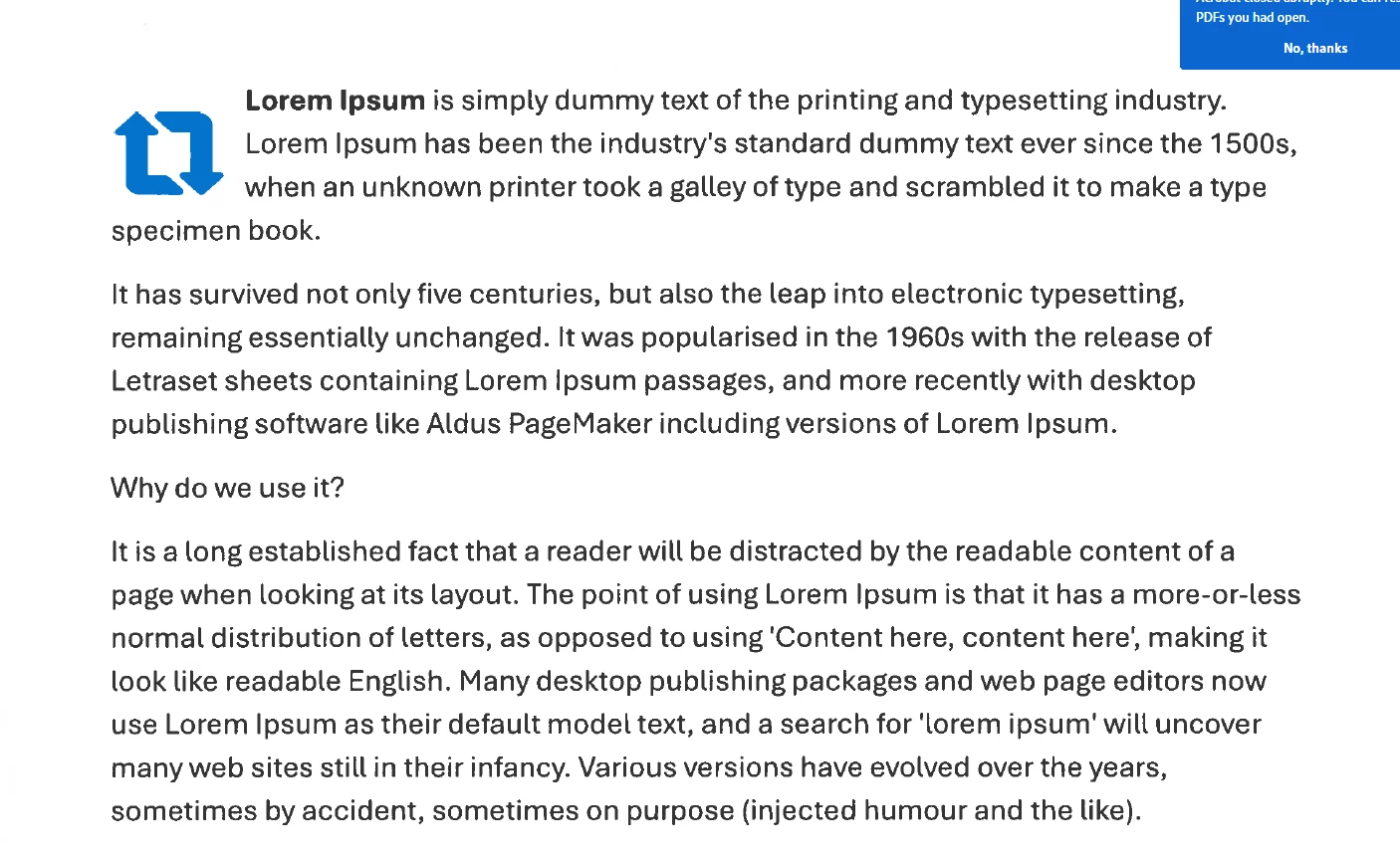
Whenever I scan a document from a Xerox printer and send it to my email, the scanned pdf in Acrobat looks low quality. Look below to find a screenshot of what I mean when I say low quality.
I have reached out to Xerox to discuss this issue and we adjusted the DPI and sharpness of the scans and we were unable to find a solution. Afterwards, I looked into the possibility of it being a rendering issue and I do believe it is. I was unable to find a graphics acceleration option in the settings so I have not been able to adjust that. I did find that zooming in and out at certain points, the quality increases and looks great, and then in certain spots the quality is worse. Additionally, we have sent the scanned pdf to other users with different PCs and we found that two users, using graphics cards, the quality was almost perfect.
My overall question is, what would be a long-term solution to this problem? It is very critical for a group of users to see the actual scan without rendering issues, if that is the case. We have discussed our options and I was purposing new computers that could possibly have a graphics card, instead of using built-in Intel graphics that their CPU’s use. I am open to hearing any suggestions or comments you have.
In the image below you can see that some letters appear to be cut off.
 AdChoices