Question
Scanner dialog box shows up every time I initiate scan
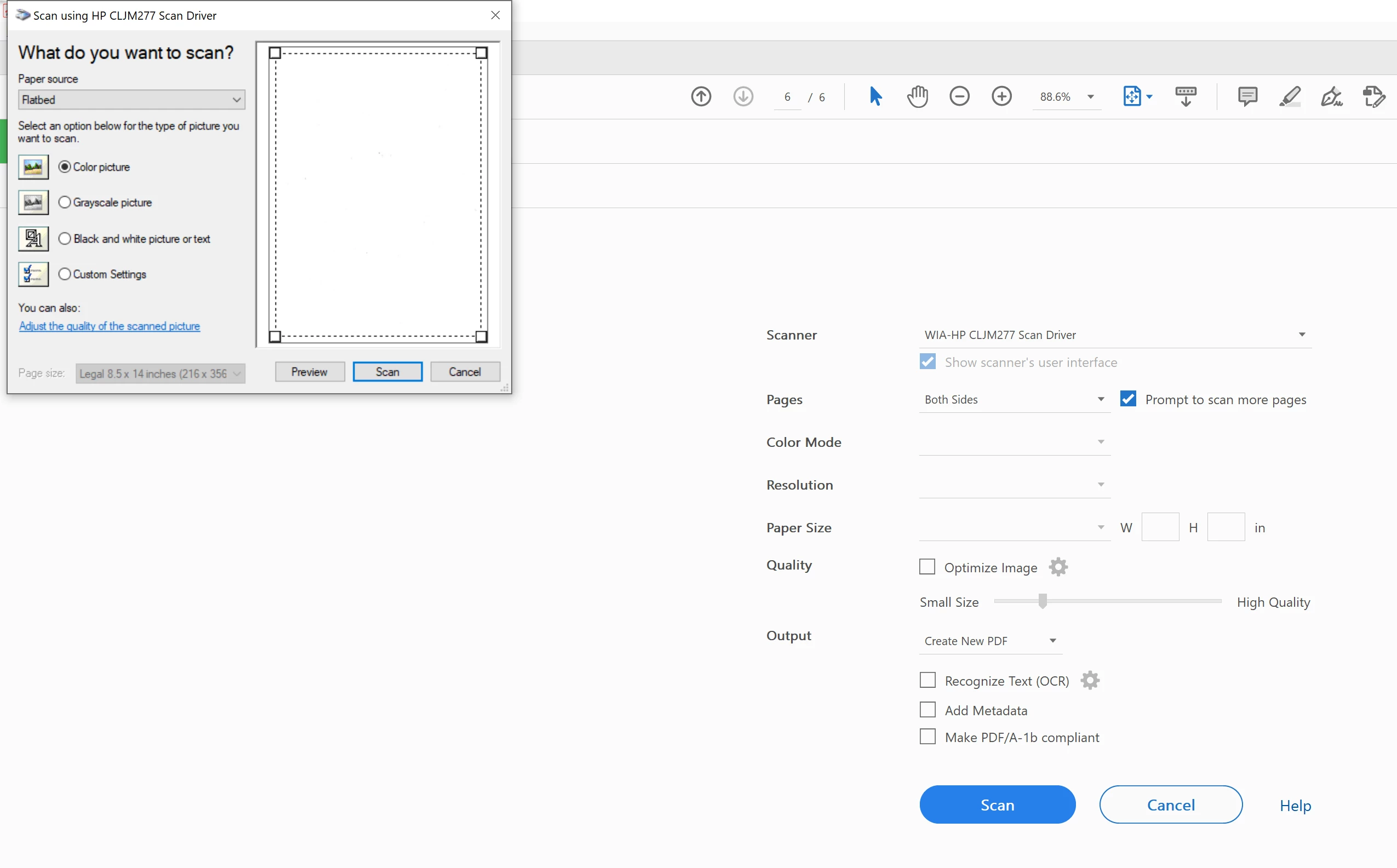
Every time I start Scanning the dialog box in the top right of the image shows up. I have to fix the page size every singe time. How can I bypass this?

Every time I start Scanning the dialog box in the top right of the image shows up. I have to fix the page size every singe time. How can I bypass this?
Already have an account? Login
Enter your E-mail address. We'll send you an e-mail with instructions to reset your password.
 AdChoices