Known Participant
January 26, 2021
Question

Security on PDF Forms

  • January 26, 2021
  • 3 replies
  • 556 views

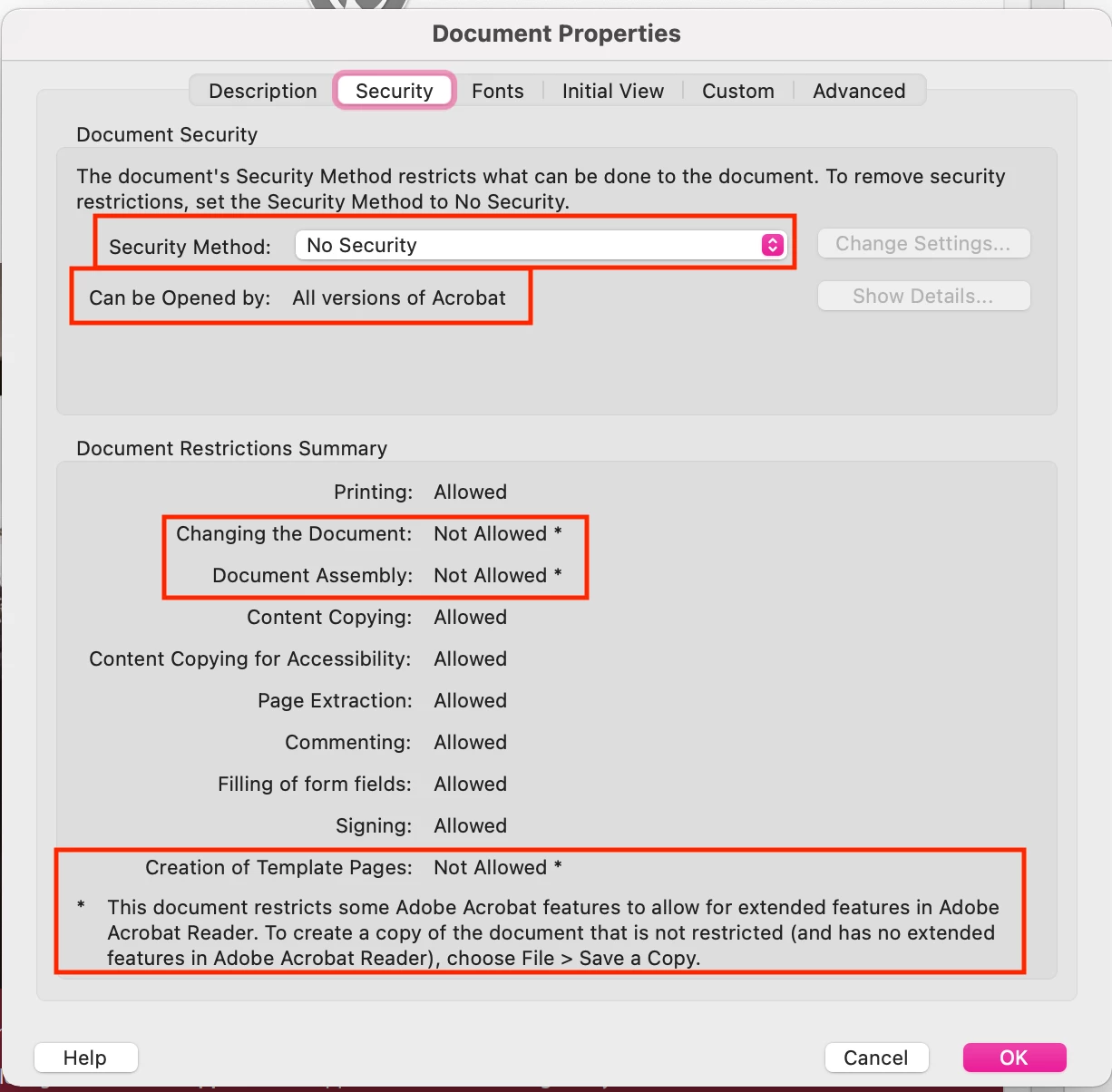
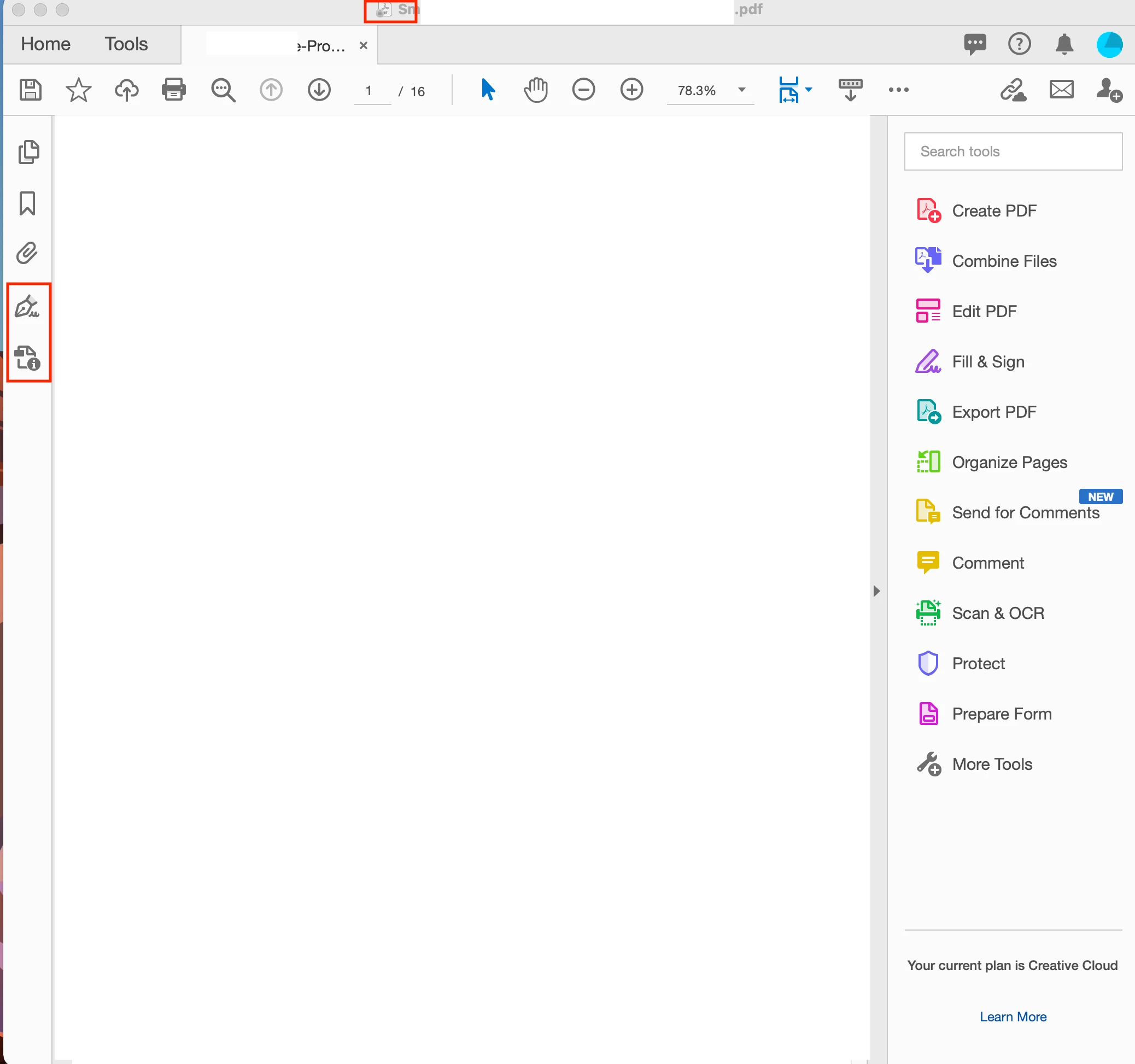
I am trying to replicate the below security settings on a PDF form I created. Does anyone know how to apply the actions highlighted in red?
This topic has been closed for replies.

3 replies

JR Boulay
Community Expert
Community Expert
January 26, 2021

Be aware that "Reader Extended" is not a security setting, any Acrobat Pro user can go to File menu : Save a Copy to get a not restricted file.

Acrobate du PDF, InDesigner et Photoshopographe
Known Participant
January 27, 2021

Thank you, I see what you mean. Would you suggest going to properties and going to password security? I do not really understand what Certificate Security is. Would I choose Acrobat X and later so that everyone can open the file?

JR Boulay
Community Expert
Community Expert
January 27, 2021

No, "Document restrictions" is a gadget that protects documents againts grandmothers and those who don't know Google.

If you want to really protect a document you must sign it.

Acrobate du PDF, InDesigner et Photoshopographe
try67
Community Expert
Community Expert
January 26, 2021

Be aware that this is really not necessary any longer, unless the file is going to be used in older versions of Reader.

Known Participant
January 27, 2021

How would you save the file for the general public that can applies to all versions of Acrobat? Would you create a permissions password instead?

Bernd Alheit
Community Expert
Community Expert
January 26, 2021

Add Reader Extension:

Known Participant
January 27, 2021

Thank you

Known Participant
January 27, 2021

The file I am trying to replicate has a padlock on the PDF icon at the top of the file as you can see in my 2nd picture. Is this a layer of security and do you know how to achieve this?


Your post worked for the actions needed to make restrictions.
