
Send to different emails dependent on a radio button when using the submit button
Hello,
I have an Examination Request Form. There are several entry options for name, course exam and radio buttons for the exam type. Each entry option is dependent on whether the user enters a name for that row. At the bottom, there is a Submit button, which sends to one address.
I need to make it send to one address if the radio button for Exam Type is "Retest" or "Re-certify" and a DIFFERENT email address if the radio button is "Instructor Qualification."
The trick is that there are four optional rows where this could happen. Right now, the 2nd-4th rows have a validation script on the "Test-Taker Name" field: var bRequired = event.value !=event.target.defaultValue;
this.getField("2nd Test-Taker Email Address").required = bRequired;
this.getField("2nd Exam Choice").required = bRequired;
this.getField("2nd Test-Taker Exam Type").required = Required;
this.getField("2Proposed Exam Date").required = bRequired;
Would it be easier if I changed the Exam Type from a group of radio buttons to a drop-down menu?
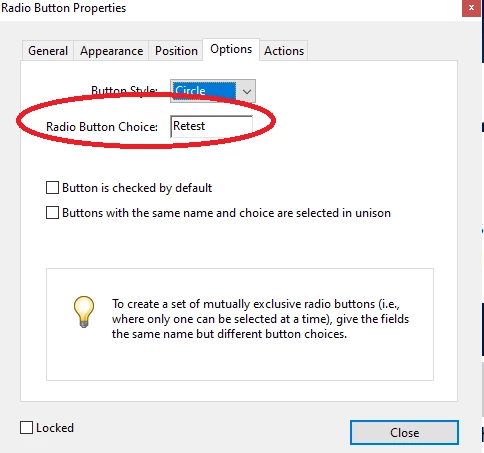
Right now, the "Retest" button makes the "Original Date" field a required field.
I've seen good answers for different emails based on drop-down choices, but there was no mention of a Submit button and I can't figure out how to make this work for my situation.
Best regards,
Christine Shell
 AdChoices