mohammedj53
Participant
July 5, 2018
Answered

Set of 20 labels in single pdf, i need to position identical text field on each label

  • July 5, 2018
  • 1 reply
  • 2906 views

Hi,

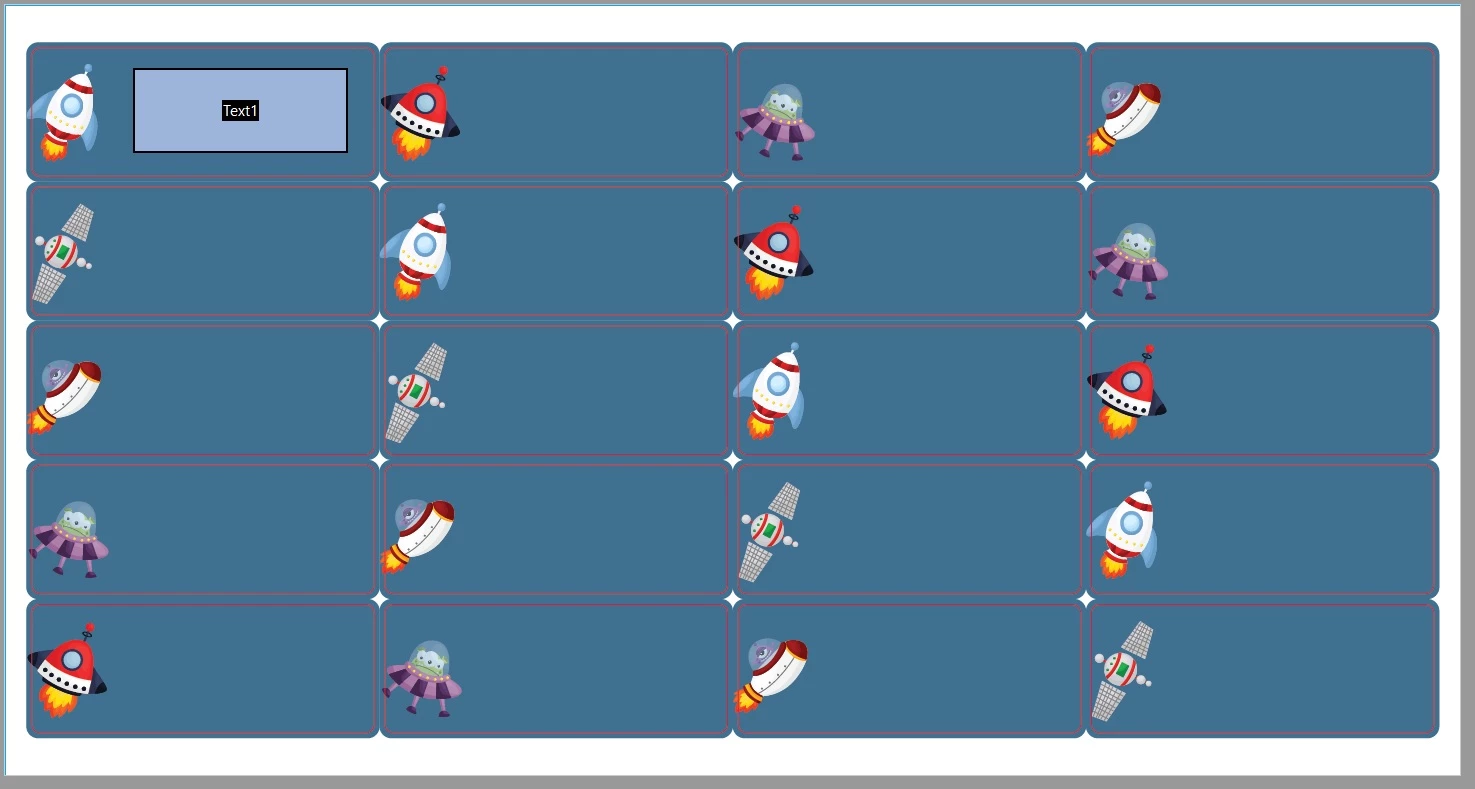
I have a set of 20 labels in a single PDF. I need to position the exact same sized text field, in the exact same position in each individual label on the set - how do i achieve this?

I have hundreds of these sets with different designs - so i need to figure out an easier way to do it, rather than painstakingly doing each and every label manually one at a time.

Attached is a picture of what i'm working with.

Any suggestions would be greatly appreciated! (P.S I'm working on adobe acrobat DC at the moment)
This topic has been closed for replies.
Correct answer Bernd Alheit

In form edit mode select the field. Then use at right mouse click "Create Multiple Copies..."

1 reply

Bernd Alheit
Community Expert
Bernd AlheitCommunity ExpertCorrect answer
Community Expert
July 5, 2018

In form edit mode select the field. Then use at right mouse click "Create Multiple Copies..."

mohammedj53
Participant
July 5, 2018

Okay this works well enough for me, thank you.

One more question, how do i center the text horizontally in the text field? I see the option to center it vertically in the text field properties - but there is no option to center the text horizontally. Any suggestions?

try67
Community Expert
Community Expert
July 5, 2018

It's the other way around, actually... You can set it to center horizontally via the Alignment property.
If you set the Multiline option the text will be aligned to the top of the field. Otherwise it will be aligned to its center.

Other alignment options are available if you set the field as having Rich Text Formatting.