
Question
Sett all black and U.S. Web Coated (SWOP) v2 in Droplet
I often use following to preflight options.
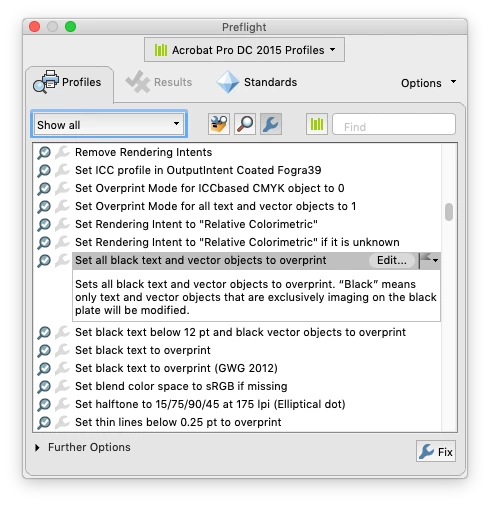
Print Production>Preflight>Set all black text and vector objects to overprint
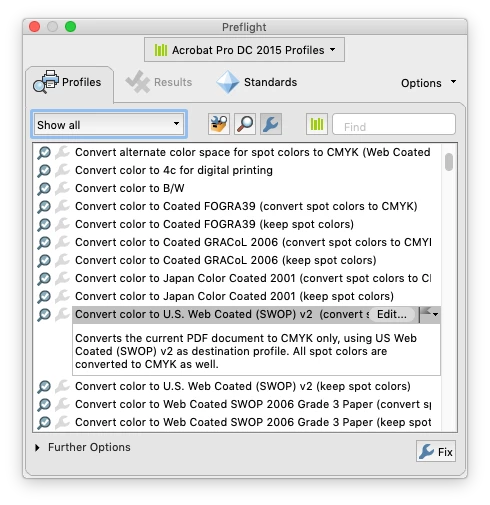
Print Production>Preflight>Convert color to U.S. Web Coated (SWOP) v2 (convert spot colors to CMYK
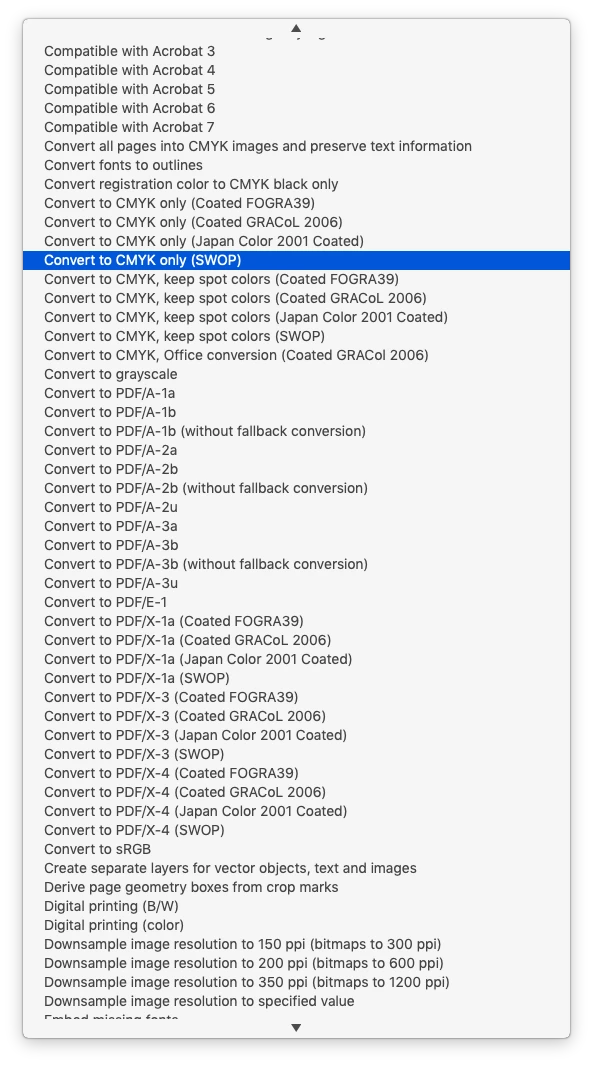
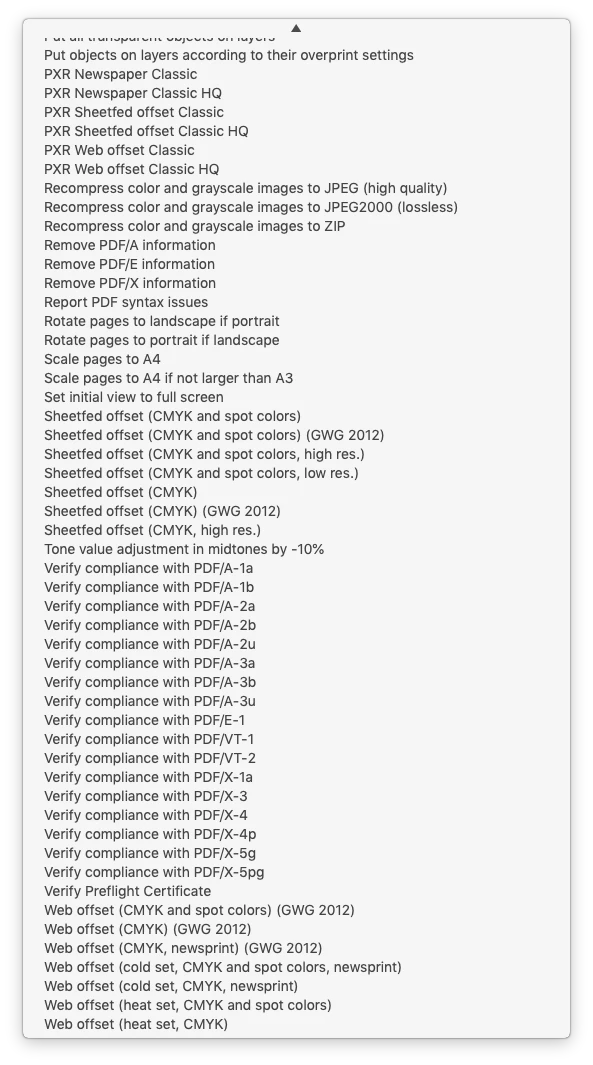
So trying to create droplet for these, there on 'Preflight: Droplet Setup' window, not finding these two fixes anywhere, checked all the options available through two 'Run Preflight check using' drop downs.
Can anyone please help with this? I'm on Mojave and Acrobat Pro DC 2020.006.20034, but is same on previous versions of Acrobat Pro, once I tried to do the same on Acrobat Pro X with similar result.
 AdChoices