
Shared file disappeared from Acrobat cloud
A PDF file I uploaded to the cloud yesterday has disappeared. Here are the steps I took:
1. I uploaded a PDF to the cloud.
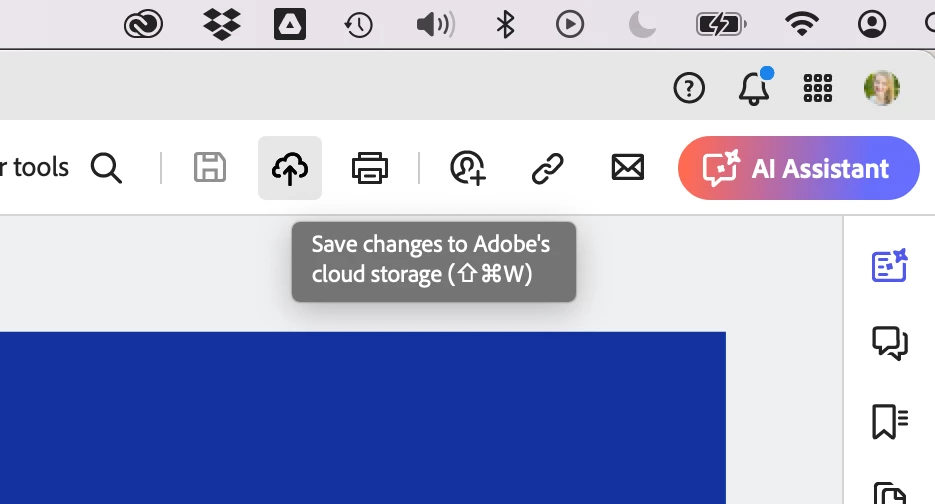
2. I added comments to the file in the cloud. (I used to add comments first before uploading to the cloud, but recently Acrobat started duplicating comments after the file was uploaded to the cloud, which is really confusing and frustrating when sending the file to clients for review.)
3. I made a video for my client talking through some of my strategy for the design: https://www.awesomescreenshot.com/video/25623232?key=f4e1a9489590c416d95644b5988f5b0d
4. I copied the link for the file and shared it with my client: https://acrobat.adobe.com/id/urn:aaid:sc:us:5fd1fd76-aa5a-47e5-bd6e-7b4f0e72b0b2
5. I closed Acrobat and stopped working for the day and didn't do anything else with that file or with anything related to the Creative Cloud.
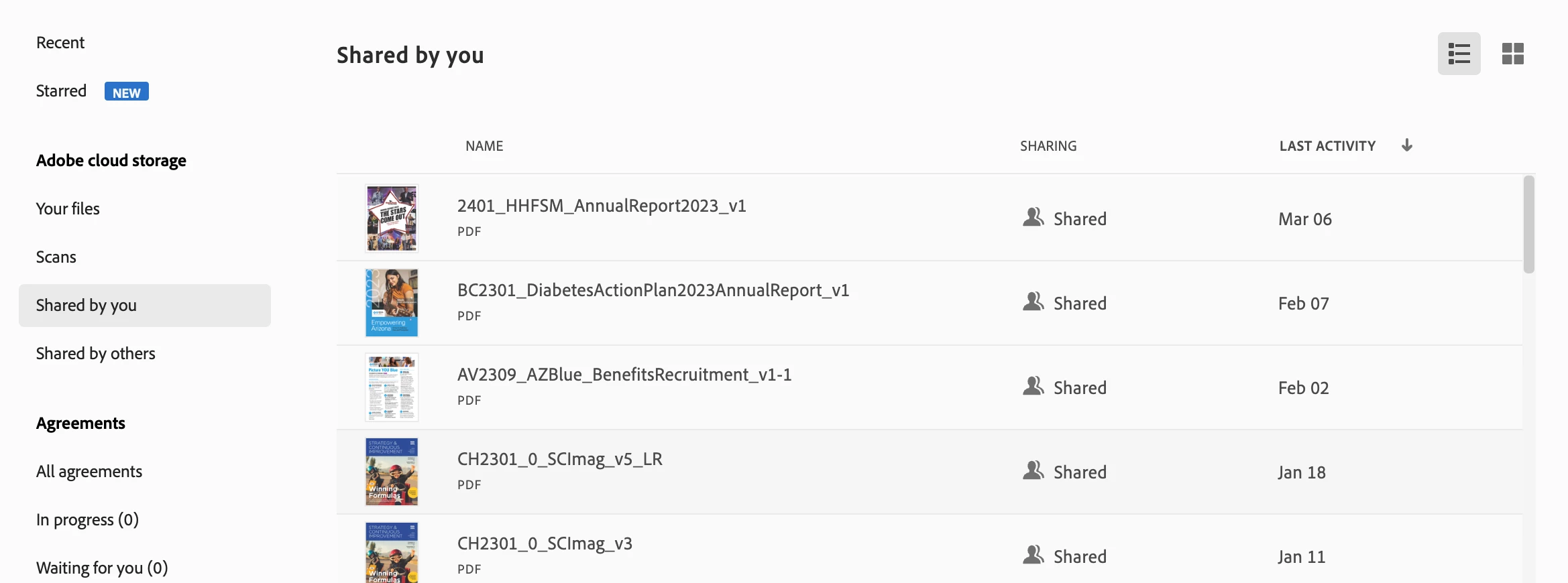
This morning, my client said the link wouldn't work, so I went to test the link, and it wouldn't work for me, either. I opened Acrobat and checked the "Shared by you" list of files. The file showed up there, but as soon as I clicked on it, I got an error message saying that it wasn't accessible, and then the file disappeared from the list.
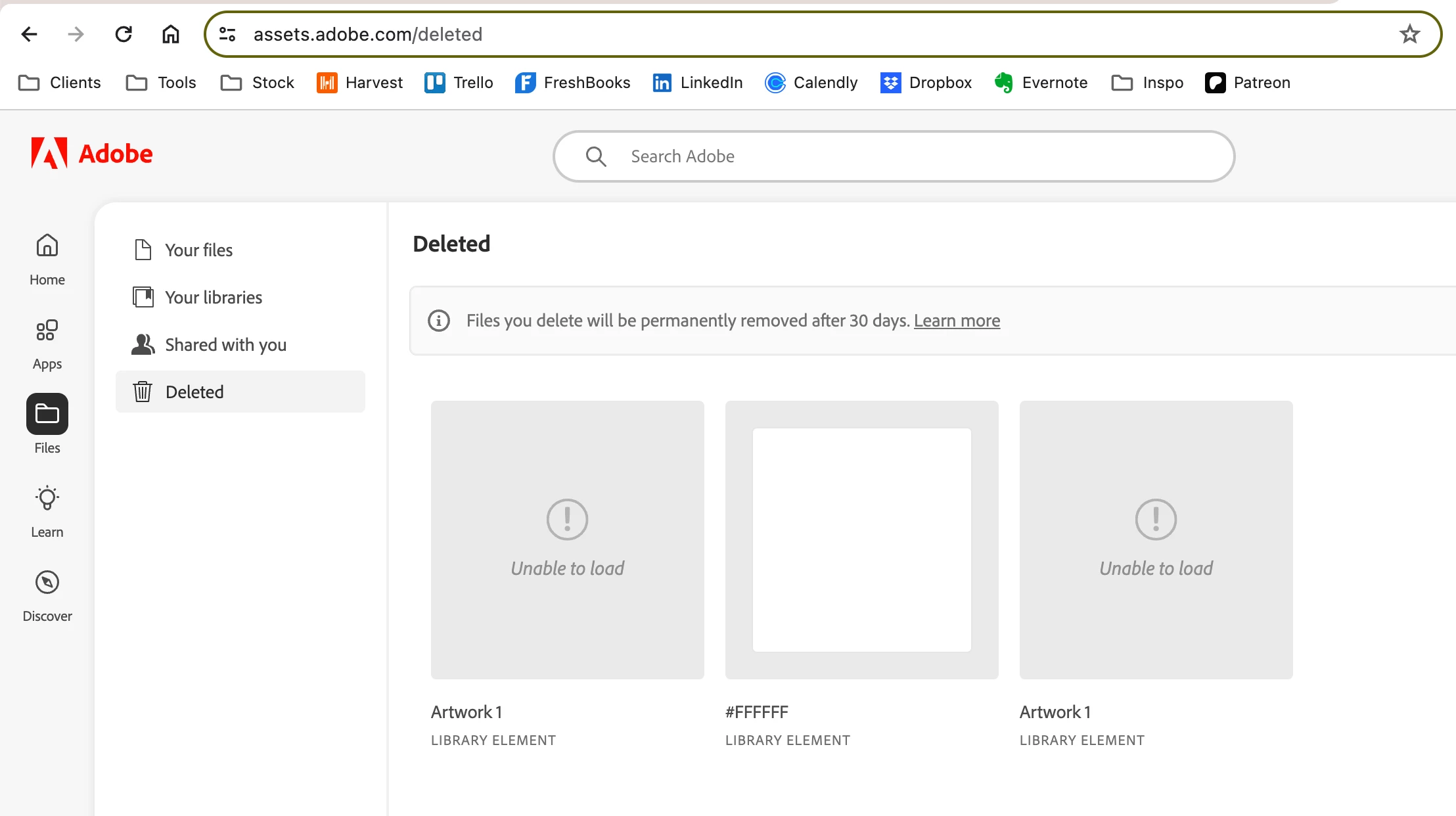
I checked https://assets.adobe.com/deleted and the file wasn't there, either.
I do still have the version saved to my computer/Google Drive, but that's the one with out any of my comments.
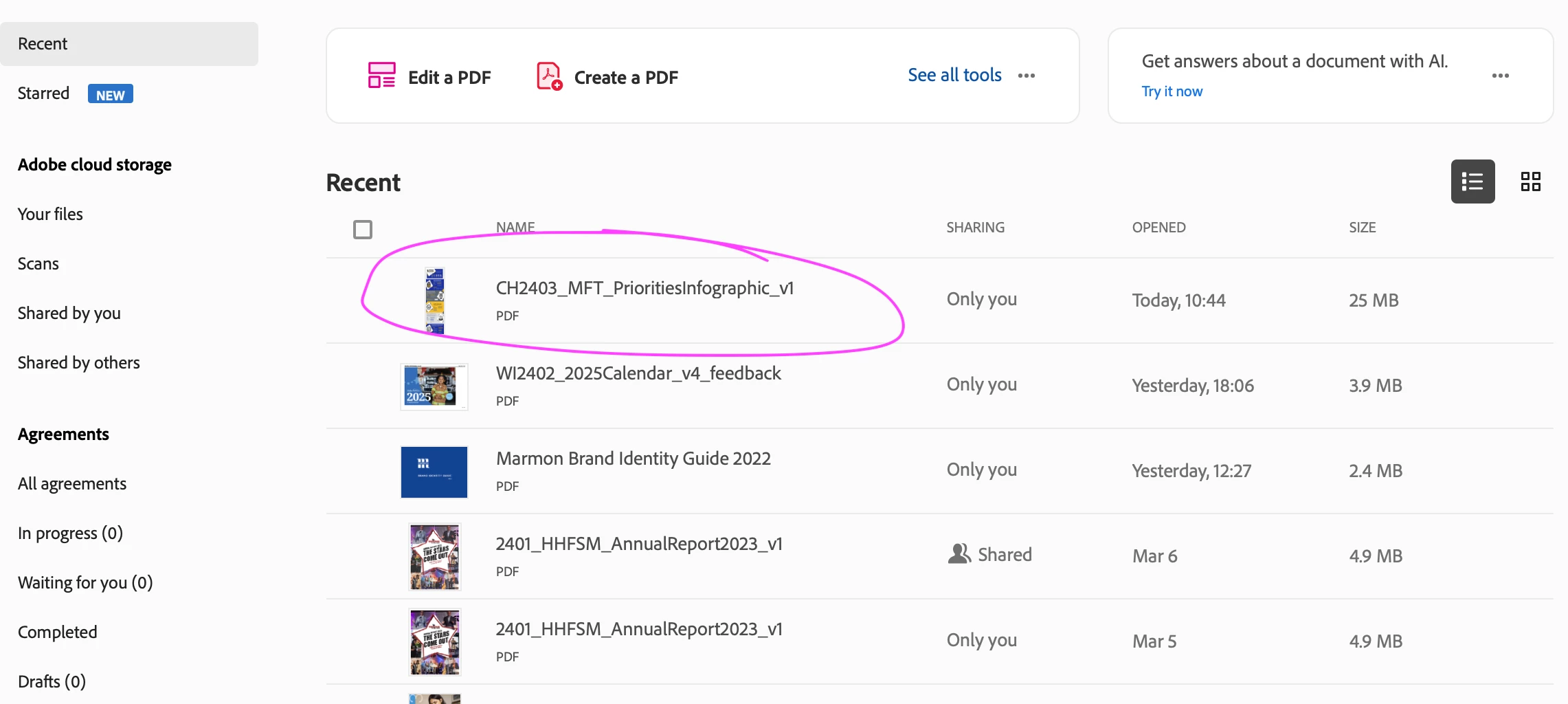
This is a very concerning issue, complicated by my mistrust of the process of leaving comments. Here's an old screenshot that demonstrates that separate issue:
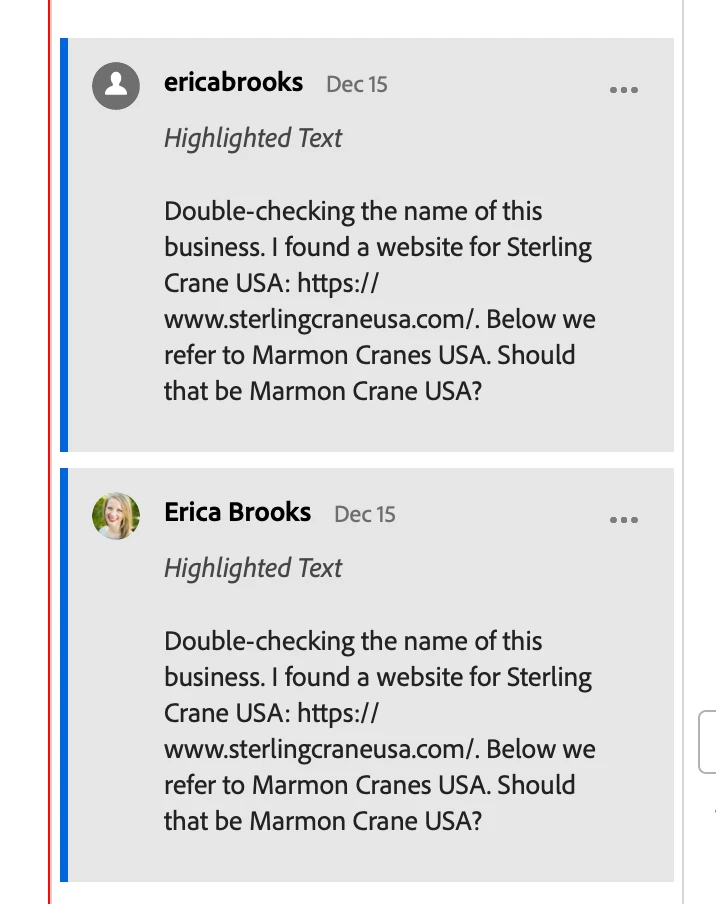
I've searched through this message board and am not seeing any solutions. I hope that someone from the Acrobat product team can see this post and elevate this issue to address both issues.


 AdChoices