Participant
August 6, 2024
Question

Sharing a pdf

  • August 6, 2024
  • 2 replies
  • 492 views

Hi

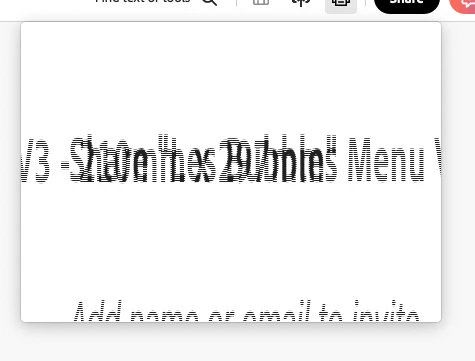
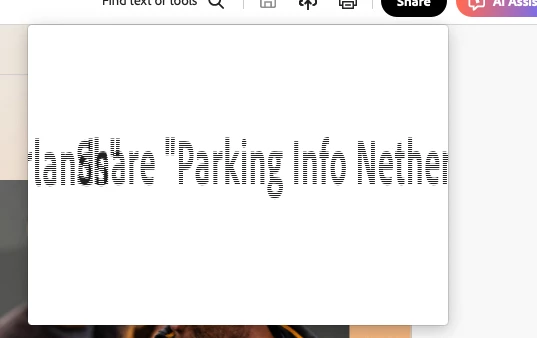
When I try to share a pdf in acrobat, when I click on the share button it doesn't work, I just get the attached screenshot. Any ideas how to fix this problem?
This topic has been closed for replies.

2 replies

Legend
September 19, 2024

Hi @jameso92307989 @Tom2284036619eo


I understand how frustrating it can be when you cannot share a PDF for review, especially when it’s a key part of your workflow. We truly appreciate you bringing this to our attention and sharing your experiences.


We are fully committed to addressing issues like this and ensuring the app functions smoothly for all users. Your feedback is invaluable in helping us improve, and we’re actively working to resolve this problem.


Please try updating your application to the latest version available, and that should fix this issue: https://helpx.adobe.com/acrobat/release-note/release-notes-acrobat-reader.html 
To check for pending updates, Launch Acrobat> Help Menu> Check for Updates. 


If you’re still experiencing this issue, I encourage you to share any additional details or steps that led to it. This will assist us in diagnosing and fixing the issue more effectively.


Thank you for your patience and understanding as we work to make things right


~Tariq

Participant
August 9, 2024

Same thing here. My colleagues and I get the exact same window. Haven't found a solution yet. Anyone any idea how to solve this issue?

Participant
August 9, 2024

Are you using a laptop plugged into a larger screen?


Participant
August 9, 2024

Yes we do. Just tried it without and it works. So it's some kind of weird scaling issue, it seems.
