Participant
June 11, 2024
Question

Sign with Digital Certificate the Sign button not working

  • June 11, 2024
  • 1 reply
  • 328 views

Hello,

Recently, I was the update of Adobe Acrobat Reader to version 2024.002.20759.
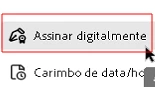
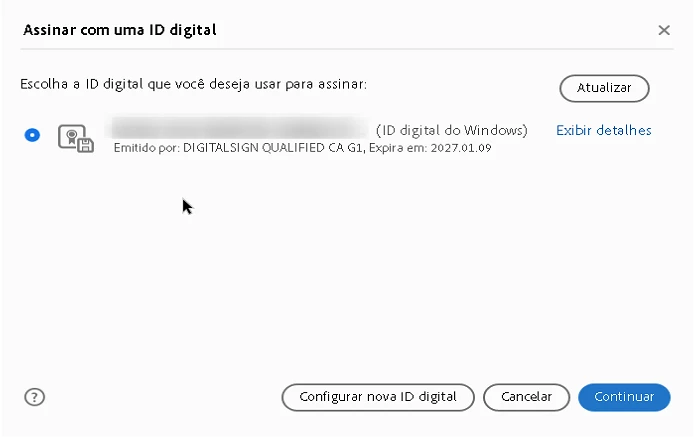
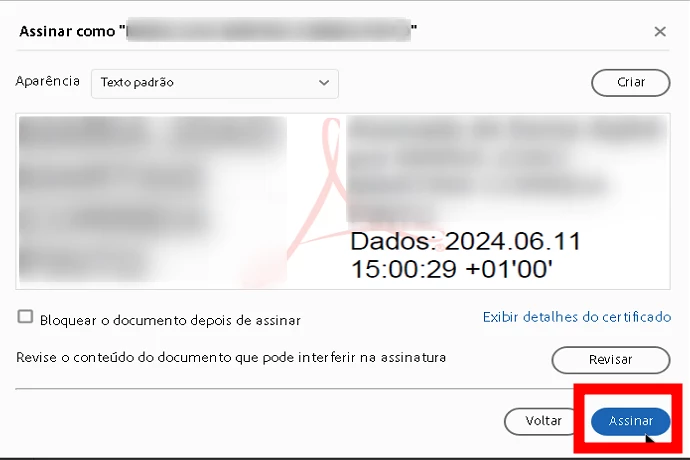
I have a token with a Digital certificate to sign, but, I use the option "Certificates", the certificate appear correctally, but when I press the button "Sign" nothing happen, and I am unable sign the PDF file.

Someone can help me to solve this problem?

Thanks

 

The last step is click "Assinar" and doesn't do anything else, don't move forward anymore.


This topic has been closed for replies.

1 reply

Amal.
Legend
July 1, 2024

Hi there,


Hope you are doing well and thanks for reaching out.


Please update the application to the recent version 24.02.20857. Go to Help > Check for updates and reboot the computer once. Also try to repair the installation from the help menu (Win Only) and see if that works.
 
You may also try to reset the Acrobat preferences as described here (https://adobe.ly/4cl1rSH) and see if that helps.


Let us know how it goes.


~Amal