Hi @55878965
I appreciate your message, and I'm sorry to hear that you're experiencing trouble. I hope you're doing well despite the challenges you're facing.
To better assist you, could you please provide the make and model of the smartcard reader device you are using? This information will help us narrow down the issue and provide more targeted solutions.
In the meantime, I recommend checking for any pending or missing updates for the smartcard reader device. Often, updating the device can resolve compatibility issues. You can also reach out to the Smartcard vendor for additional support and guidance.
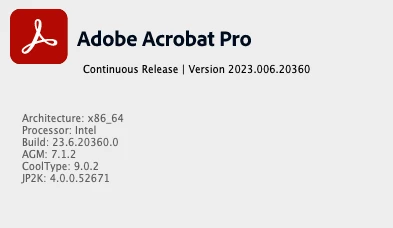
Additionally, updating the Acrobat application to the latest version (23.08.2042X) might address any software-related issues. You can do this by navigating to the help menu, selecting "check for updates," and installing any available updates. Afterward, be sure to reboot your computer to ensure the changes take effect.
You may also try removing the application using the Acrobat cleaner tool https://www.adobe.com/devnet-docs/acrobatetk/tools/Labs/cleaner.html reboot the computer and reinstall the application via the link https://helpx.adobe.com/acrobat/kb/acrobat-dc-downloads.html and see if that works.
I understand how frustrating technical issues can be, and I'm here to support you. Please try these suggestions and let us know how it goes. If the problem persists, we can explore further solutions together.
Edited Response
~Amal



 AdChoices