
Answered
Snapshot looks different and doesnt let me print the selected area
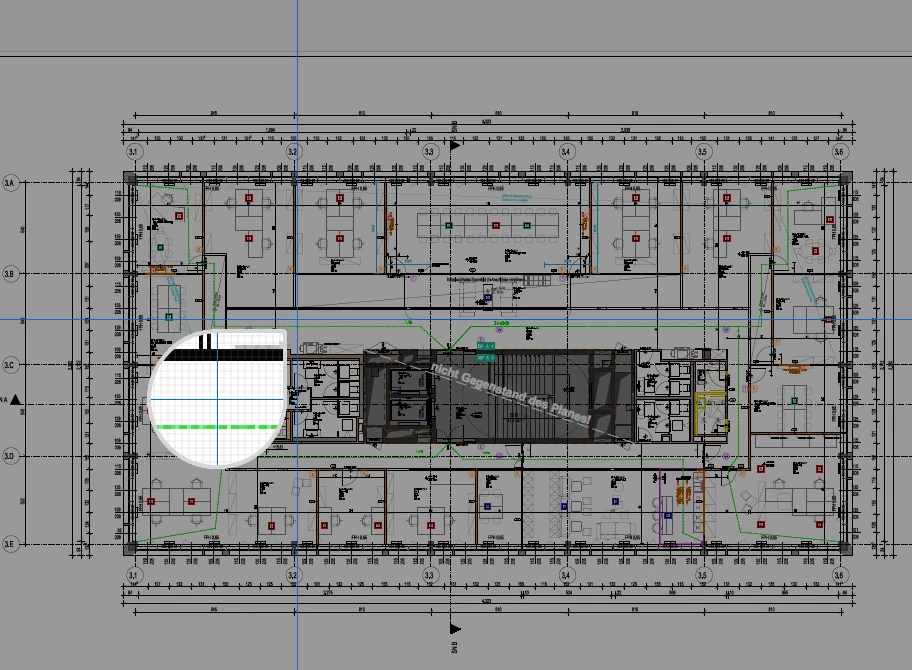
My snapshot tool looks like this and it doesnt stay selected. it only copies the area. how can i change it back to the original snapshot tool?

My snapshot tool looks like this and it doesnt stay selected. it only copies the area. how can i change it back to the original snapshot tool?
Hi All,
We appreciate your patience so far.
You can now print from the modern snapshot tool. Please refer to the information provided in the following help document on how you can use the print option in the modern snapshot experience: Unable to print selected area using the snapshot tool.
If you would prefer to revert to the legacy snapshot tool that supports direct printing on Windows, please follow these steps (Also mentioned in the help article under the Note section):
Let us know if the information helps.
Thanks,
Meenakshi
Already have an account? Login
Enter your E-mail address. We'll send you an e-mail with instructions to reset your password.


 AdChoices