


Participant
March 31, 2018
Answered

Some annotations not visible in Adobe Acrobat

  • March 31, 2018
  • 2 replies
  • 13818 views

Hi,

I have a PDF which which I have annotated using the Files application on my iPad Pro (using the Apple Pencil). I can view most of the annotations fine in Acrobat, but there are some which I cannot see. I can, however, see them in Google Chrome, Microsoft Edge, and Foxit Reader. After I open the affected PDF in Foxit Reader and do a Save As, I can see the annotations in Acrobat.

An example:

Page 6 of the PDF in Acrobat:

Page 6 of the same PDF in Chrome:
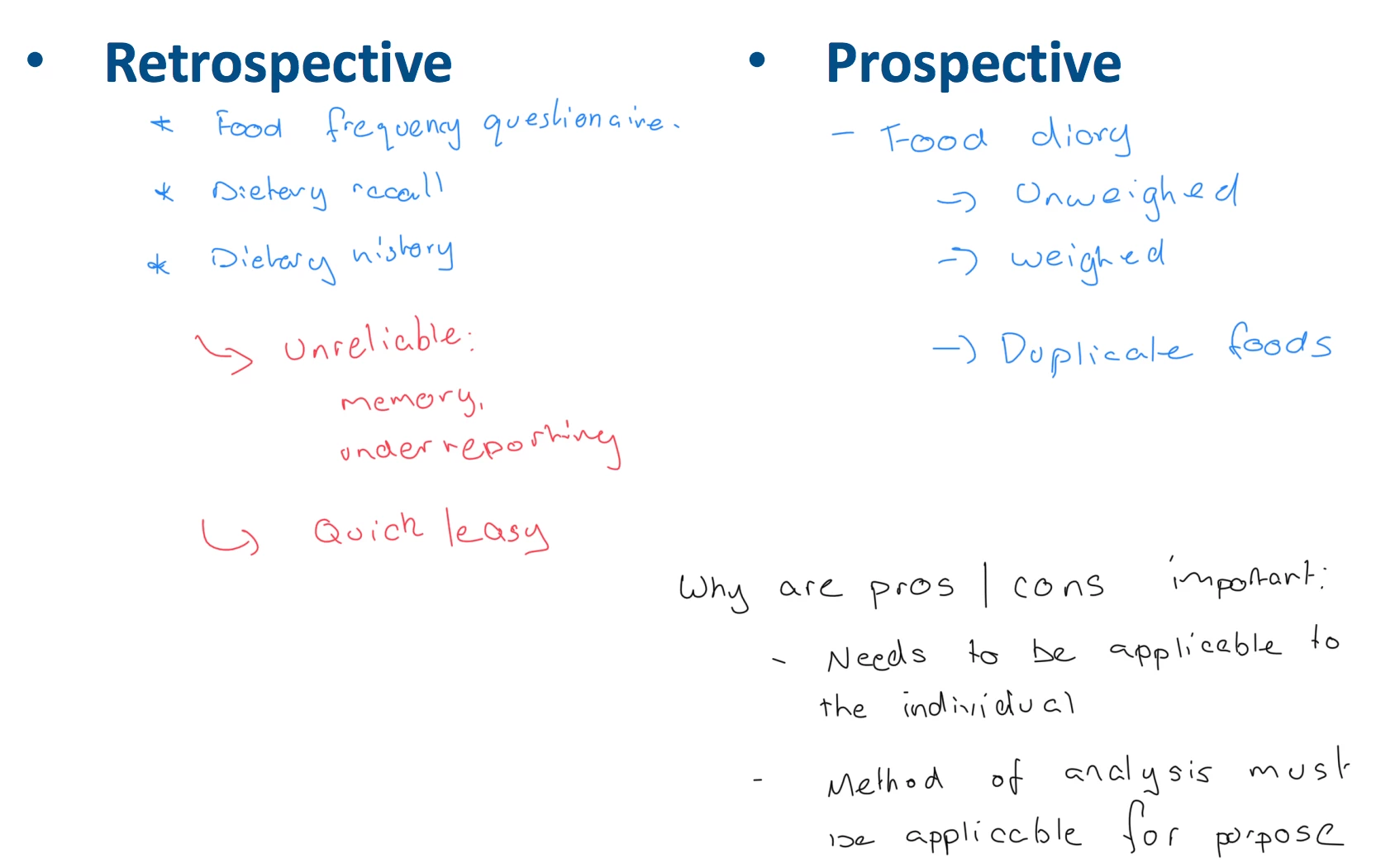
This does not affect all annotations :

Page 9 of the PDF in Acrobat:
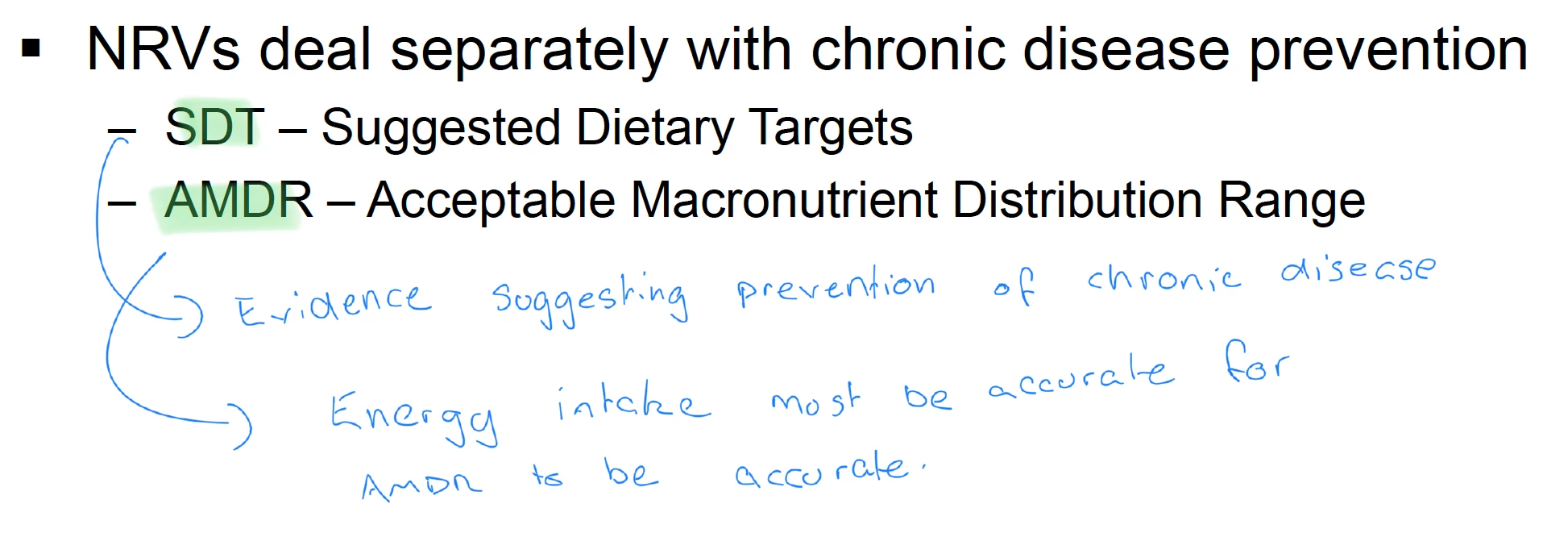
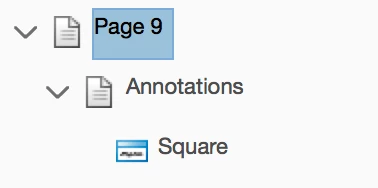
Looking at the Page Content Information, I can see that there are no annotations listed on page 6 (the first example), while page 9 shows a square annotation:
Given that the annotations are working fine in some cases but not others, and the data is obviously there. I assume it has something to do with the way the annotations have been saved. This is supported by the fact that Foxit can save the exact same PDF, and Acrobat can suddenly view the annotations.

Is there an easy way for me to fix this in Adobe? Or a way for me to find ​why these annotations aren't working?

This topic has been closed for replies.
Correct answer AnandSri

Hello JLambeth,

Sorry for the delayed response and inconvenience caused. Please check for any pending updates of Acrobat from help>check for updates, reboot the machine after installing the updates and see if this brings any difference.

Chrome and other PDF viewer have their own functionality to preview the PDF files, and if there is an issue with the PDF, Acrobat may or may not display the annotation properly.

Have you checked with any other PDF, or is it specific to one PDF only? Is it possible to share the PDF file with us so that we can try it at our end?

To share the file, please use Adobe Send feature, upload the file, share the link to files via private message only, How Do I Send Private Message

If Acrobat Pro is installed, please try running OCR, save the PDF file and check again.

Also, what is the dot version of Acrobat installed, to identify refer to Identify the product and its version for Acrobat and Reader DC

Let us know how it goes and share your findings.

Regards,

Anand Sri.

2 replies

rb3.maker
Participant
January 25, 2021

Anand Sri,
I have the same problem.  MS Edge Innotations are not show up completely when the .pdf is view in Adobe Acrobat.  All the annotations do show when the .pdf is opened in edge or Chrome or Edge.  

My Adobe Acrobat is updated to the current version.


We use Edge ink annotations to grade student work submitted in .pdf.  Some of our annotations are not showing when the files are opened in Adobe Acrobat. 


Any help would be appreciated. 


~ Rich 

try67
Community Expert
Community Expert
January 25, 2021

Can you share with us a sample file that demonstrates this issue?

AnandSri
Community Manager
AnandSriCommunity ManagerCorrect answer
Community Manager
April 6, 2018

Hello JLambeth,

Sorry for the delayed response and inconvenience caused. Please check for any pending updates of Acrobat from help>check for updates, reboot the machine after installing the updates and see if this brings any difference.

Chrome and other PDF viewer have their own functionality to preview the PDF files, and if there is an issue with the PDF, Acrobat may or may not display the annotation properly.

Have you checked with any other PDF, or is it specific to one PDF only? Is it possible to share the PDF file with us so that we can try it at our end?

To share the file, please use Adobe Send feature, upload the file, share the link to files via private message only, How Do I Send Private Message

If Acrobat Pro is installed, please try running OCR, save the PDF file and check again.

Also, what is the dot version of Acrobat installed, to identify refer to Identify the product and its version for Acrobat and Reader DC

Let us know how it goes and share your findings.

Regards,

Anand Sri.

Participant
September 2, 2020

Hello Anand,


We have the exact same problem. Some annotations are not shown when we open the file in Acrobat Reader.

When we open the file in Edge they are shown. 

We can make the annotation visible by making the annotation square bigger,

Could you help us with this?

greetings Marjolijn