
Spacing/kerning incorrect in PDF created from Word (screenshots)
Hi everyone, last week I created a PDF of a document from the ribbon in Word 2016, and all was well.
This week, I repeated the process from the same .docx file, but the spacing/kerning is incorrect in the PDF. Nothing has changed between last week and this week, to my knowledge. I've also tried the 'export to PDF' and 'save as PDF' methods, but they are giving the same results.
I'm using MS Office Professional Plus Word 2016 Version 1807 (build 10325.20082) with Windows 7.
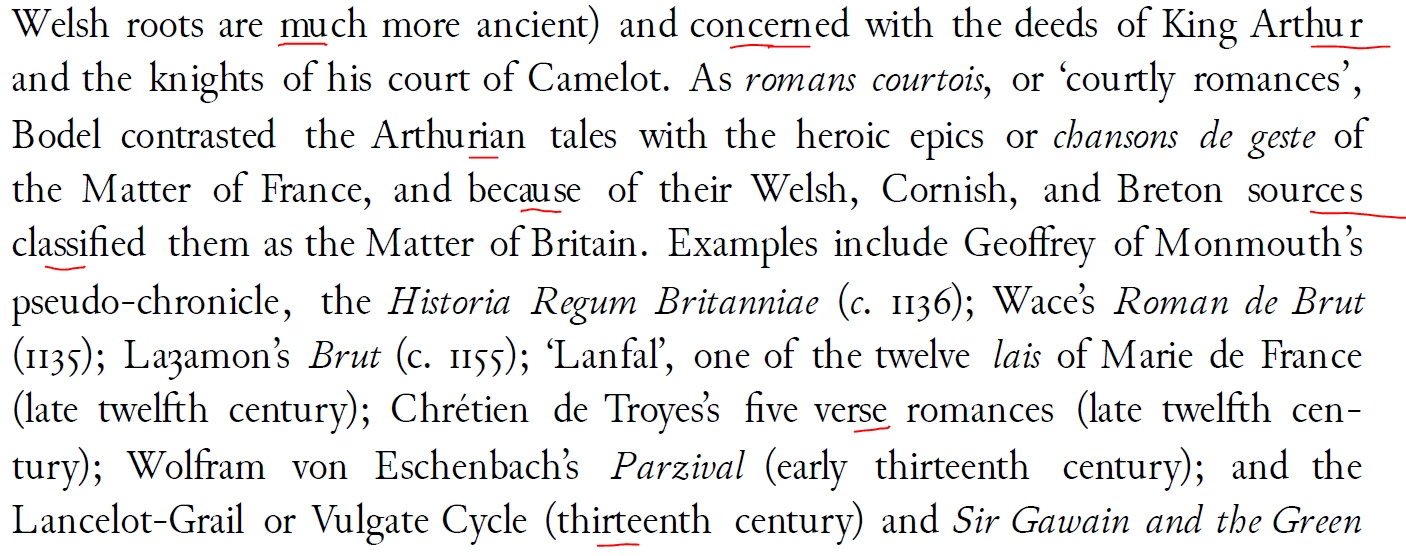
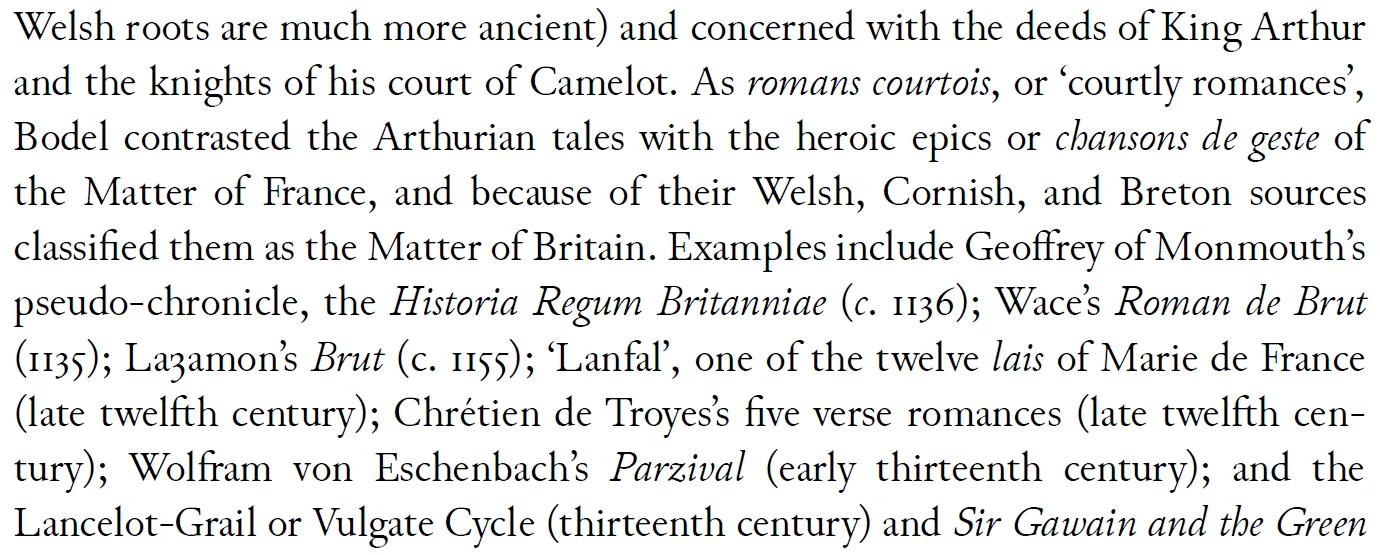
I'm attaching some screenshots of the correct and incorrect versions of the PDF output for comparison. In the 'incorrect' version, I've underlined some of the problem areas (the same effect occurs throughout the entire document). You can also see in the image that not only are some of the letters spaced too closely or too far apart, but the spacing between words in general is incorrect (too wide). I've also attached the PDFMaker settings that I used as well and the Distiller settings.
Really hoping someone can point me in the right direction, this is driving me crazy! Thanks everyone.
Incorrect spacing:
Correct spacing:
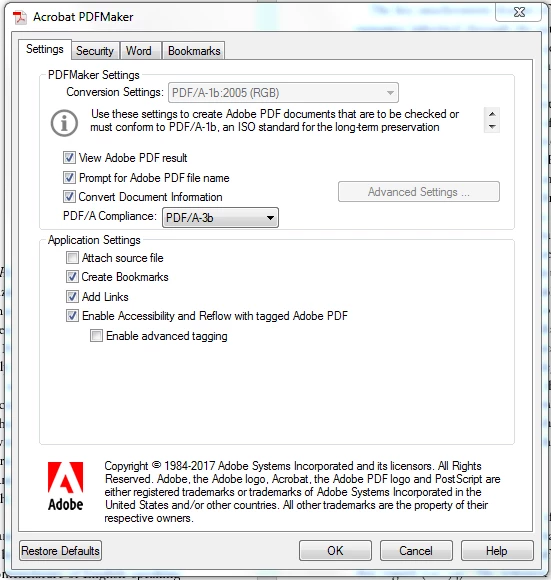
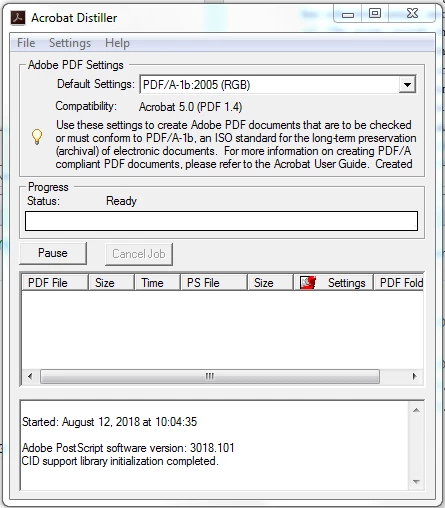
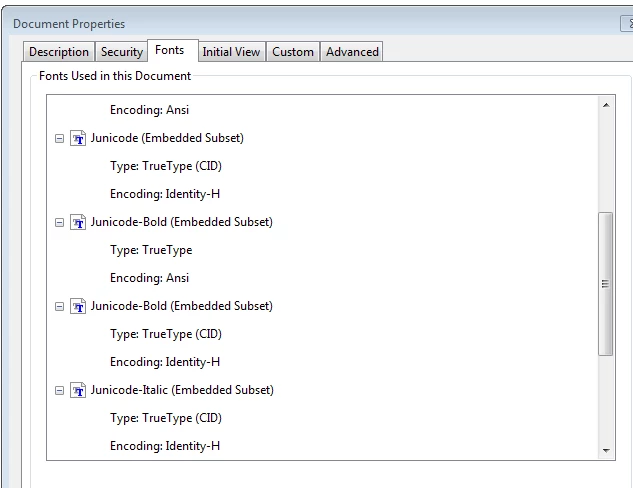
Edited to add that fonts do seem to be embedded correctly in (this snip is from the incorrectly spaced version):
 AdChoices