JFWhiteCloud
Participant
January 13, 2018
Answered

Spell Checking in Adobe Acrobat DC

  • January 13, 2018
  • 4 replies
  • 53260 views

Hi,

My question refers to performing a simple Spell Check on PDF documents in Adobe Acrobat DC., CC

software..

Adobe Acrobat DC comes equipped with a Spell Checking application and Spell Check settings

options listed under Preferences > Spelling.  The Spelling.api is even listed as loaded and certified in,

"About Adobe Programs."

So, why isn't Spell Check working?

For your convenience, I've created an easy to follow reference guide in support of my claim.

Thanks in advance for your help.  I truly appreciate your effort.

Note:  I respectfully request 3rd party developers and/or sellers of Spell Checking Plugins to refrain from

responding to my post with an advertisement to purchase software.

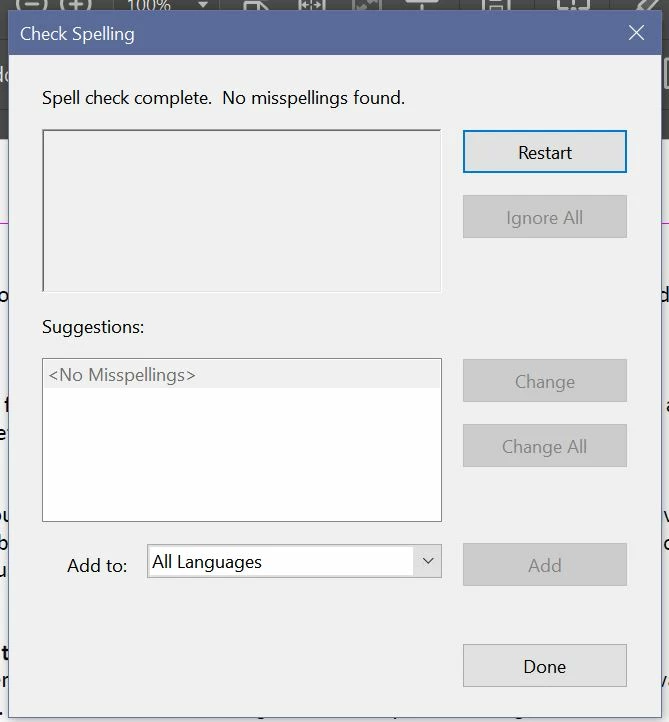
1.  As seen in the Snapshot below, I set my Spelling Preferences to Check spelling while typing.

However, the setting is useless.  Nothing happens.
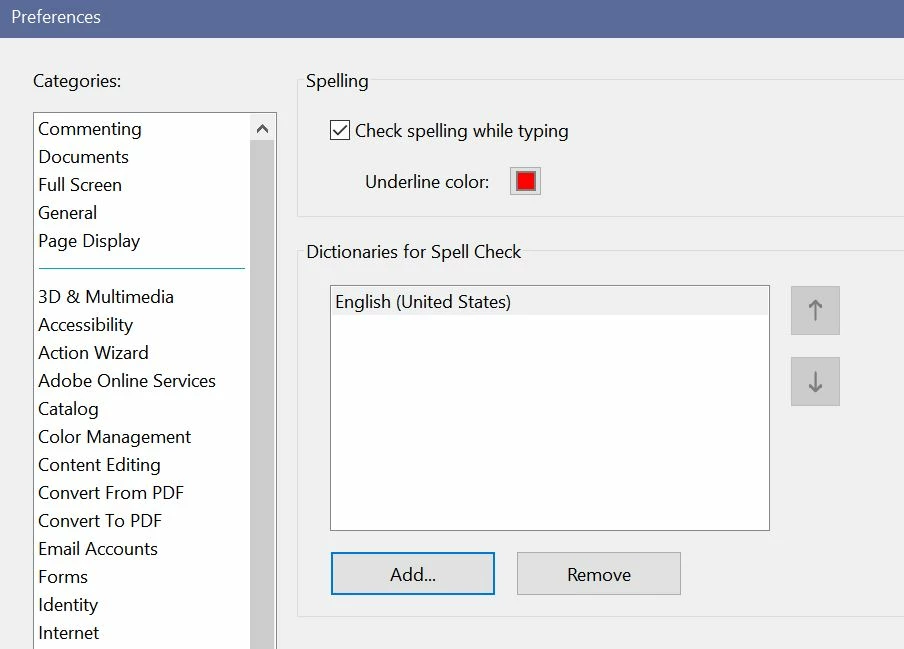
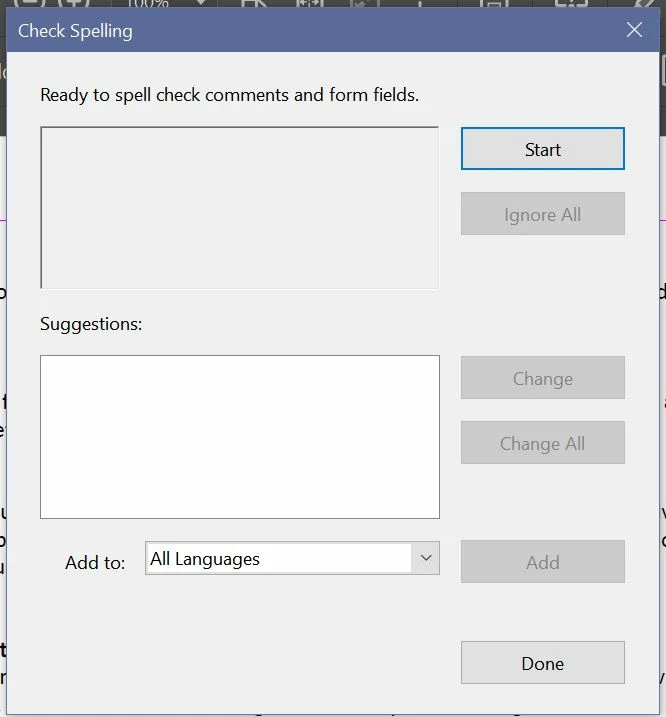
2.  I also performed a Spell Check on a document intentionally loaded with spelling errors directly

with Adobe DC's user interface.

Go to Edit > Check Spelling > Check Spelling in Comments.

The following snapshots show the Spell Check results as., 'No Misspellings Found.'
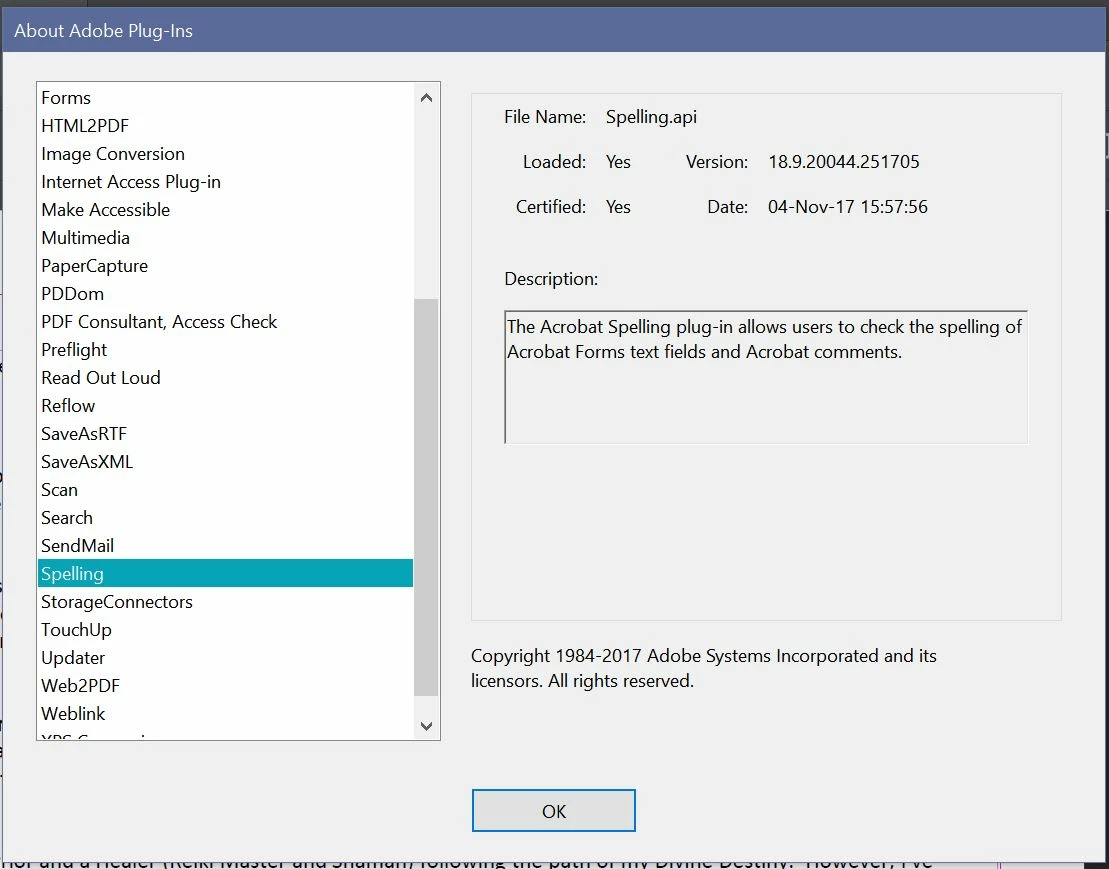
3.  Spelling.api  is listed in, "About Adobe Plugins" as loaded and certified as 04 Nov 2017.
Note: My PC is in great shape.  All downloaded programs and system software on my Windows 10,

OS version. 1709 are current and updated regularly.  Yes, there's lots of space left on the Hard drive

and plenty of Memory available.

Navigating Adobe Online Support is about as satisfying as unwittingly mounting a merry-go-round

racehorse with a destination in mind.  Nauseated and pissed off you find yourself right back where

you started. 

Have you also noticed the absence of human activity on Adobe's Community/Support Forums?

The traffic count is high, but vaguely populated with active Posts.  Are we being monitored by

the Stepford Wives? 

Sorry, I just had to add a little stupid humor to break up the monotony of disappointment.

Thanks again!

Correct answer try67

The built-in spell checker in Acrobat is only meant for usage on the text in form fields or comments, not the actual static text of the file.

It can be used for that purpose, though, using a script, like this one I've developed: Custom-made Adobe Scripts: Acrobat -- Spell Check Suite

4 replies

Participant
May 28, 2021

What I do is just export the file to a Word doc and use the Word spell check.  PITA but since I already have Word it works for me. 


Participant
September 10, 2021

that worked greate thank you

Legend
July 19, 2018

It works exactly as designed. You don't seem to be willing to accept that, but we can't help you with that, or make Adobe suddenly change their mind, change their software, and deliver it to you for free. I asked you "So what WOULD be an acceptable reply, if you please? " -- but you did not choose to answer. Instead you keep posting as if anger can change facts.

December 26, 2019

Nobody expressed an unwillingness to accept the fact that the product does not include that functionality. So, to answer your question, an acceptable reply would be "The built-in spell checker in Acrobat is only meant for usage on the text in form fields or comments, not the actual static text of the file". Period. An acceptable reply is one that abandons the parasitic business model that assumes anyone who asks about this functionality is fair-game for unwanted solicitations; especially when it was made abundantly clear that the inquiring person did not want to be bothered with them. An acceptable response is one that does not chastise people for being smart consumers by not accepting the burden of compensating for this glaring omission by purchasing an after-market hack that probably won't work three updates from now. If someone wants to sell something like that, they should study up on SEO and stop trolling for customers in support forums and wasting the time of hard-working people.

Participant
July 19, 2018

This is comical.  When I asked Adobe support to help me with the spell check, they gave me a link that led me to this conversation about how the spell check basically does not work.  I refuse to have to pay money for spell check to work properly.  Unbelievable...

try67
Community Expert
try67Community ExpertCorrect answer
Community Expert
January 13, 2018

The built-in spell checker in Acrobat is only meant for usage on the text in form fields or comments, not the actual static text of the file.

It can be used for that purpose, though, using a script, like this one I've developed: Custom-made Adobe Scripts: Acrobat -- Spell Check Suite

JFWhiteCloud
Participant
January 28, 2018

Thanks, but no thanks!  Nobody should have to spend a penny more for a simple feature like spell check in an already advanced, expensive program..

Legend
January 28, 2018

Your choice. Anyway now you know why it doesn’t do what you expected. We robots must get back to work now. Tzs-zzt!!