
Participant
July 3, 2024
Question

Ständiges einfrieren von Adobe Acrobat

  • July 3, 2024
  • 2 replies
  • 595 views

Hallo Liebe Community,


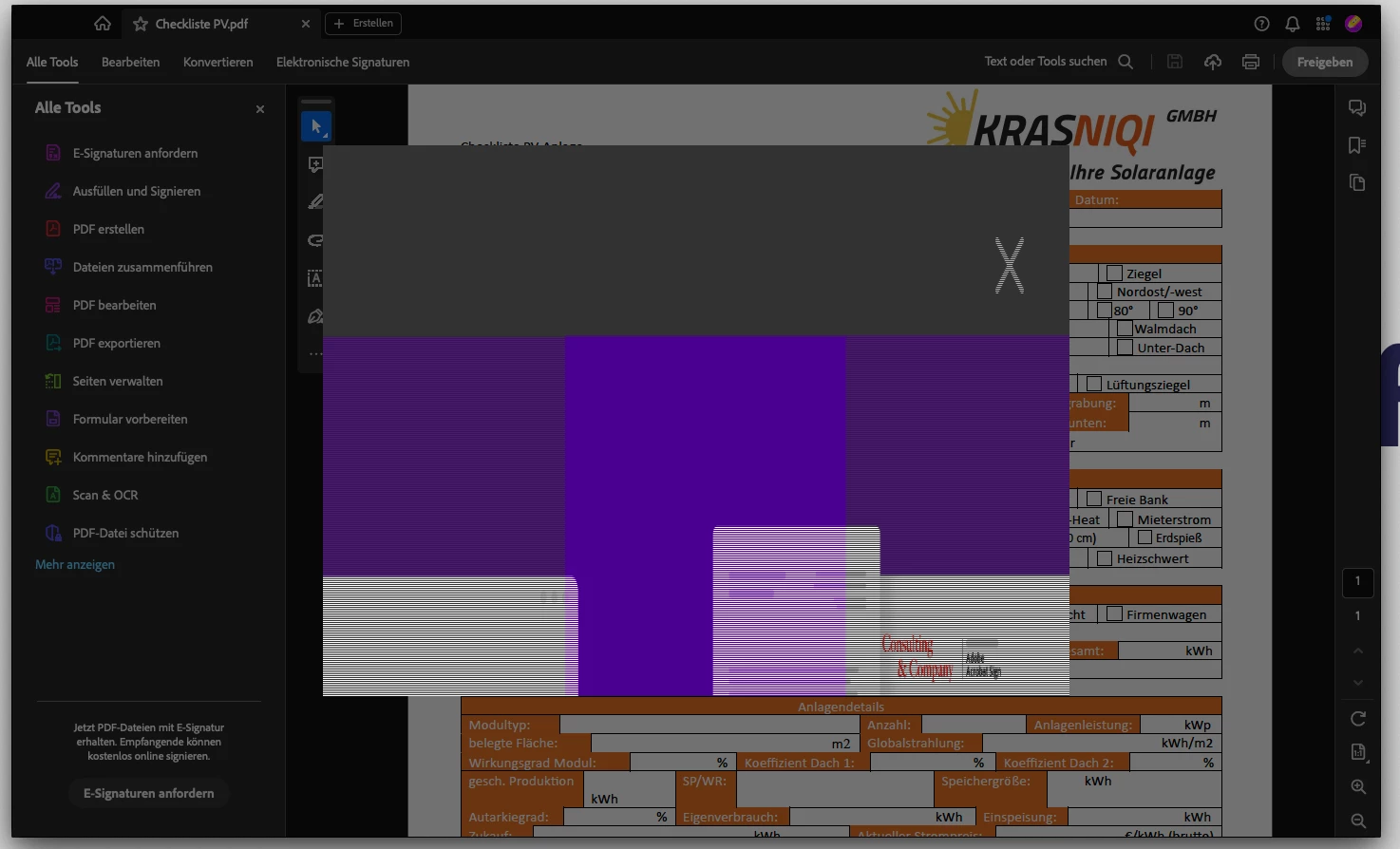
Ich nutze den Acrobat auf meinem Mac (Sonoma 14,5). Hier friert seit 1,5-2 Wochen das komplette Programm täglich mehrfach ab. 


Habe bereits mit dem App-Cleaner komplett deinstalliert und neu installiert. 

Sämtliche updates und alles gemacht.


Das Programm ist aktuell NICHt nutzbar. 


Anbei ein Screenshot des Fehlers. Nach diesem freeze-Screen kann man das Programm nur noch mit der Aktivitätsanzeige beenden. 


Ich Danke vorab für eure Hilfe.
This topic has been closed for replies.

2 replies

Community Manager
September 3, 2024

Hi @Martin38413894izk9 @Dennis37226986wyee,


I'm following up to see if you are still experiencing this issue. There have been several updates since you reported it, and I assume you may be using the latest version of Acrobat on your machines. 


We apologize for the troubling experience; I understand how frustrating it can be. We truly appreciate you bringing this to our attention and sharing your experiences.

We are fully committed to addressing issues like this and ensuring the app functions smoothly for all users. Your feedback is invaluable in helping us improve. 


~Tariq

Participant
July 11, 2024

Wir haben an einem Windows 10 Rechner ein ähnliches Phänomen, Acrobat friert ein und lässt sich nur noch über den Task Manager beenden, allerdings ohne Fehlermeldung. Es sieht so aus, als ob die Datei geöffnet wird, man kann die geöffnete Datei auch sehen, aber es tut sich nichts mehr. Das Problem tritt unabhängig von der Datei , mehrmals am Tag auf.