Question
STALL in flattening layers
Hi,
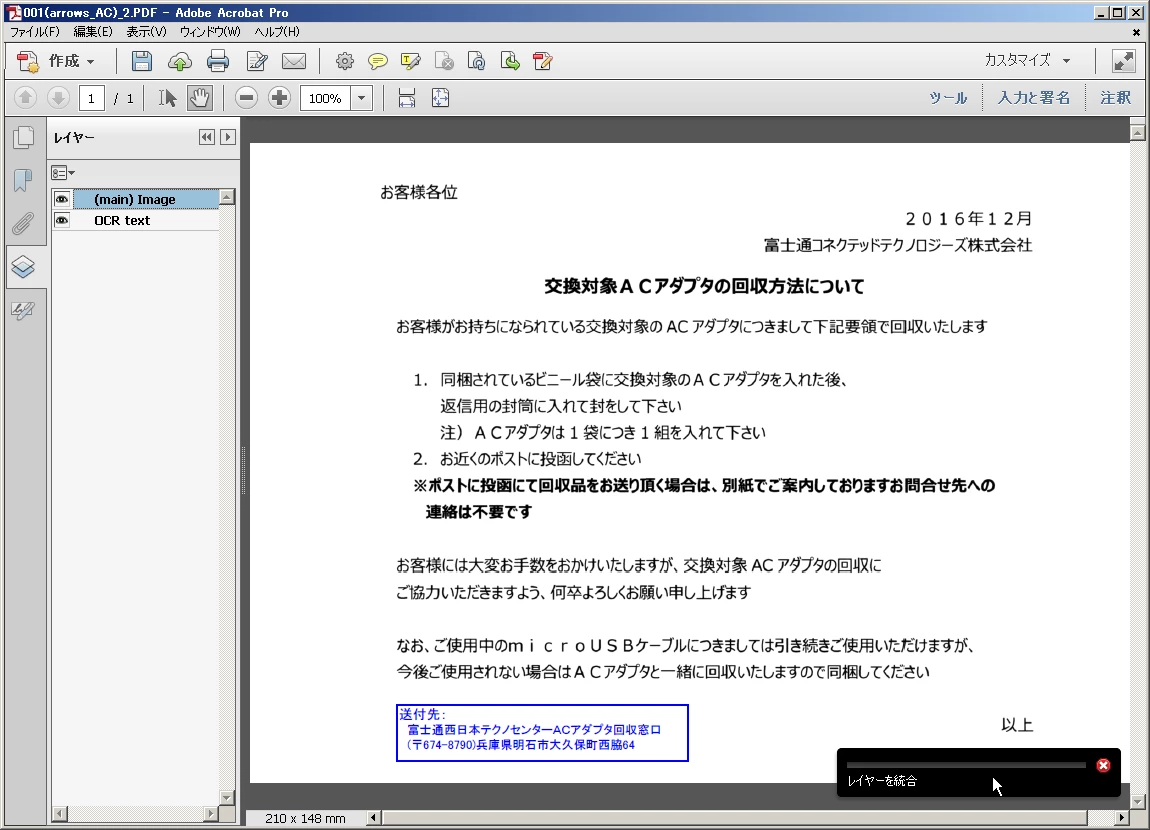
I've just encountered the phenomenon that Acrobat Pro does STALL when two layers in a PDF file are flattened.
The procedure I just executed is just as
https://helpx.adobe.com/acrobat/11/using/pdf-layers.html#merge_or_flatten_layers_acrobat_pro
- Open the PDF file.
- Select the pull-down menu as follows:
View > Show/Hide > Navigation Panes > Layers - Select "Flatten Layers" from the options menu.
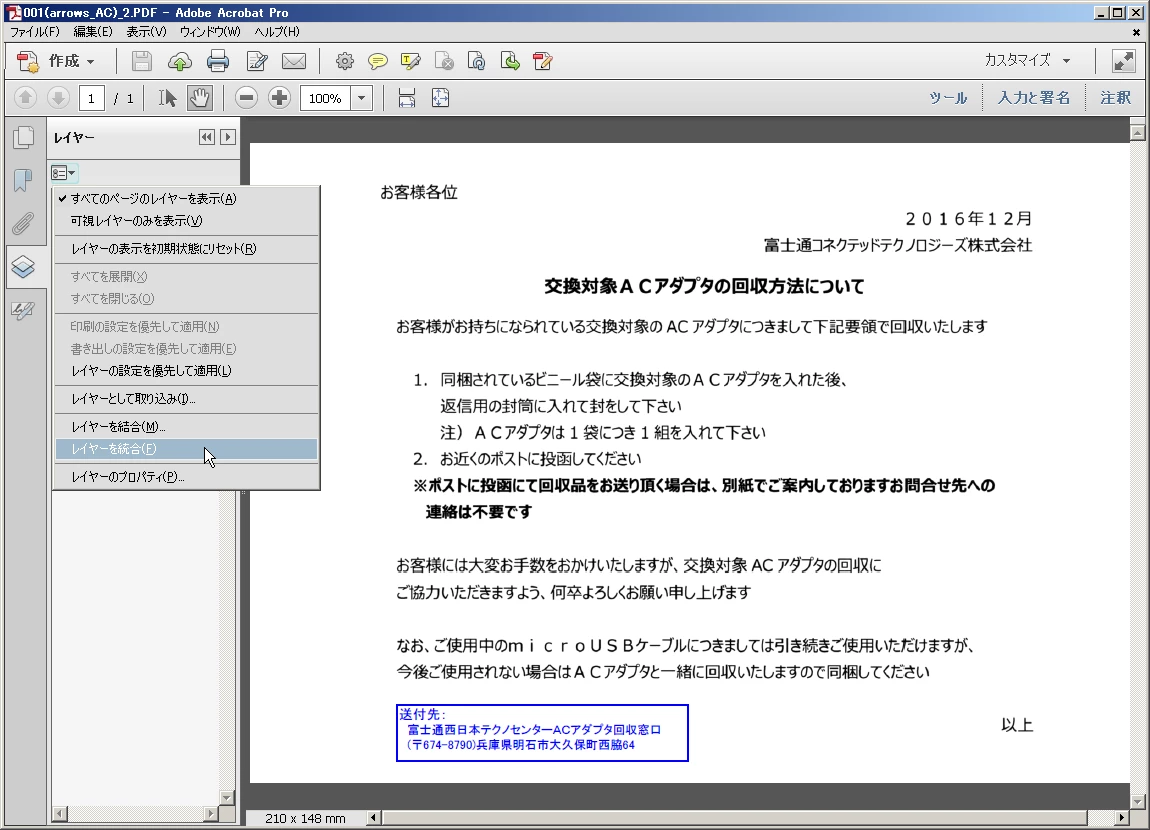
- Select "Yes" in confirmation.
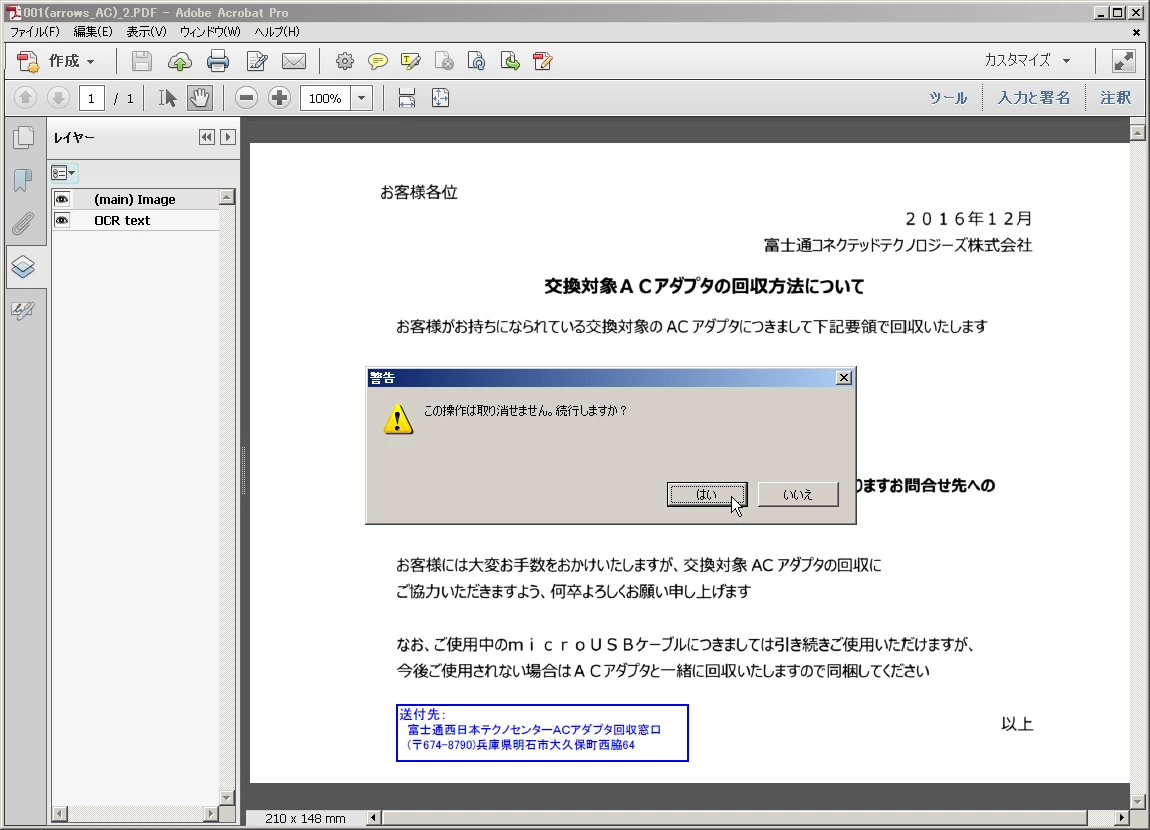
Then, Acrobat Pro does STALL with the following screenshot:
- Product: Adobe Acrobat XI Pro
- Version: 11.0.22 and 11.0.23
- OS: Windows XP Pro (SP3)
- Reproducibility: YES (100%!!!)
So,
- Do you encounter this phenomenon under your environment with Windows XP or Windows 7 or later?
- How can I request the bug fix for this phenomenon?
# I am willing to upload the PDF file with which I've just encountered this phenomenon if necessary.
Thanks
 AdChoices