Participant
June 1, 2023
Answered

Stuck in a White Screen of Acrobat Pro Installation

  • June 1, 2023
  • 1 reply
  • 2708 views

Hi,


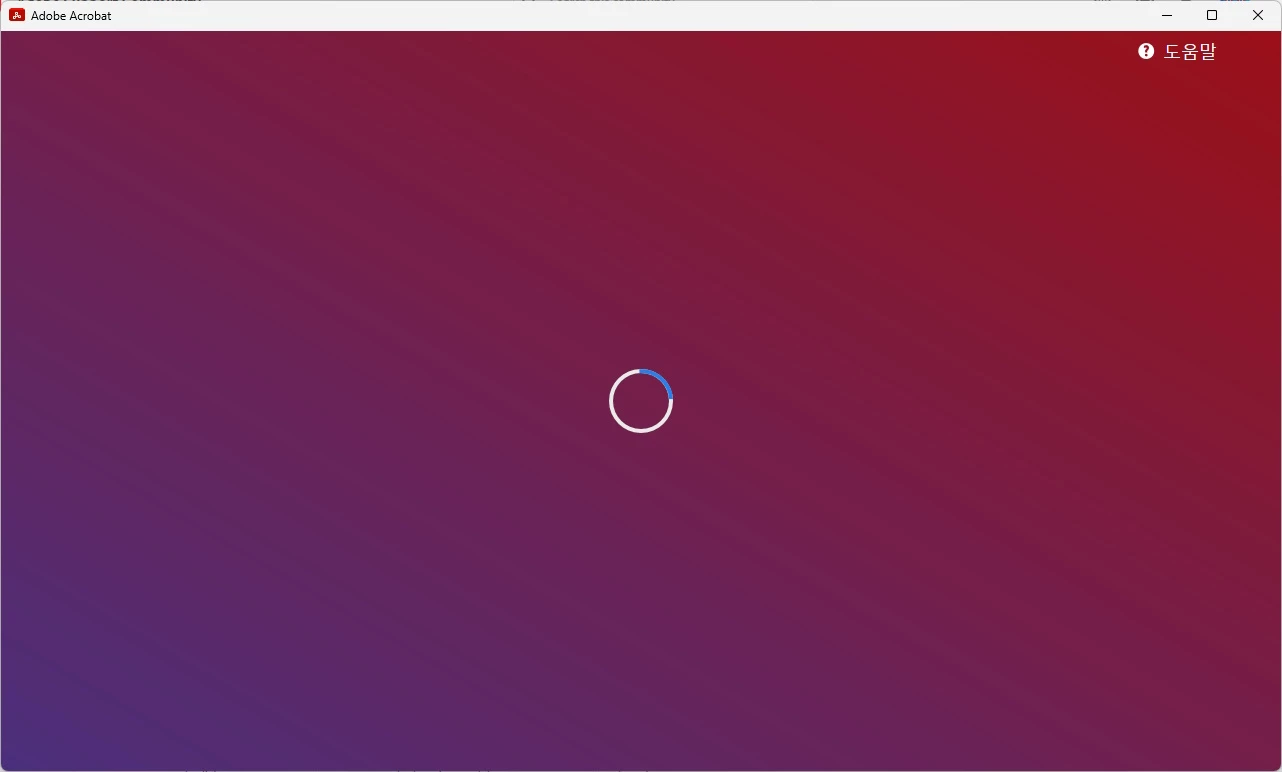
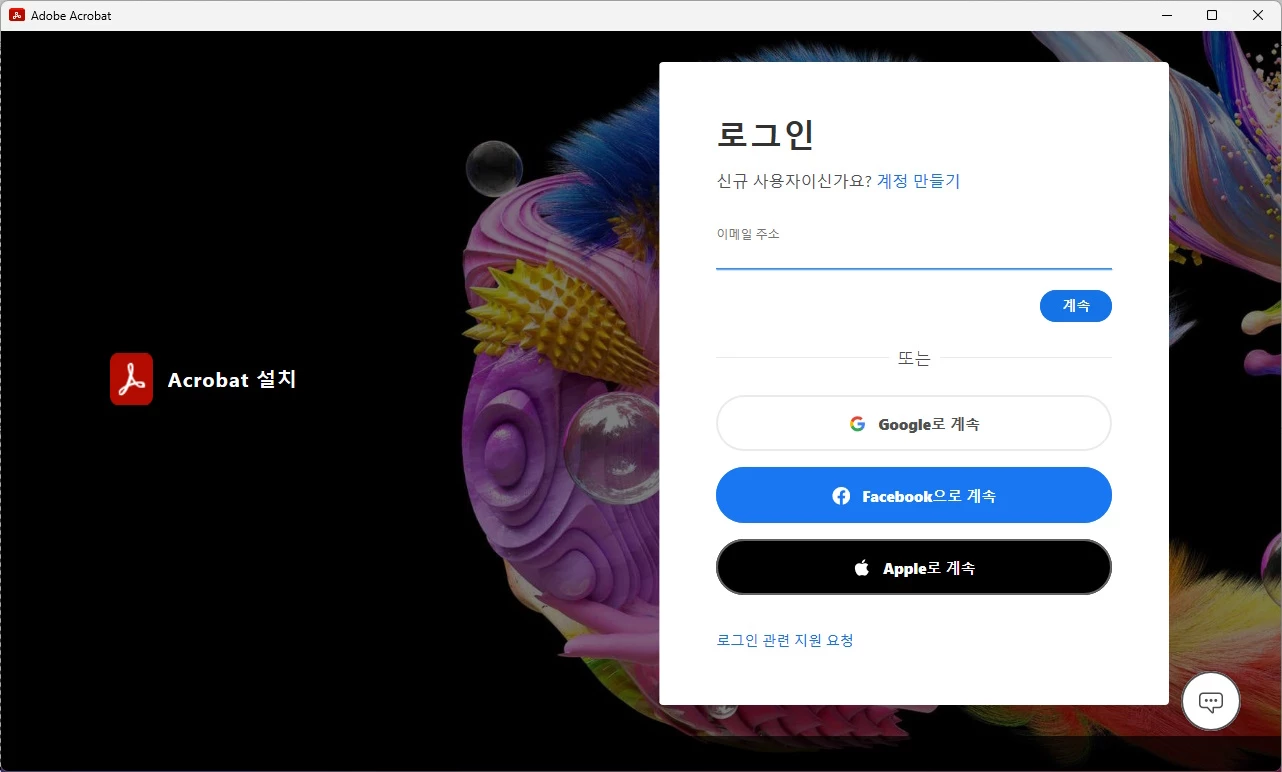
Executing the Acrobat Pro installation file (Acrobat_Set-Up.exe) opens a white screen window and there is no progress or even error messages. The installation required log-in and I did it as requested. Is there anyone who experienced and resolved this issue? Thanks!
 

This topic has been closed for replies.
Correct answer Amal.

Hi @30203992jo80 


Hope you are doing well and thanks for reaching out.


Please try to remove the application using the Acrobat cleaner tool https://www.adobe.com/devnet-docs/acrobatetk/tools/Labs/cleaner.html , reboot the computer once and reinstall the application using the direct link https://helpx.adobe.com/acrobat/kb/acrobat-dc-downloads.html and see if that works for you.


Let us know how it goes.


Regards
Amal

1 reply

Amal.
Amal.Correct answer
Legend
June 1, 2023

Hi @30203992jo80 


Hope you are doing well and thanks for reaching out.


Please try to remove the application using the Acrobat cleaner tool https://www.adobe.com/devnet-docs/acrobatetk/tools/Labs/cleaner.html , reboot the computer once and reinstall the application using the direct link https://helpx.adobe.com/acrobat/kb/acrobat-dc-downloads.html and see if that works for you.


Let us know how it goes.


Regards
Amal

Participant
June 1, 2023

Thank you so much, Amal! Your guidance resolved the issue. The clean-up and installation went well, the first execution of Acrobat Pro required log-in, and the log-in worked.