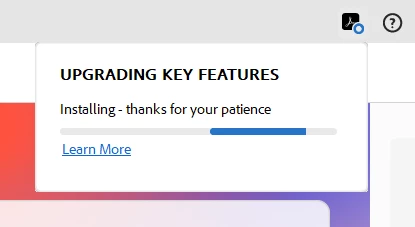
@timothy_6607 how frustrating! This installation loop often indicates a conflict with existing files, permissions, or background processes. To resolve this, first, perform a thorough uninstall using the Adobe Creative Cloud Cleaner Tool to remove all traces of previous installations. I would use Adobe Cleaner from adobe website versus using any third party cleaner. Adobe Cleaner helps remove old Adobe software, cleaning corrupt installation files, and fixing your host files to establish a connection with Adobe servers. https://helpx.adobe.com/ca/creative-cloud/kb/cc-cleaner-tool-installation-problems.html
Then, temporarily disable any antivirus or firewall software that might be interfering with the installation process. Ensure your operating system is fully updated, as outdated system files can cause conflicts. During the reinstallation, go to your adobe.com, and run the Adobe Acrobat installer as an administrator.



 AdChoices