


keithm26524928
Participant
February 17, 2025
Question

Switch off A.I. Description on PDF's?

  • February 17, 2025
  • 2 replies
  • 355 views

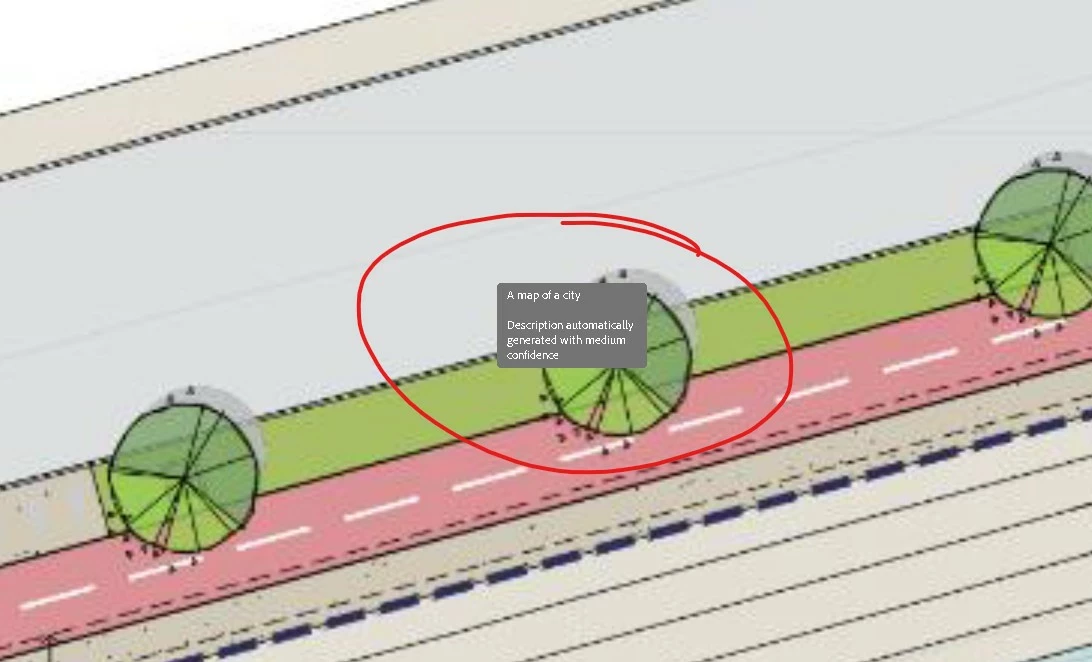
Can someone please tell me how to turn off this stupid AI generated descriptions?


I've already switch off Generative A.I. features.


I don't need pointless descriptions of drawings please let me switch this off.
 

2 replies

Inspiring
October 2, 2025

Adobe needs to look at the PDF desktop application and the summary generations. They eat up too many resources and lock the system (windows) at times. We need to either get a buttton to activate the summaries or another option (AI On/Off Toggle) but they can't be automatic. I have two machines. One with 8GB ram (traveling) and my production machine w/128GB RAM. The 8GB dies or locks but the 128GB can run endless summaries quickly. 


Thanks,

George

Adobe Employee
February 18, 2025

Hi @keithm26524928 ,


Can you please tell:

1. Are you observing this on Acrobat desktop app or on Acrobat web?

2. Can you share the pdf?

3. Is this happening with all the files?

4. Are you observing this on hover ? Please explain the exact workflow.


Thanks

Sanchi

Participant
October 2, 2025

I have the same problem 😞

1. desktop app

2. find the *.pdf enclosed

3. yes

4. Are you observing this on hover? - Yes - as soon as I move the mouse over a picture

christophe