

Answered
Tab Order in Field Pane in Acrobat Pro DC
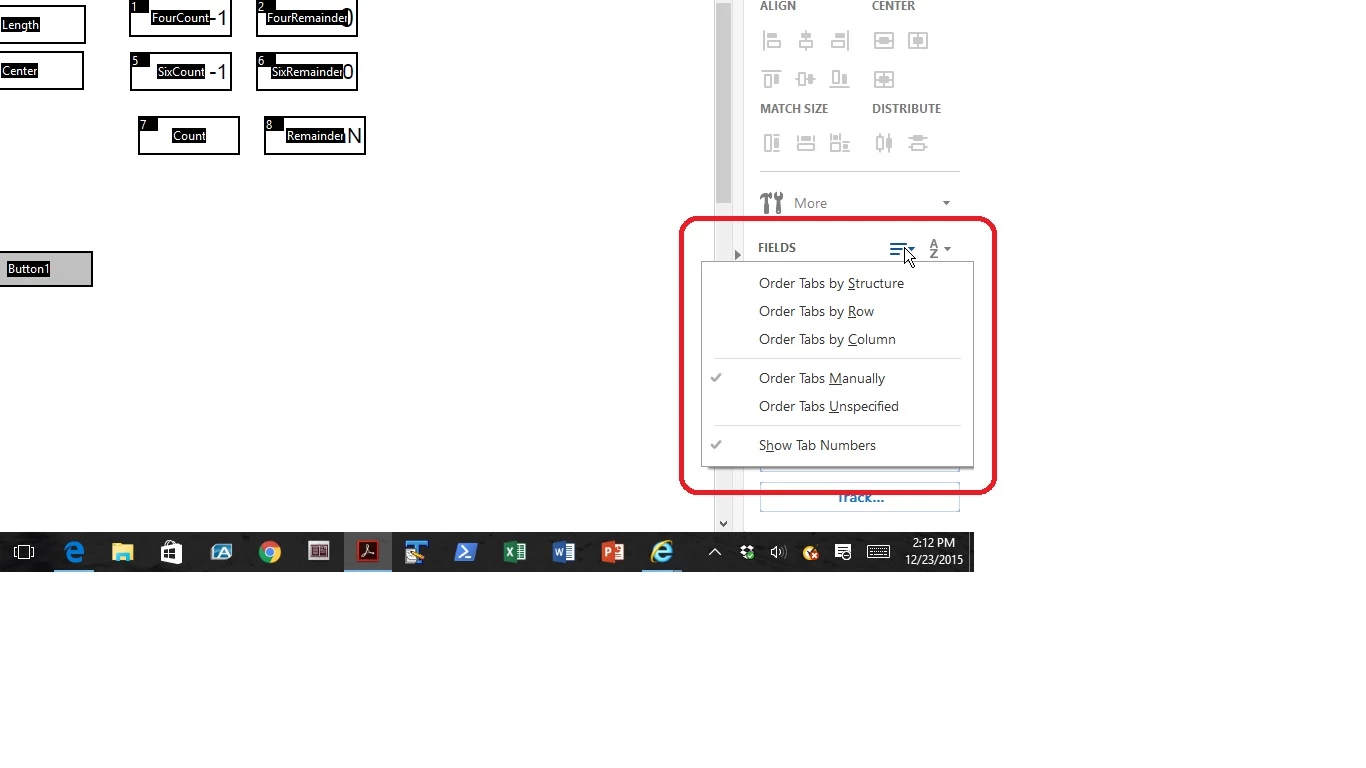
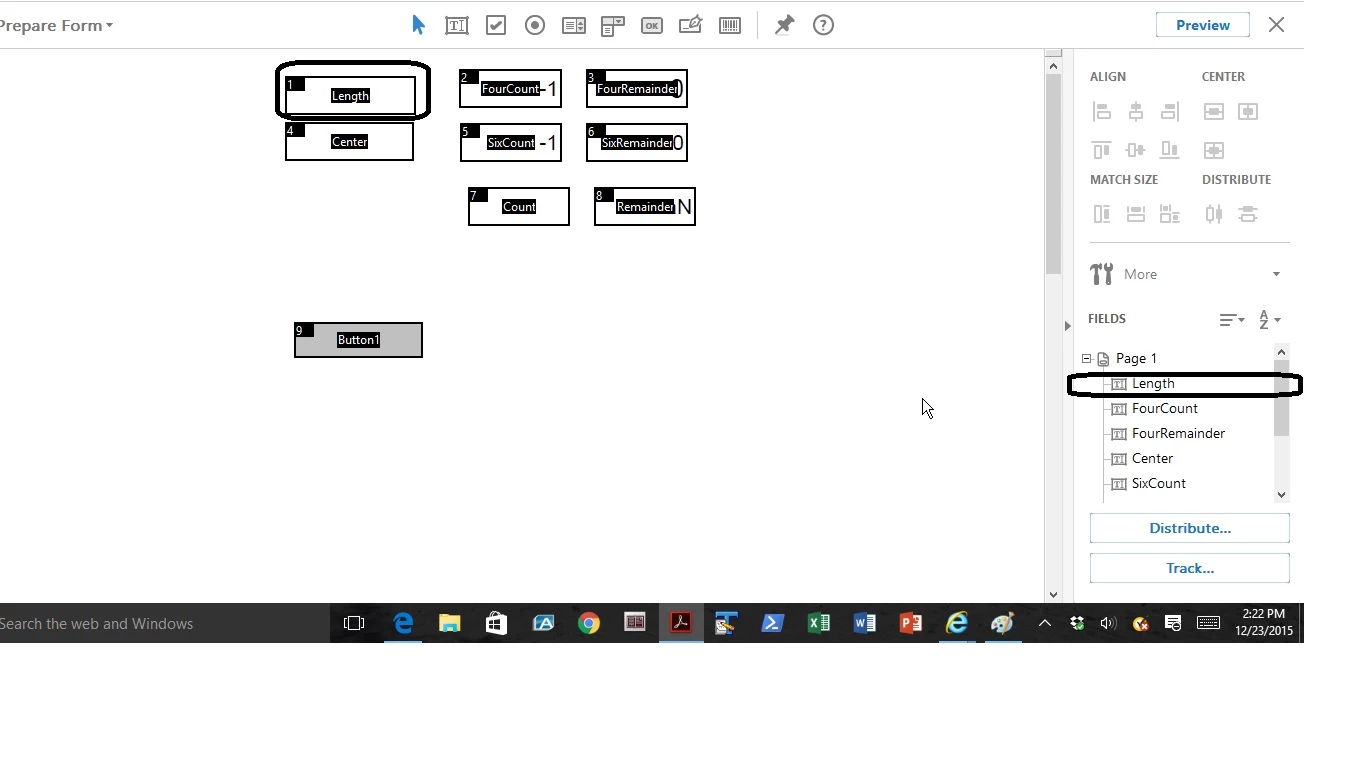
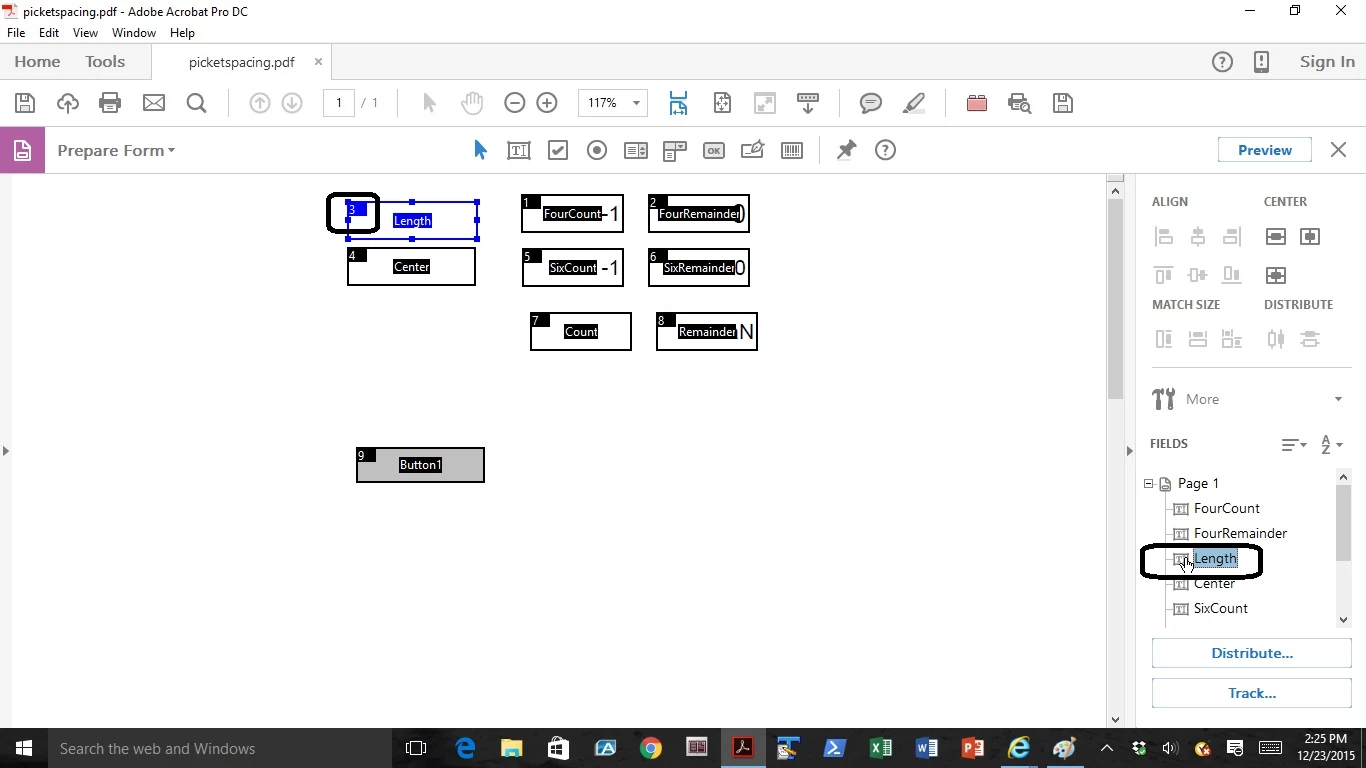
I have created a form with over 100 fields, some of them calculated. I want to set the Tab Order. I went to Create > Form and got the right hand pane. I clicked on the Fields dropdown and chose "Order Tabs Manually" and "Show Tab Numbers." I got the correct pop up saying to order Tabs Manually and then drag and drop field names in the Fields Pane. I do not seem to be able to order the tabs and I do not see a Field Pane. What am I missing?
 AdChoices