Participating Frequently
December 5, 2024
Question

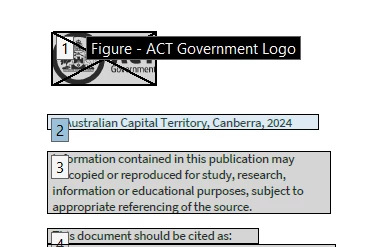
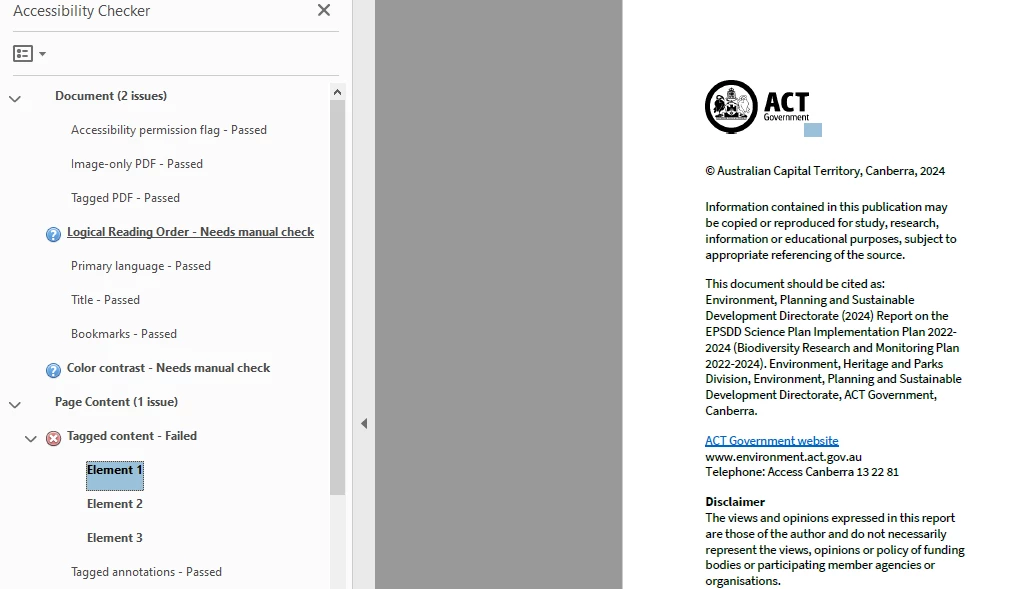
Tagged content failed. – what it is seeing as untagged is again not available for me to pick and tag
  • December 5, 2024
  • 2 replies
  • 332 views


Thanks - any advice appreciated. Ta. 

2 replies

Souvik Sadhu
Community Manager
Community Manager
February 26, 2025

Hi @Felicity35766470jgez,


Hope you are doing well. Sorry for the trouble, and the delayed response.


Do you still experience issues? Would you mind updating the app to the latest version (2024.005.20421) and let us know if the issue is fixed?


Also, does this happen with a specific file or in general? Getting the sample file to test in-house would be great for further investigation.


-Souvik

Participating Frequently
March 28, 2025

Thanks - I think I have worked this issue out now, by using the find command and tagging. 

For accessibility reasons I have been removing 'path'. Is this correct?

Souvik Sadhu
Community Manager
Community Manager
March 28, 2025

Hi @Felicity35766470jgez,


Thanks for writing back! 


Yes, in most cases, removing Path elements in the tag structure is the correct approach for accessibility in PDFs.

Here's why:


  • Path elements (<Path> in the tag tree) usually represent decorative graphics, borders, or lines that don’t provide meaningful content.

  • If they are purely decorative, they should be artifacted so that screen readers ignore them.


Hope this clarifies your question.


Regards,
Souvik.

Adobe Employee
December 6, 2024

Hi Felicity,


Thank you for reaching out to us.

While we look into the issue, could you please share the steps you followed before it occurred?


Best regards,
Ayush Jain