
Tagged PDF fails "Other elements alternate text" + tagged pages bring up "Error-blank page" on NVDA
Hi, I'm having issues with a tagged PDF. I generated it by exporting from Indesign and manually cleaned up the tags in Acrobat, and added alt text. I'm having two issues that might be related:
1) On some of the pages with figures/images, which do have alt text, the images are being caught in the accessibility check under "Other elements alternate text-Failed". When I click Show in Content panel or Show in Tags Panel, they both say the item was not found. I don't know what the "Other element" being picked up by the accessibility checker is, so I am not able to fix this. There are other pages with similar graph figures which also have alt text, and they are not causing these types of errors, so I don't know what's different.
A screenshot attached here:
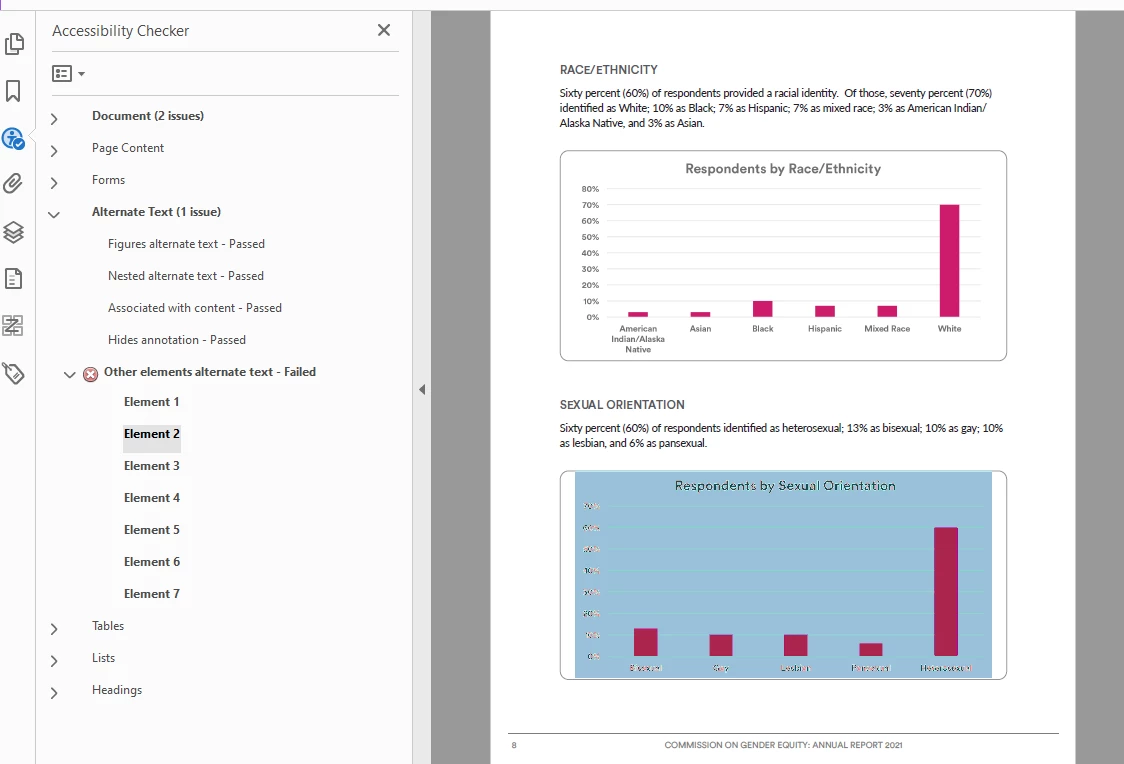
^All these images do have alt text.
2. When I tried to run NVDA on this document, it wouldn't read the above page (with problematic alt text), instead giving an error and saying it was a blank page. Clearly it's not a blank page, all the elements are tagged, and I don't see what is different about it from the pages before and after, which NVDA did read out loud. I have no idea what is causing this.
Any assistance would be greatly appreciated. I'm attaching the file here for the time being also.
 AdChoices